Row Guidance operation 18 Operations
Use row sensors
To use the sensors:
1. Make sure the Autopilot system is engaged.
2.
Activate the sensors by tapping on the Row Guidance panel.
When active, the row guidance sensors will feel the number of "strikes" against them. After a
set number of strikes, the Row Guidance will determine the average peak displacement of the
sensors on each side of the row for the strikes and react to this peak displacement on each side
to steer the vehicle until the peak displacements on each sensor are equal.
Note – Row sensors override the set Autopilot guidance line. When you turn around in headlands with
the sensor turned on, random strikes on stubble cause the system to veer off the set Autopilot guidance
line. It is recommended that you travel through the headlands with Autopilot only to guide to the proper
row. After you enter the unharvested crop, activate the sensors for row guidance.
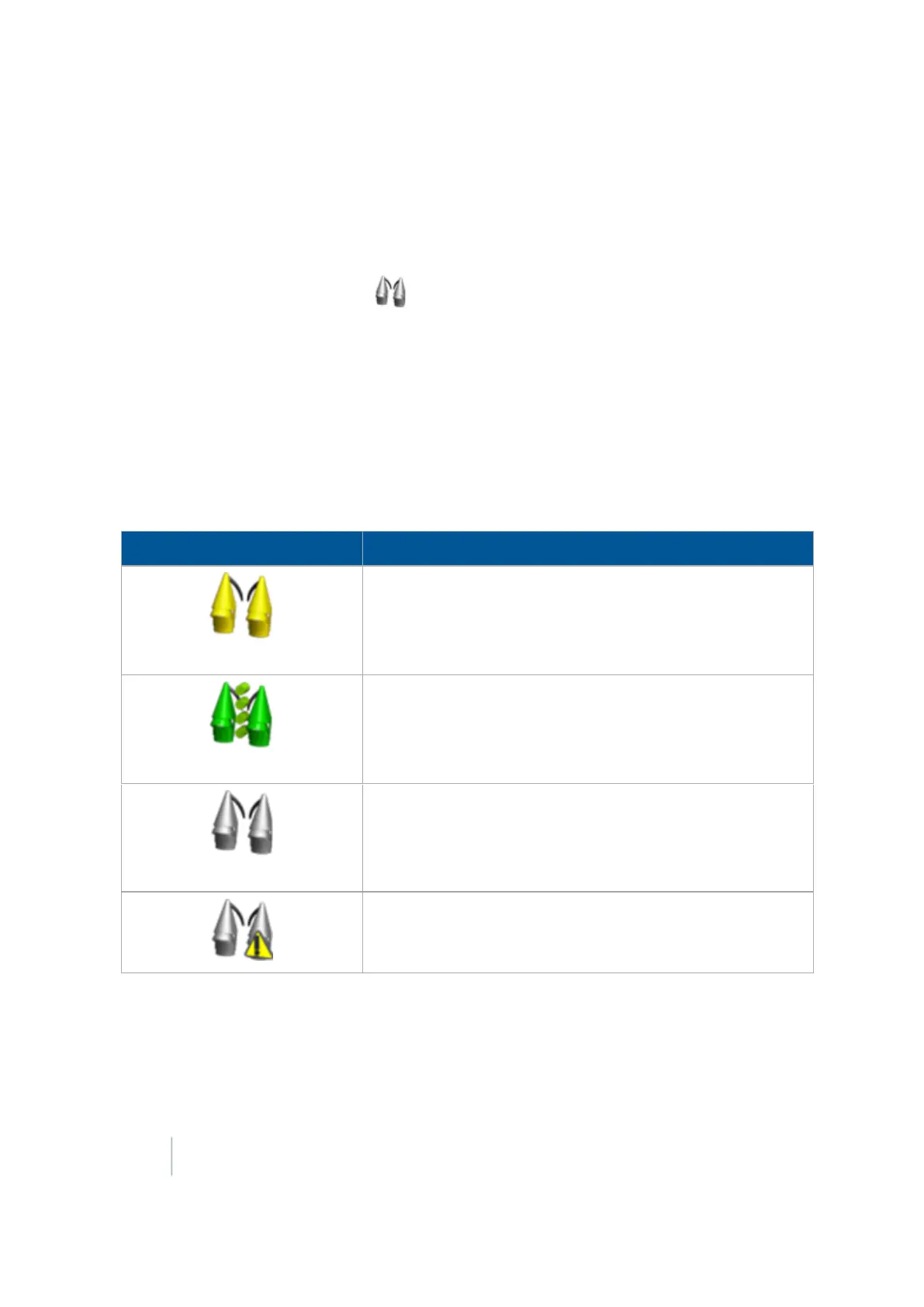
On the Row Guidance panel, the sensor button/indicator shows the status of the sensors.
Indicator / Button Explanation
(Yellow)
Row sensors are on but not active.
(Green)
Row sensors are on and active. Tap to turn sensors off.
(Gray)
Row guidance sensors are off. Tap to turn row guidance
sensors on and off while the Autopilot system is engaged. The
guidance system will now function as a traditional Autopilot
system
There is an error with the sensors.
420 FM-1000 Integrated Display User Guide Version 9.25, Revision B



 To Next Page