18 Operations Guidance pattern use
Pause recording
You can pause recording and then begin recording again. This is useful when you encounter areas or
objects you are driving around but will not need to drive around on the next line.
1.
Tap .
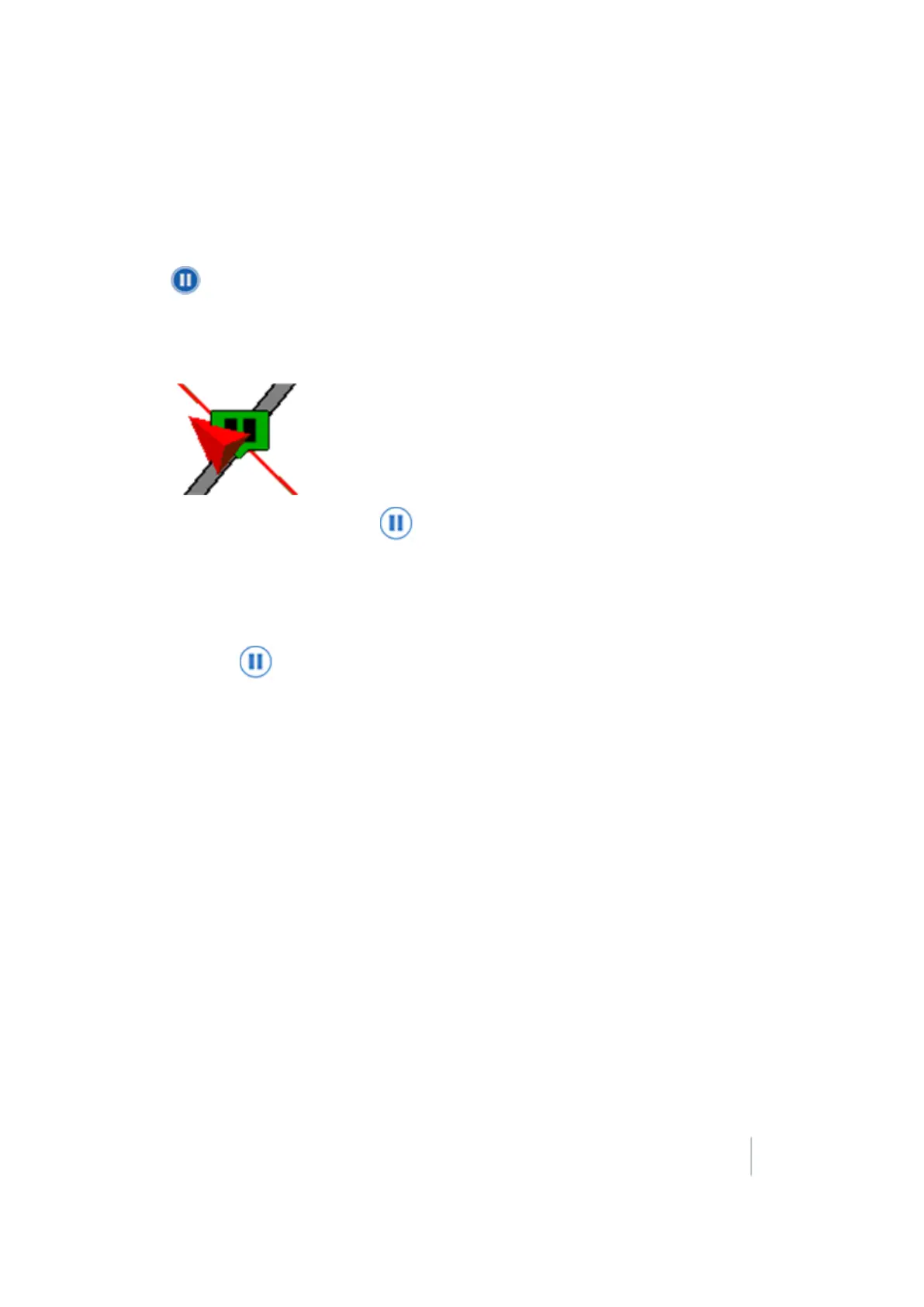
ll A pause indicator displays on map.
l
A straight dashed line projects from the rear of the moving vehicle based on the current
heading.
l
The pause button changes to .
l Your position is saved to a file on the display. You can then close the field and power off
the display. When you open the field again, you will be guided back to your former
position.
2.
When you have returned to your desired position (for example, after driving around an
obstacle), tap to stop the pause and snap a straight line from the initial pause location and
the current vehicle position.
Version 9.25, Revision B FM-1000 Integrated Display User Guide 371



 To Next Page