Guidance pattern use 18 Operations
ll
Tap if you are recording manually.
l
Tap to stop logging coverage (if you have set up to record logging while you are
engaged. See Engage settings for Autopilot system (page 169), Engage settings for EZ-Pilot
system (page 193) or Engage settings for EZ-Steer (page 201) and Coverage logging (page
381).
7. To create a straight line within a FreeForm path:
a. Make sure you are actively recording and the vehicle is moving forward.
b.
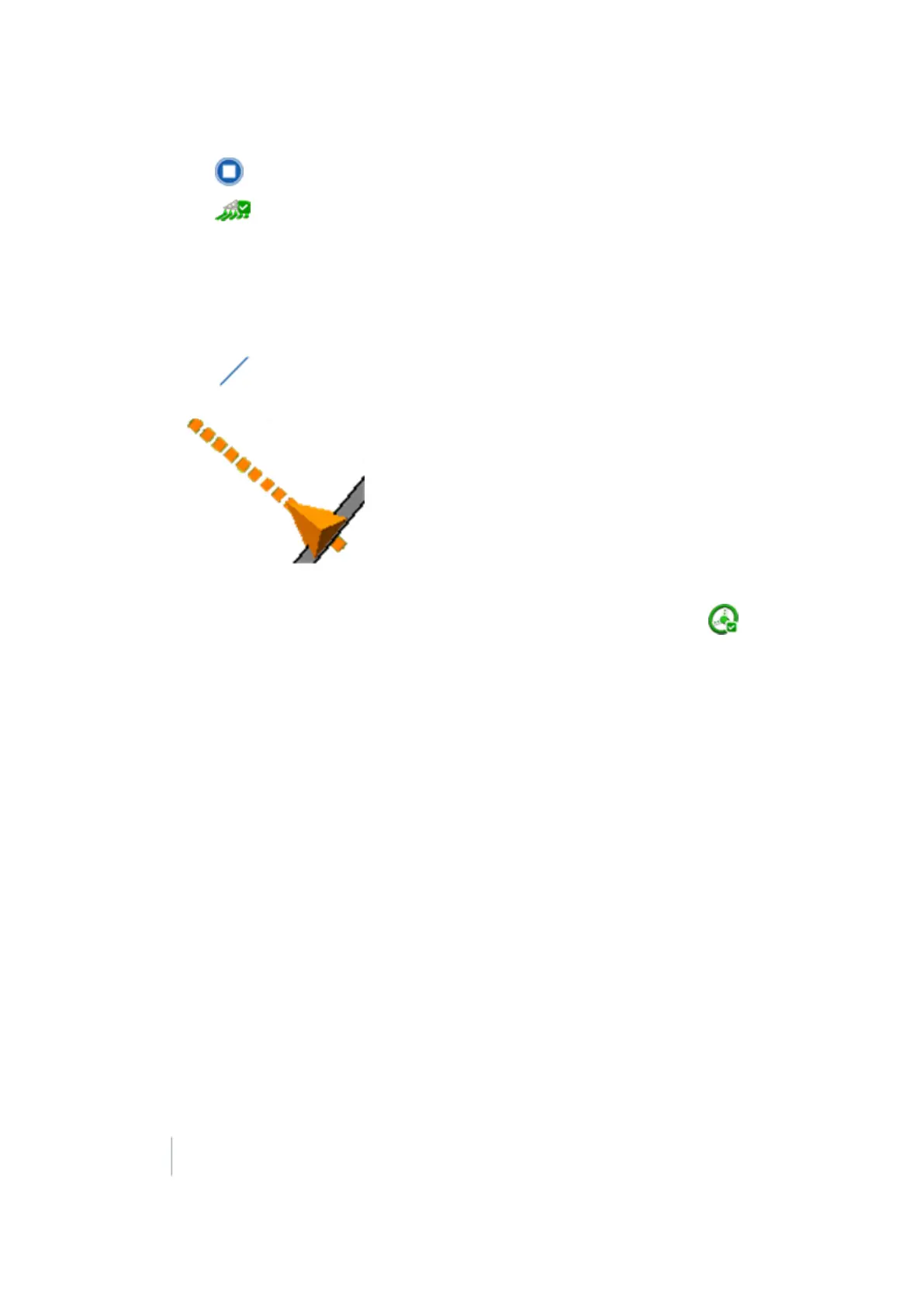
Tap . The system projects a straight dashed line from the front of the on-screen
vehicle based on the current heading.
You can immediately engage on this line and the path driven is recorded.
c.
To stop recording the path, disengage automatic steering by either tapping to
disengage the automatic steering or moving the steering wheel more than 5 degrees.
370 FM-1000 Integrated Display User Guide Version 9.25, Revision B



 To Next Page