8 Vehicle guidance setup Autopilot system
For Vehicle Profile Location,
if you choose...
Then...
e.
When a message displays that the profile you
selected on the NavController, tap OK.
Note –
If you select a vehicle make and model but
do not upload that configuration to the Autopilot
controller, that make and model may not be loaded.
f. Tap
OK
when another message displays
explaining the NavController will be
reinitialized.
Engage settings for Autopilot system
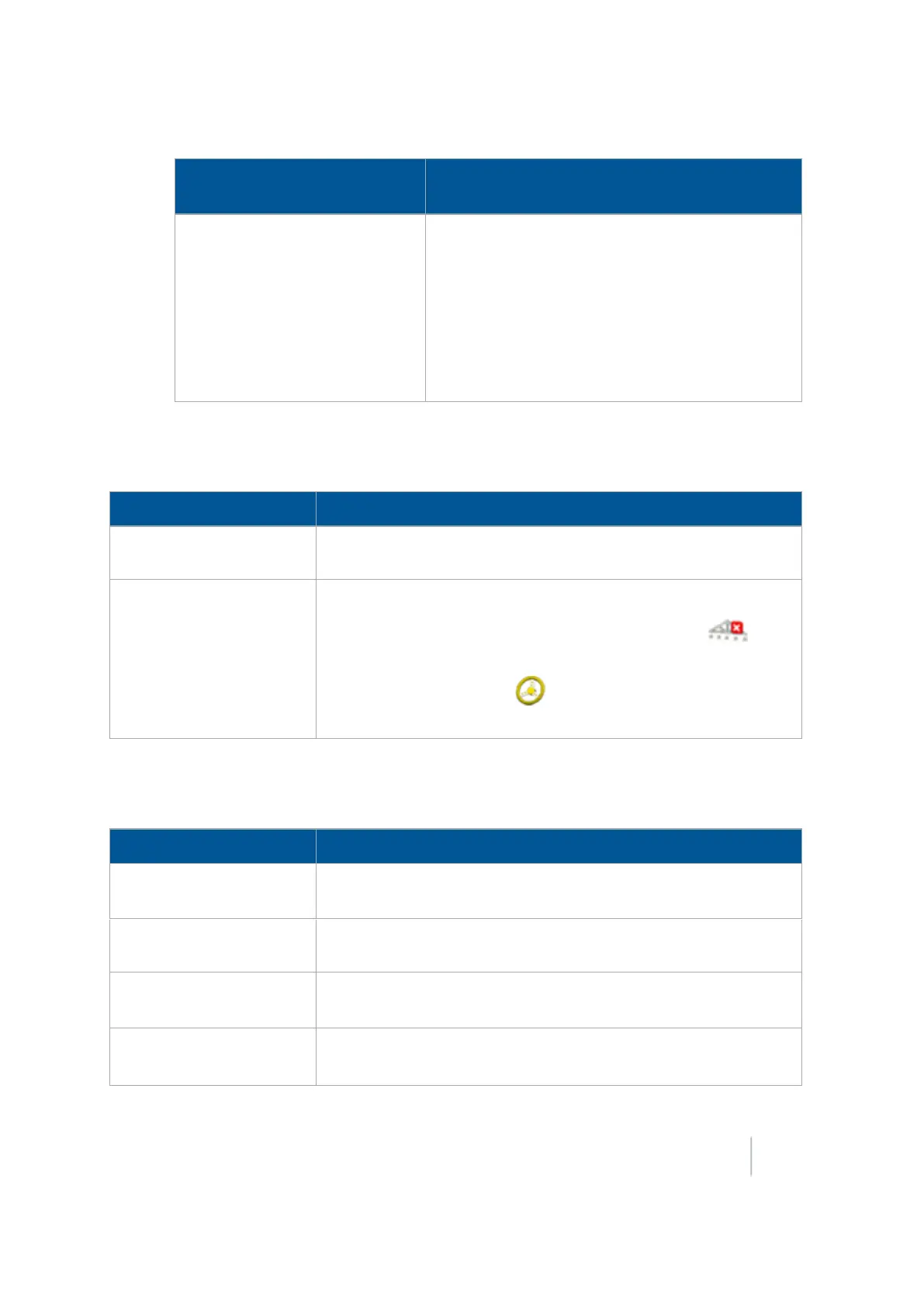
At the Engage tab, complete settings related to the engagement of the Autopilot system.
Setting Explanation
Operator Timeout
The amount of time of inactivity before an operator timeout
message displays.
Coverage Log
How coverage logging occurs:
l
Manual: Coverage logging only occurs when you tap .
l When Engaged:Coverage logging occurs when Autopilot steering
is engaged, by tapping (yellow). See Engage button (page
351).
Steering settings for Autopilot system
At the Steering tab, complete the settings related to steering on the guidance line.
Setting Explanation
Nudge Increment The distance the Nudge buttons in the Run screen move to for the
vehicle to line up with the guidance line.
End of Row Warning Dist
The distance the vehicle is from the end of a row to trigger the end-
of-row warning.
End of Row Warning Time Number of seconds before the end of row warning occurs. This
setting is based on the current speed the vehicle is traveling.
AutoSense
On or off.
Note –
Most recent Autopilot systems use an AutoSense device require this
Version 9.25, Revision B FM-1000 Integrated Display User Guide 169



 To Next Page