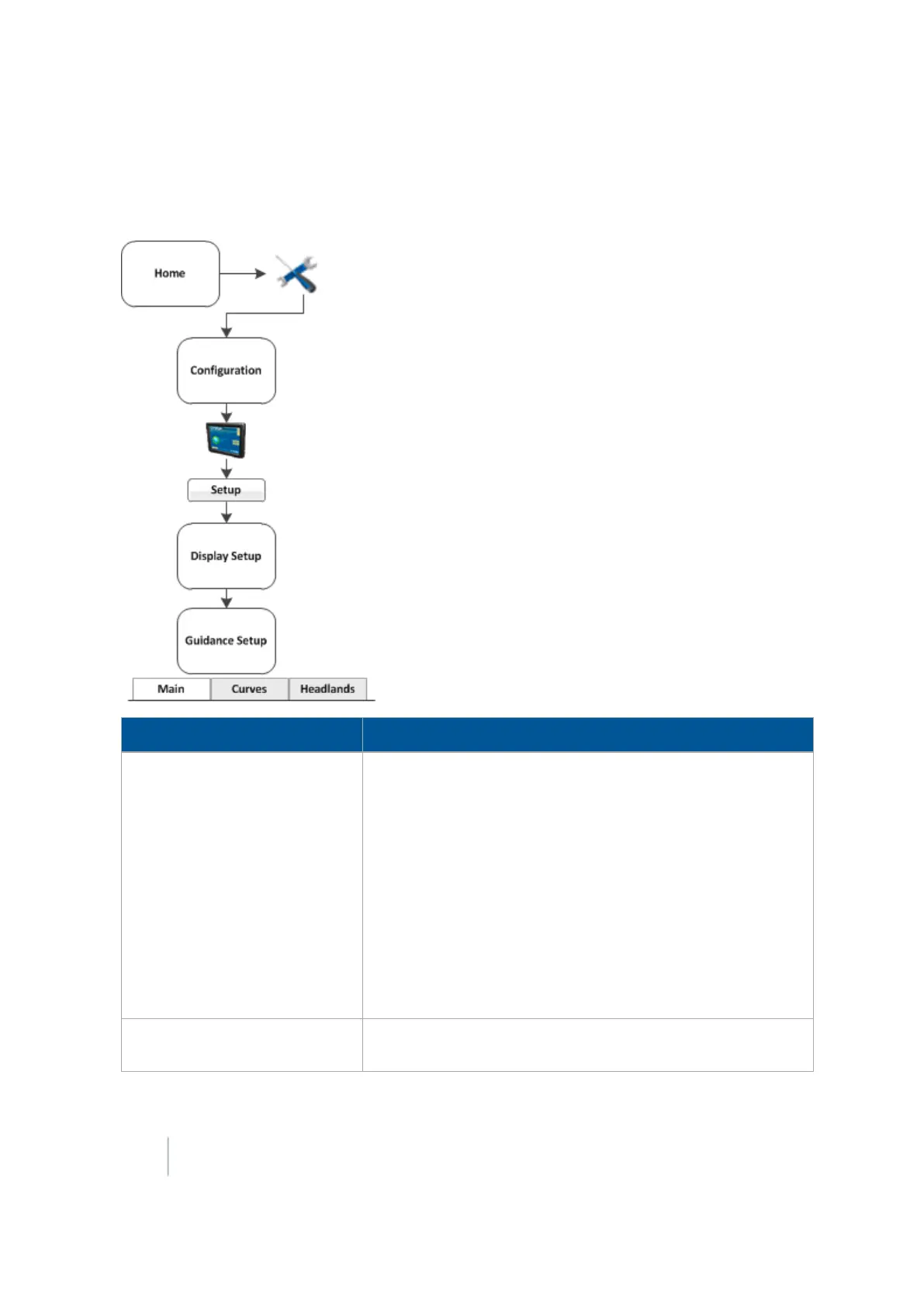
Basic system settings 3 Basic settings
Guidance settings
Note – If you are setting up the system for the first time, you should not need to adjust these settings.
Setting Explanation
Limit Field Selection Limits the number of fields that display when you are selecting
a field.
l Yes: Enables Limit Field Selection. The displayed fields are
within the set radius of the vehicle's current location,
based on the vehicle's GPS position.
l No:Disables Limit Field Selection
l Selection Radius: Fields that fall within this radius will display.
To exclude:
ll More fields, enter a smaller number
l Fewer fields, enter a larger number
Auto Steering Lockout
Disables engagement of an automated guidance system until
you enable guidance in the Run screen.
56 FM-1000 Integrated Display User Guide Version 9.25, Revision B



 To Next Page