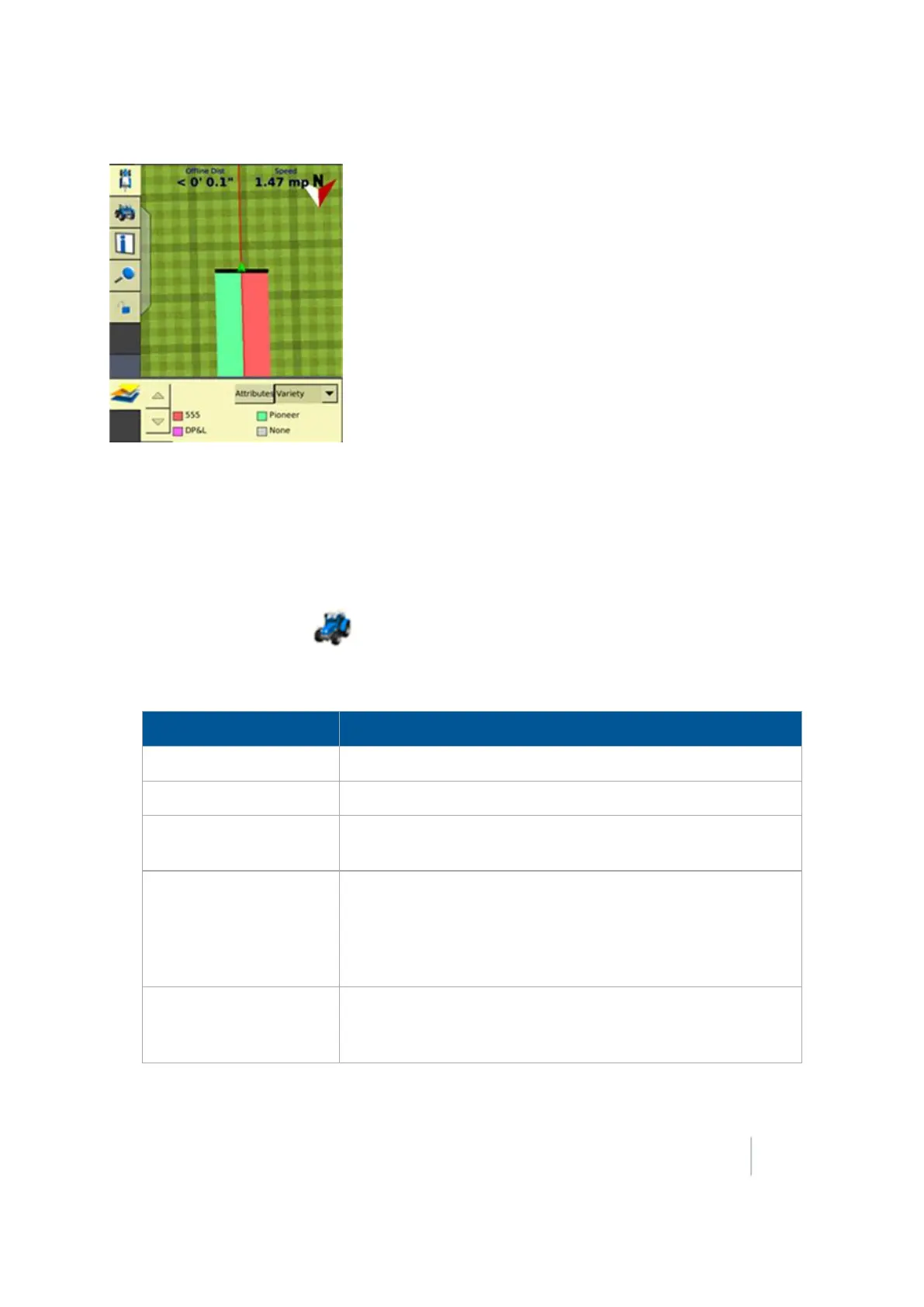
18 Operations Coverage logging
Varieties are assigned to rows on your implement. Specify the number of rows on your implement
when you configure it. For more information, see Edit implement settings (page 155).
Set up variety logging
To log varieties:
1.
At the Home screen, tap . The Field Selection screen displays.
2.
Tap Hybrid Setup. The Hybrid Setup screen displays. Use this screen to complete the settings for
hybrids.
Setting or Button Explanation
Left-hand list List of varieties.
Add
Add a new variety and select a name for it.
Remove
Select a variety name in the left-hand list and tap
Remove
to
delete it.
Edit
Select a variety name in the list and tap Edit to change the
settings. The Variety Attributes screen displays.
Enter a name for the variety, choose the color to display for the
variety and optionally complete additional record keeping
information.
Assign
Select the variety from the left-hand list and tap
Assign
. For each
variety, select the row numbers on your implement that will be
applying the variety.
Version 9.25, Revision B FM-1000 Integrated Display User Guide 383



 To Next Page