Basic system settings 3 Basic settings
Status items
The status items are features you have activated for use. See Activate features/plugins for use (page
47). If a feature is deactivated, the status items associated with it are no longer available.
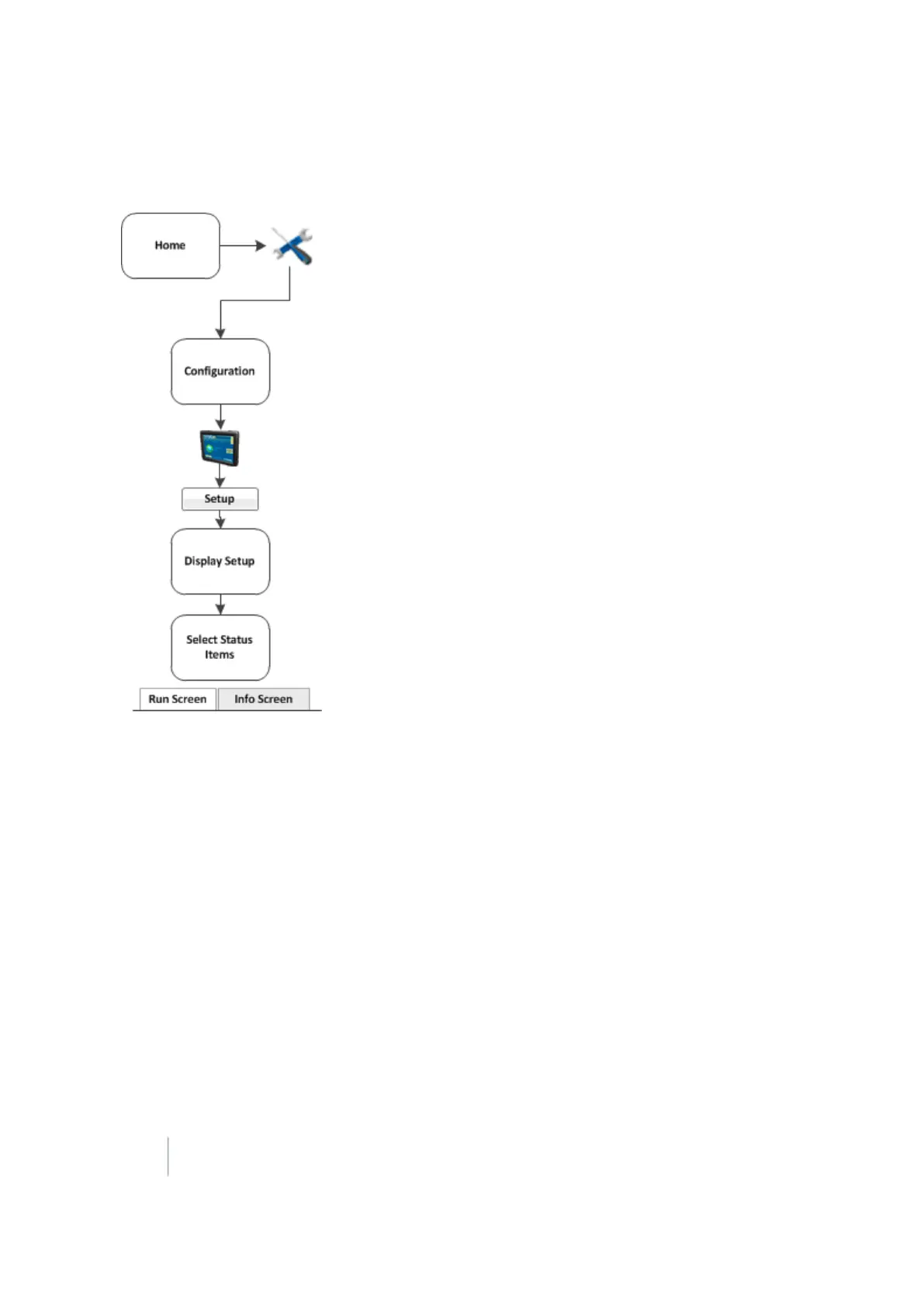
The Select Status Items screen has two tabs where you can configure various display options for the
status text items.
Run screen slide-out status
On the Run Screen tab, you can set what items display on the Run screen in the status slide-out panel
when you tap the edge of the panel. The status text items appropriate for the features/plugins you
are currently using display in the Info Items list.
70 FM-1000 Integrated Display User Guide Version 9.25, Revision B



 To Next Page