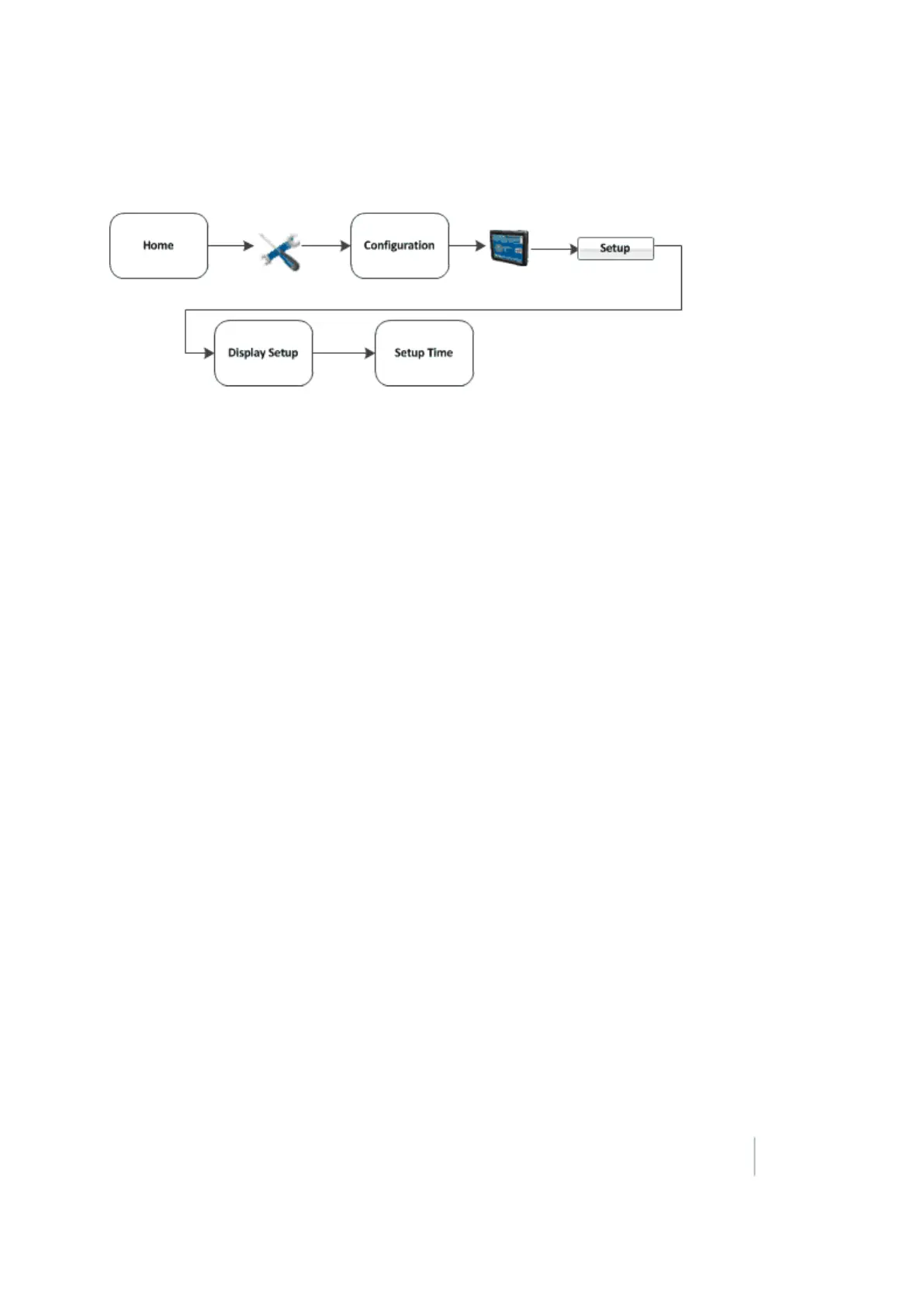
3 Basic settings Basic system settings
Time setup
Note – When you configure the time zone, multiple warning messages may display. Do not be concerned by
this.
To synchronize the system time to the GPS signals:
1. From the Display Setup screen, tap Timezone.
2. Tap Setup. If the time is not correct, tap the - or + button to change the time by 1-hour
increments.
Version 9.25, Revision B FM-1000 Integrated Display User Guide 83



 To Next Page