GPSoutput settings 5 Connectivity settings
NMEA messages
Some GPS receivers can output NMEA GGAtype messages to an external device. For example, if you
have an external device connected to the Autopilot controller, you can have the receiver
sendGPSposition information to the device. The messages are output through the NavController
harness laptop connector.
Note – To enable NMEA output from another receiver for an optional feature (for example, the GPS receiver
connected to an TrueTracker system controller), make sure the feature has been selected from the feature list.
At the NMEA tab on the GPSOutput Settings screen, complete the settings and tap OK.
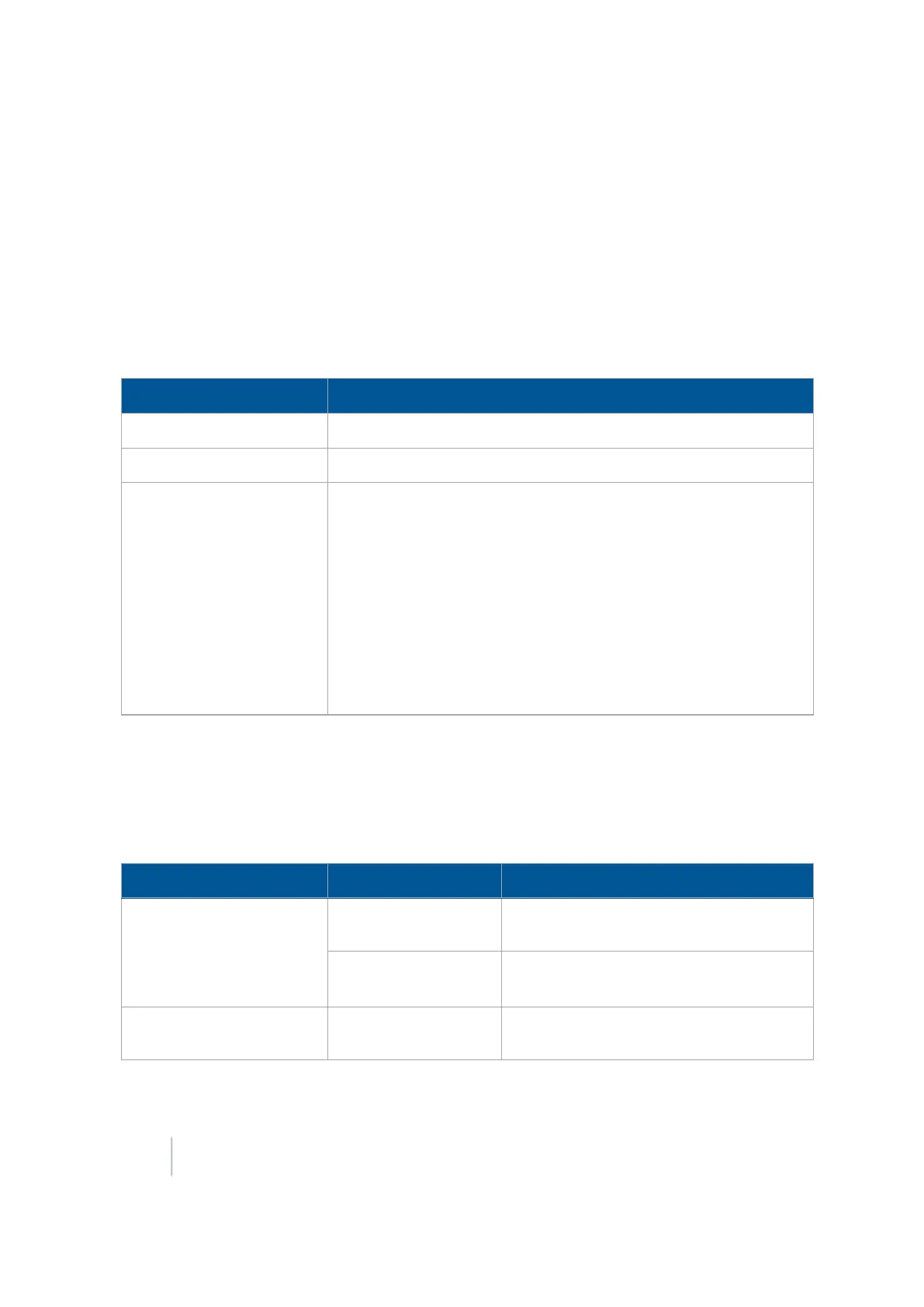
Setting Explanation
Message Rate How often you want the message sent
Baud Rate Baud rate
Messages Enabled
On:Send NMEA message. Off:Do not send NMEA message.
Message types supported are:
l CGA
l VTG
l GSA
l GST
l RMC
l ZDA
CANGPS messages
You can set up specific messages to be sent from the GPS receiver from a CANport. If you are using
an ISO-certified implement, use this setting to send information to the implement (such as speed).
At the CAN GPS tab on the GPSOutput Settings screen, complete the settings and tap OK.
Section Setting Explanation
Output Port
The port you want the GPS speed to be
sent from
Rate How often you want the message to be
sent
Simulated Speeds Wheel Speed Port
The port you want the wheel speed to be
sent from
128 FM-1000 Integrated Display User Guide Version 9.25, Revision B



 To Next Page