Autopilot system 8 Vehicle guidance setup
Autopilot system
Note – Autopilot system setup is typically done when the system is professionally installed.
For cabling information, see the FM-1000 Integrated Display Cabling Guide.
For operational information, see Autopilot system operation (page 398).
The sequence of setting up the Autopilot system is:
1. Complete the GPS receiver settings (page 108) if you have not already done so.
2. Complete the settings for the Autopilot system.
3. Calibrate the Autopilot automated steering system for your vehicle. See Autopilot calibration
(page 171).
Note – The subsequent configuration steps are usually done when the system is professionally installed.
Begin setup
1.
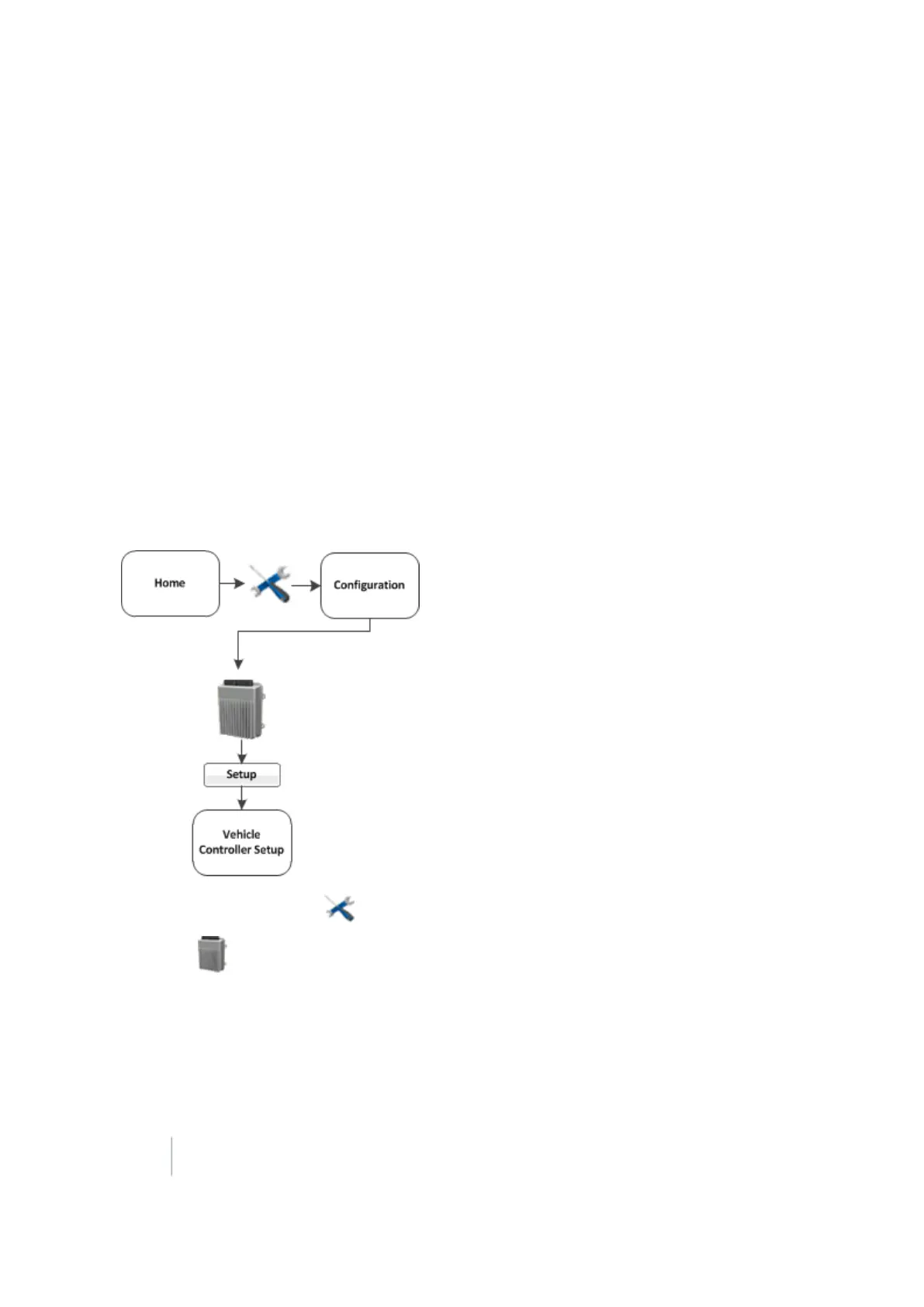
At the Home screen, tap . The Configuration screen displays.
2.
Select Autopilot (Vehicle) and tap Setup. The Vehicle Controller Setup screen displays.
166 FM-1000 Integrated Display User Guide Version 9.25, Revision B



 To Next Page