8 Vehicle guidance setup EZ-Pilot assisted steering system
EZ-Pilot assisted steering system
The EZ-Pilot assisted steering system uses GPS to provide automatic vehicle guidance.
For cabling information, see FM-1000 Integrated Display Cabling Guide.
For operational information, see EZ-Pilot system operation (page 401).
To set up the EZ-Pilot system:
1. Complete the GPS receiver settings (page 108).
2. Complete the EZ-Pilot settings.
3. Calibrate the EZ-Pilot system.
Vehicle settings for EZ-Pilot system
1.
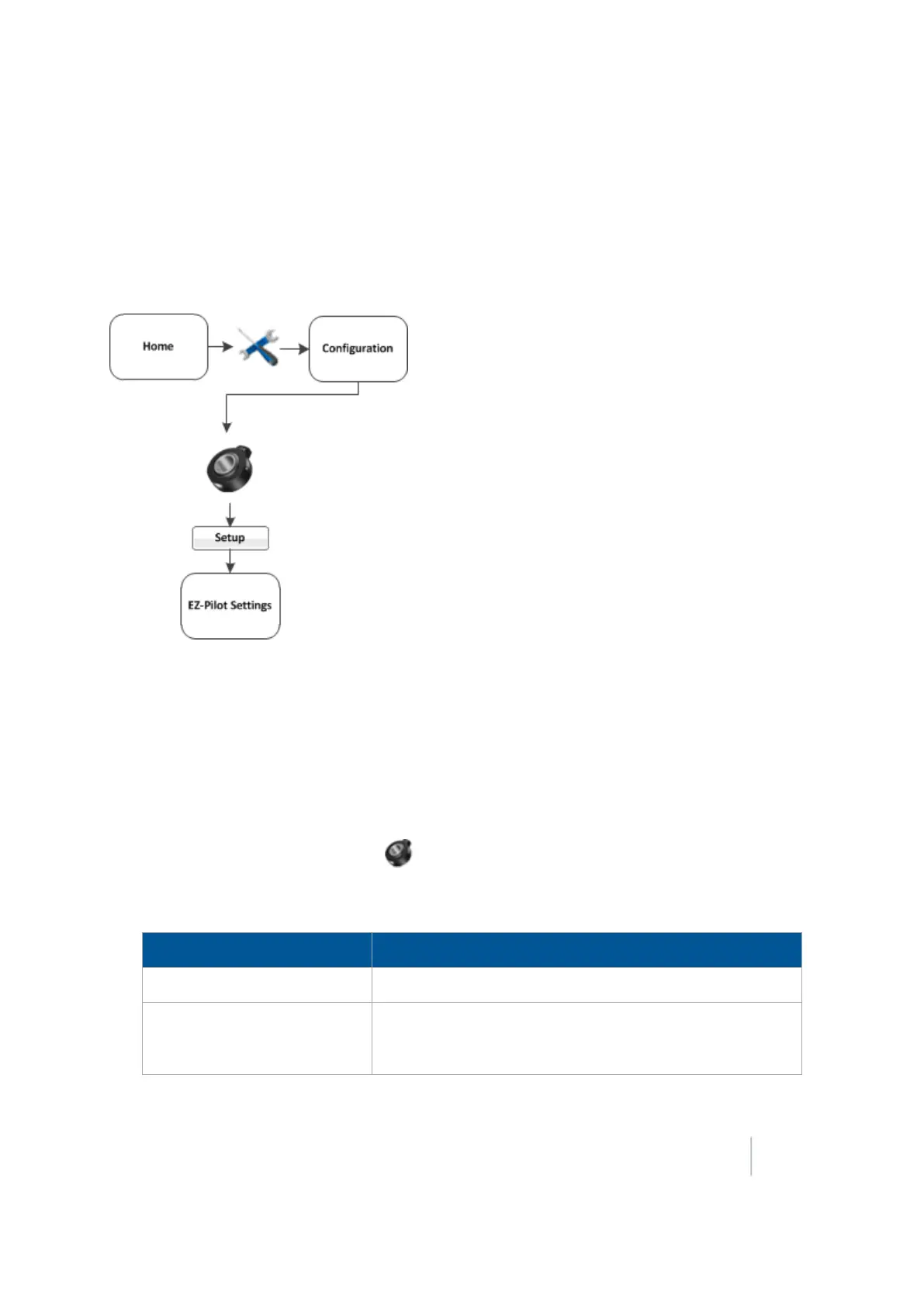
At the Configuration screen, select EZ-Pilot and tap Setup. The EZ-Pilot Settings screen
displays.
2.
On the Vehicle tab complete the settings as appropriate.
Setting Explanation
Vehicle Type Type of vehicle
Axle to Antenna Offset
The horizontal distance between the axle and the antenna.
Measure the distance accurately (within 3 inches). An
incorrect offset may cause poor steering performance.
Version 9.25, Revision B FM-1000 Integrated Display User Guide 191



 To Next Page