Remote Output operation 18 Operations
Remote Output Panel Explanation
change this during operation. See
Change trigger limits during
operation (page 417)
.
Manual Trigger Tap this button to manually output a pulse.
Outside range limits
When the vehicle and implement are outside the range limits:
l There is no red X on the screen.
l
On the Remote Output panel, the Next Output IDshows n/a for both the next pulse number
and the current swath ID.
Crossing a line feature operation
Using this option, a pulse is output at any point where the line you are engaged on intersects
another line feature that has the remote output option enabled. See Line feature settings (page
147).
You can use this remote output option with AB/A+lines as well as pivots and curves.
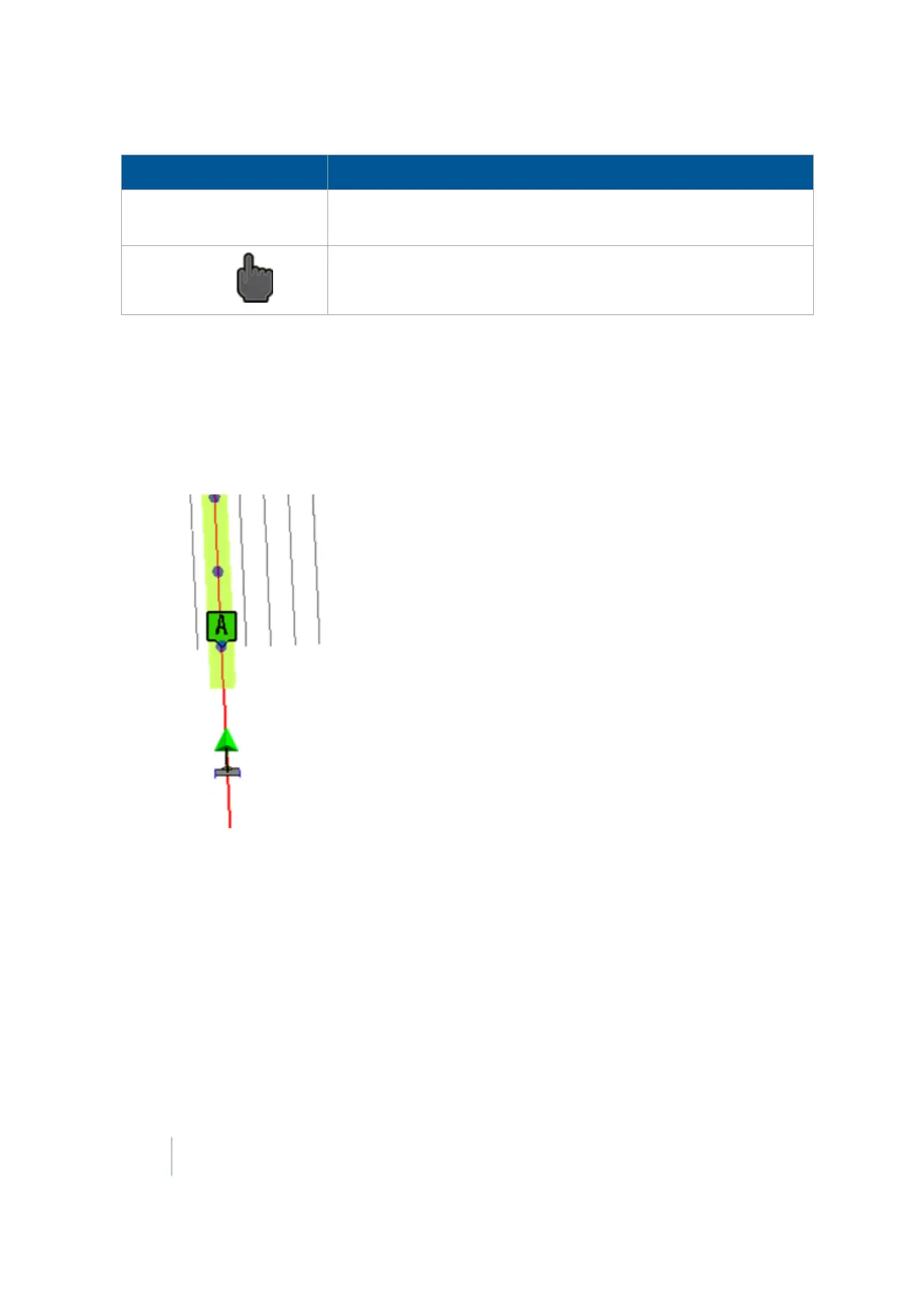
Your screen will show:
l Dots showing additional previous pulses
l
A red X indicating where the system will output the next pulse
416 FM-1000 Integrated Display User Guide Version 9.25, Revision B



 To Next Page