7 Implement setup Create an implement
Create an implement
1.
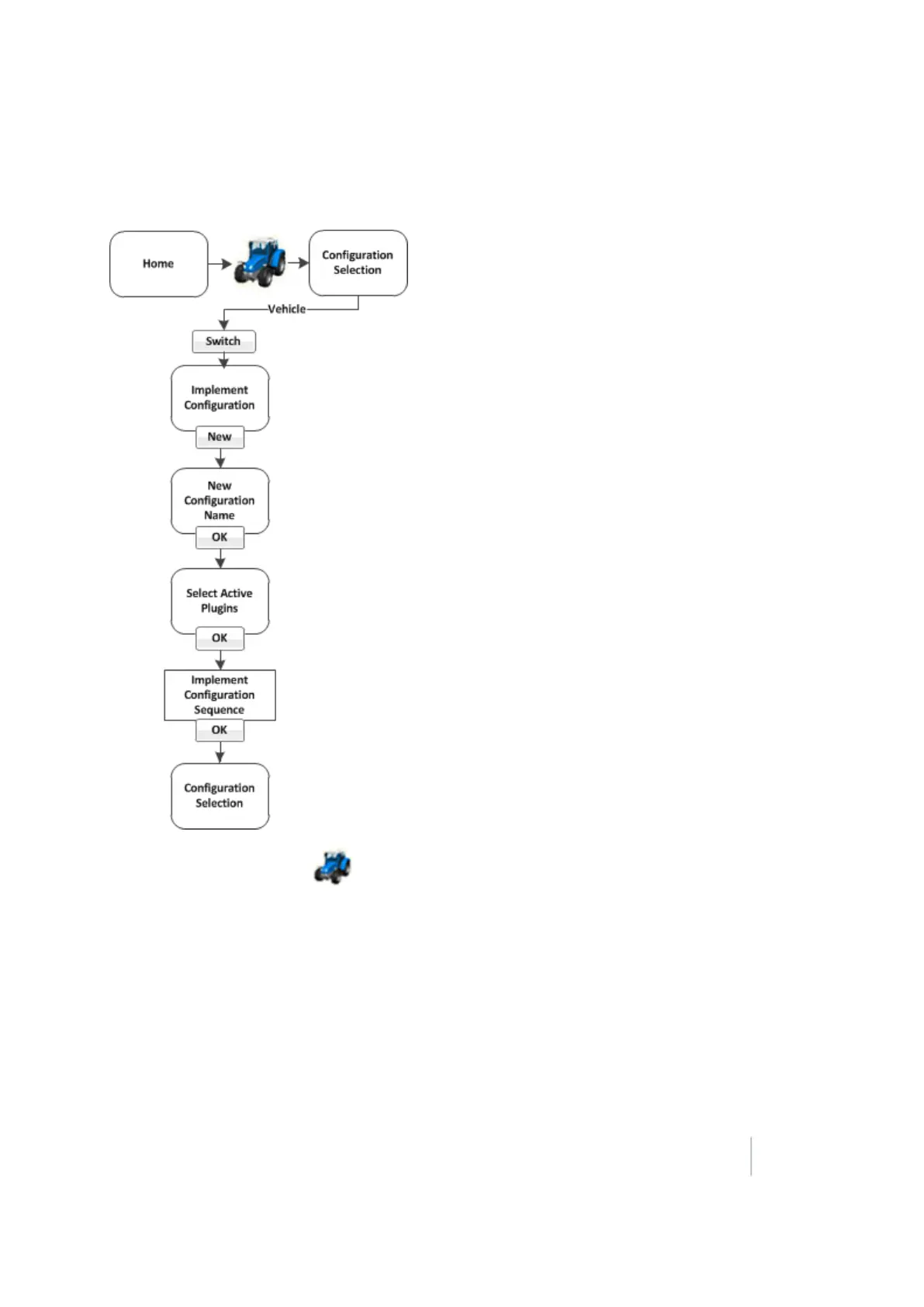
At the Home screen, tap .
2. At the Configuration Selection screen, tap Switch next to the implement.
3. If necessary, enter the administrative password. See Passwords (page 39).
4. At the Implement Configuration screen, tap New.
5. The New Configuration Name screen displays with an on-screen keyboard.
6. Enter a name for the new implement and tap OK. The Select Active Plugins screen displays.
7. Select the optional features/plugins that will be used with this implement and then tap OK.
Version 9.25, Revision B FM-1000 Integrated Display User Guide 153



 To Next Page