Main screens 2 Display basics
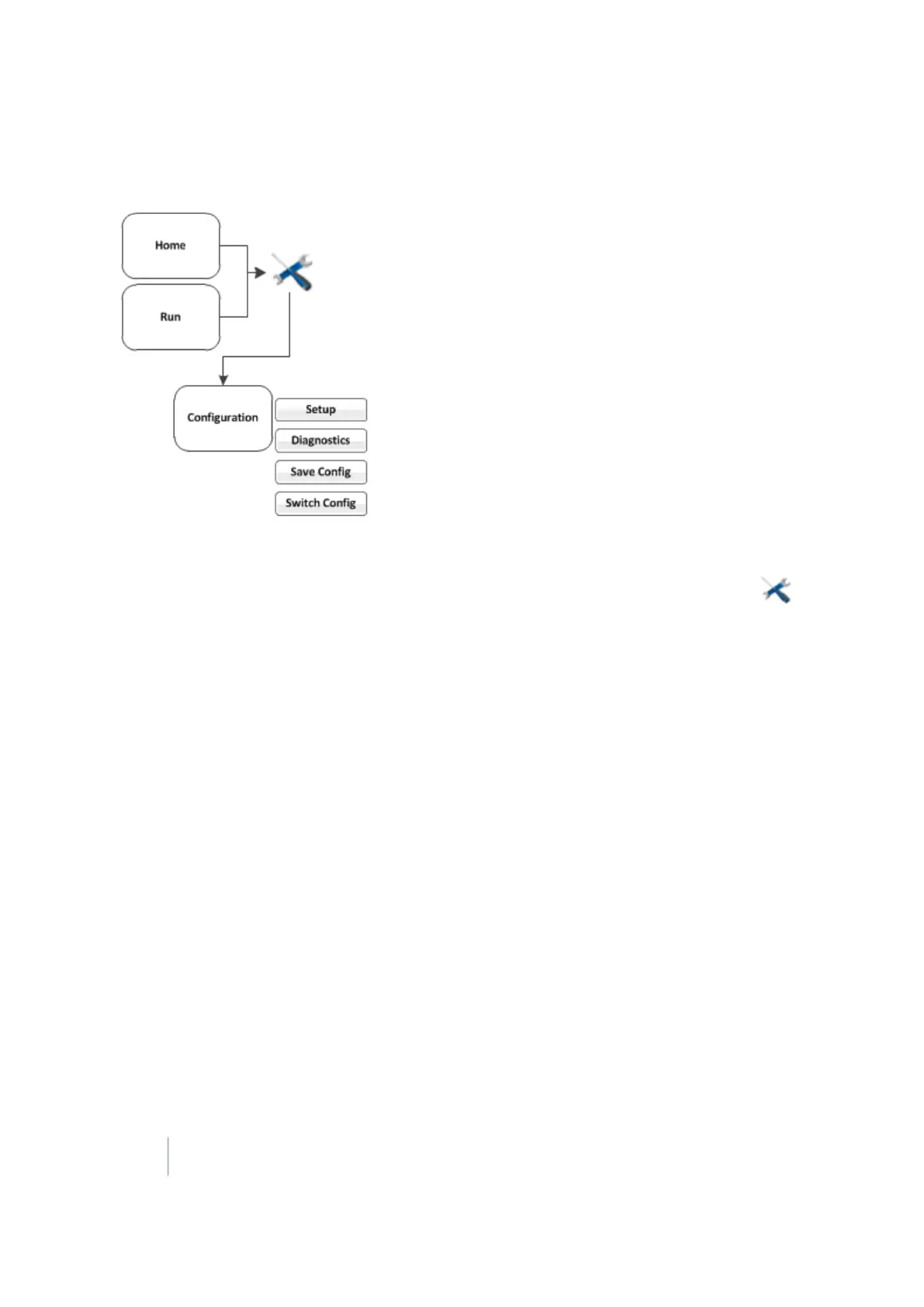
Configuration screen
You can access the Configuration screen from the Home or Run screen.
Note – Some configuration settings are unavailable when a field is open in the Run screen. To access these
settings, return to the Run screen and then tap . When prompted to close the field, tap Close. Then tap to
access the Configuration screen.
For each item shown in the configuration list on the Configuration screen, you can:
l Change settings
l View diagnostics
l Save the configuration
l Switch the selected configuration
You can also add or remove features/plugins to perform different operations. See Activate
features/plugins for use (page 47).
34 FM-1000 Integrated Display User Guide Version 9.25, Revision B



 To Next Page