Third-party display instructions 17 Yield Monitoring setup
5.
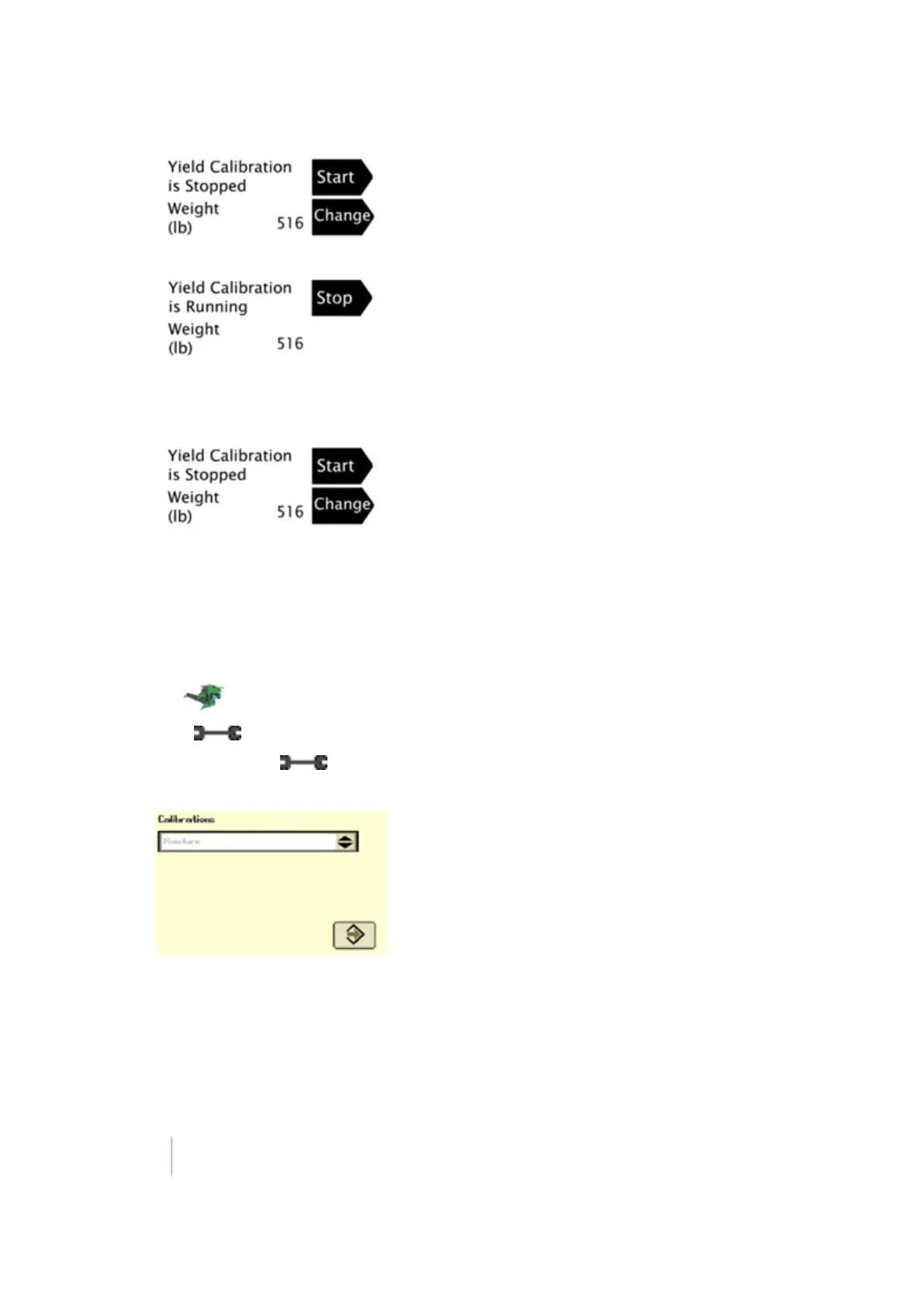
Harvest about 500 bushels, and hit Stop.
6. Unload the grain harvested during calibration onto truck/wagon.
7.
Select button next change to enter the weight of the truck/wagon in wet pounds.
Command Center (70 Series Combines)
Moisture calibration
1. Navigate to Home screen on the Command Center.
2.
Tap .
3. Press on the Command Center.
4. Continue to press until page 2 displays (page numbers are shown on the Wrench tab).
5.
In the Calibrations list, select Moisture.
6. Follow the steps to perform the calibration.
7. Highlight the arrow and then press the Confirm switch on the armrest.
Yield calibration
Navigate to the Home screen on the Command Center.
340 FM-1000 Integrated Display User Guide Version 9.25, Revision B



 To Next Page