Third-party display instructions 17 Yield Monitoring setup
5. Tap Update Calibration.
6. Tap Apply Calibration.
Third-party display instructions
Claas Cebis Quantimeter setup
Note – When using Yield Monitoring with Claas Quantimeter, always set Autopilot Coverage Logging to
manual. See Engage settings for Autopilot system (page 169).
Crop Harvested setting
1.
On the Cebis display, tap and then tap .
2.
Tap and then select the crop that you are harvesting.
Moisture Measuring setting
1.
Tap and then tap .
2.
Tap and then adjust the following settings:
ll Status
l Moisture correction
l Display of yield with storage moisture
l Adjust storage moisture
l Display of current moisture
Bulk Density setting
1.
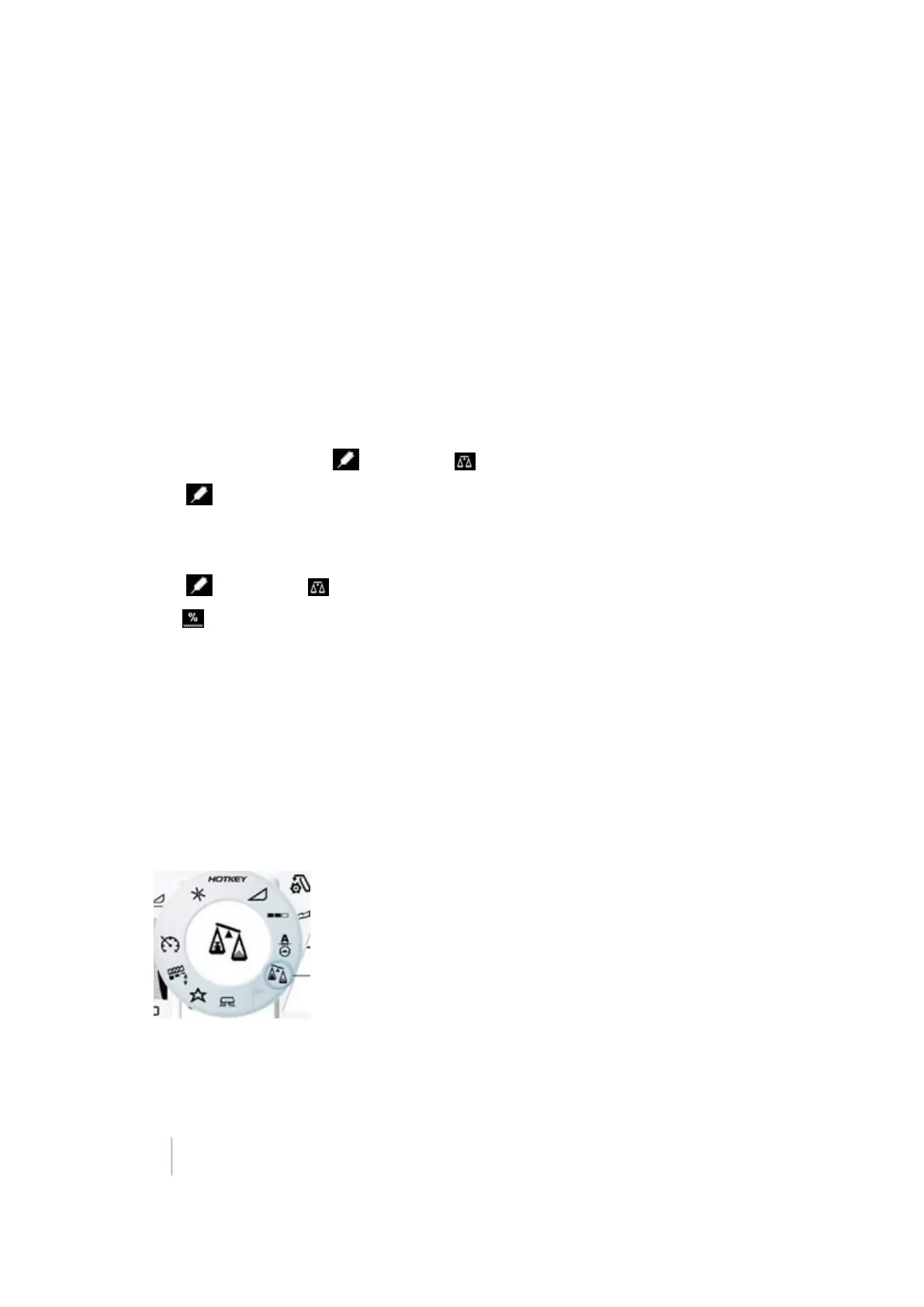
Turn the HOTKEY dial to the scales icon.
2.
Adjust the crop density by rotating the HOTKEY until the correct value displays on the screen.
336 FM-1000 Integrated Display User Guide Version 9.25, Revision B



 To Next Page