Field-IQ operation 18 Operations
Field-IQpanel
To open the Field-IQ panel, tap . The panel displays. Within the panel, you can navigate to many
views:
l Material detail view (page 386)
l Row detail view (page 388)
l Section control view (page 389)
Material detail view
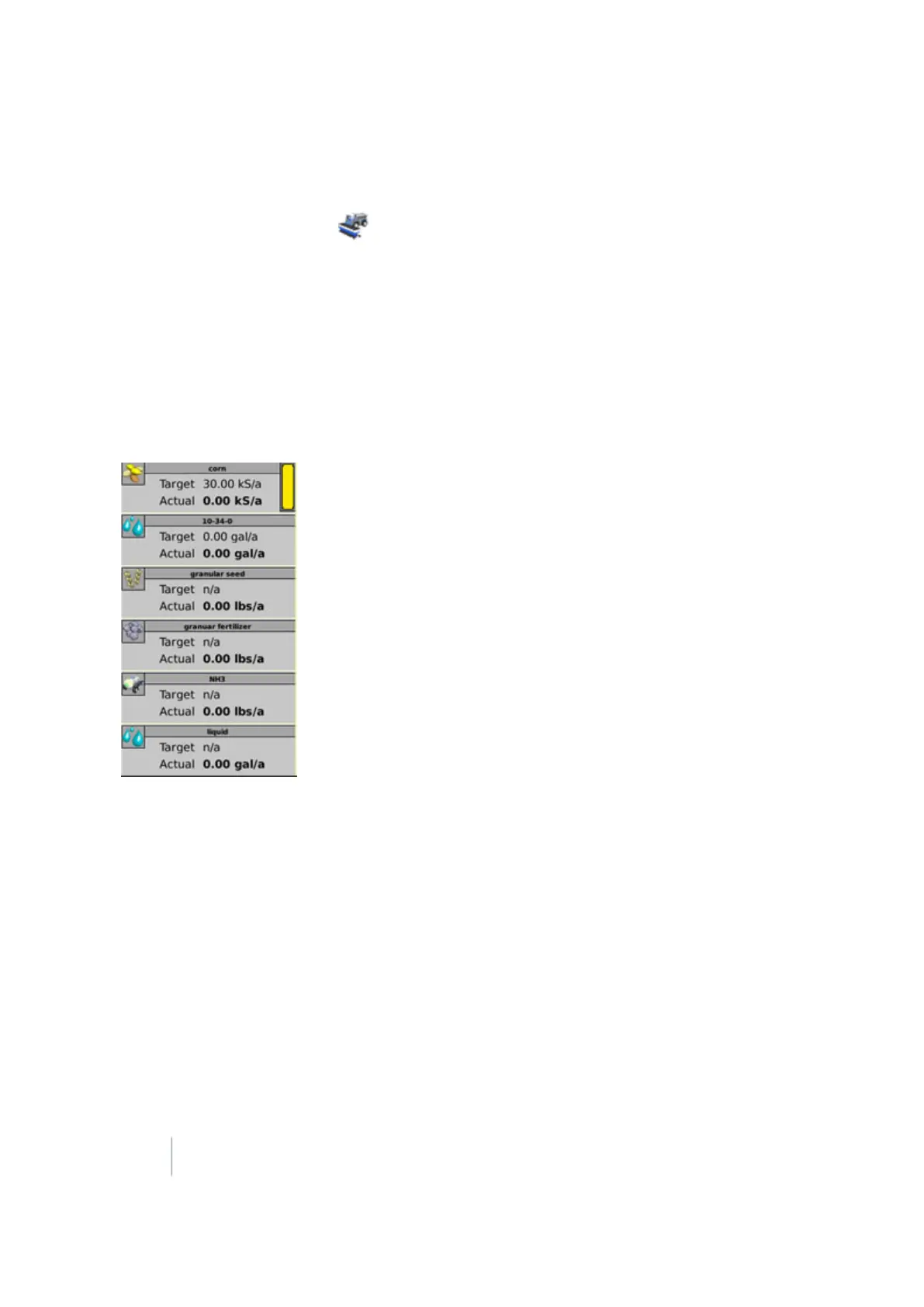
The main view shows a list of materials. Up to six materials are listed. The current target and actual
rates are shown for each material.
Material details, page 1
Tap the material to see the first details view of the material.
386 FM-1000 Integrated Display User Guide Version 9.25, Revision B



 To Next Page