18 Operations Field-IQ operation
Section control view
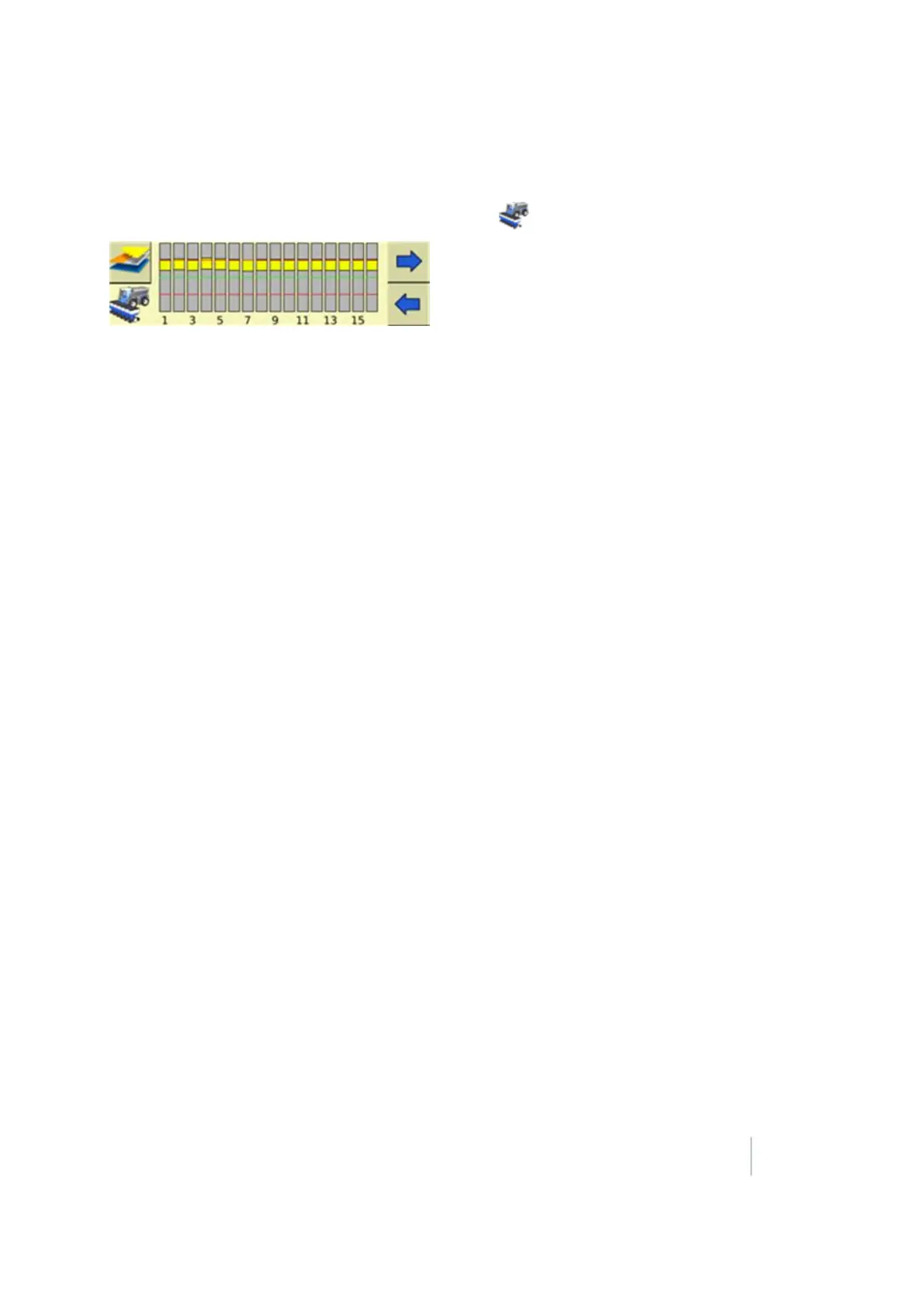
To open the section control view on the Run screen, tap in the lower left corner of the screen.
The section control view shows the engage status of each row on the implement:
l Green: Engaged
l Gray: Section closed due to overlap
l Red: Not engaged or section manually turned off
Version 9.25, Revision B FM-1000 Integrated Display User Guide 389



 To Next Page