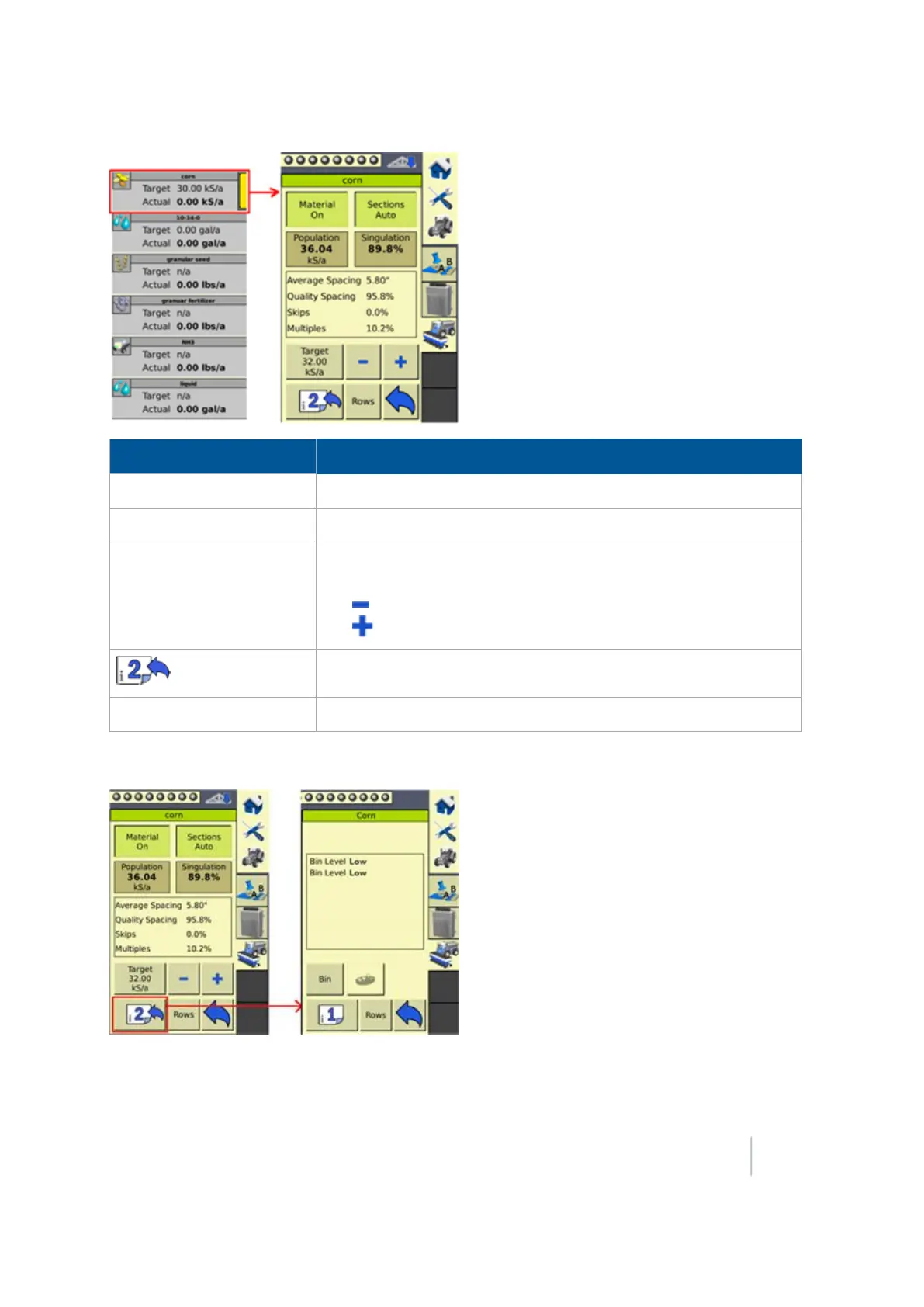
18 Operations Field-IQ operation
Page 1 Buttons Tap to...
Material On
Turn the material on or off.
Sections Auto
Turn automatic section control on or off.
Target
Select if Target 1 or Target 2 is shown, or to select Manual to turn
the Target rate off.
Tap to decrease the Target rate by 1.
Tap to increase the Target rate by 1.
To see the
second detailed view
of the material.
Rows
To go to the
Row detail view (page 388)
.
Material details, page 2
Depending on the material, the following buttons display on the second page of the material details
view.
Version 9.25, Revision B FM-1000 Integrated Display User Guide 387



 To Next Page