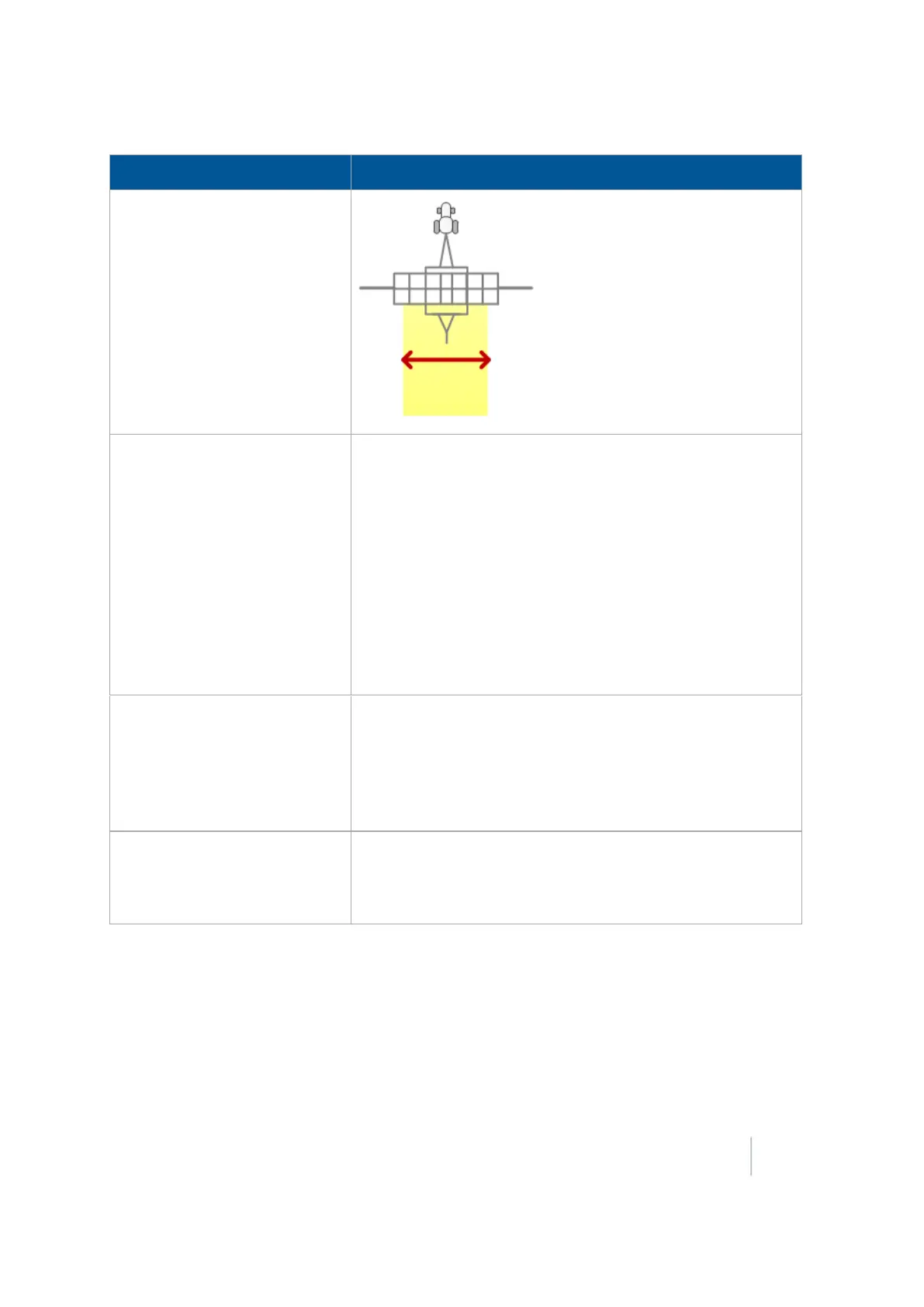
7 Implement setup Edit implement settings
Measurement Explanation
Application Offset
The distance between the vehicle's fixed axle and the
application point. For example the application point:
l On a sprayer is the nozzles
l On a planter is where the seeds are dropped
The fixed axle varies depending on vehicle type:
l Rear axle on front steering tractor and self-propelled
sprayer.
l Front axle on a harvester and 4x4 tractor
l Center of tracks on a tracked tractor
Rows
Number of rows that are covered by the implement.
Note –
This setting is used for navigation. At the Run screen, when
you tap
Skip
to adjust the guidance line, the guidance line moves to
the current location of the vehicle or can be moved by a user entered
distance or number of rows. Row width is defined by the swath width
divided by the number of rows.
Left/Right Offset
Measure from the center of the vehicle to the center of the
implement or header. If your implement is not centered on the
vehicle's center line, this measurement adjusts the tractor
path so the implement is centered on the guidance line.
Version 9.25, Revision B FM-1000 Integrated Display User Guide 157



 To Next Page