14 TrueTracker setup Implement calibration for TrueTracker system
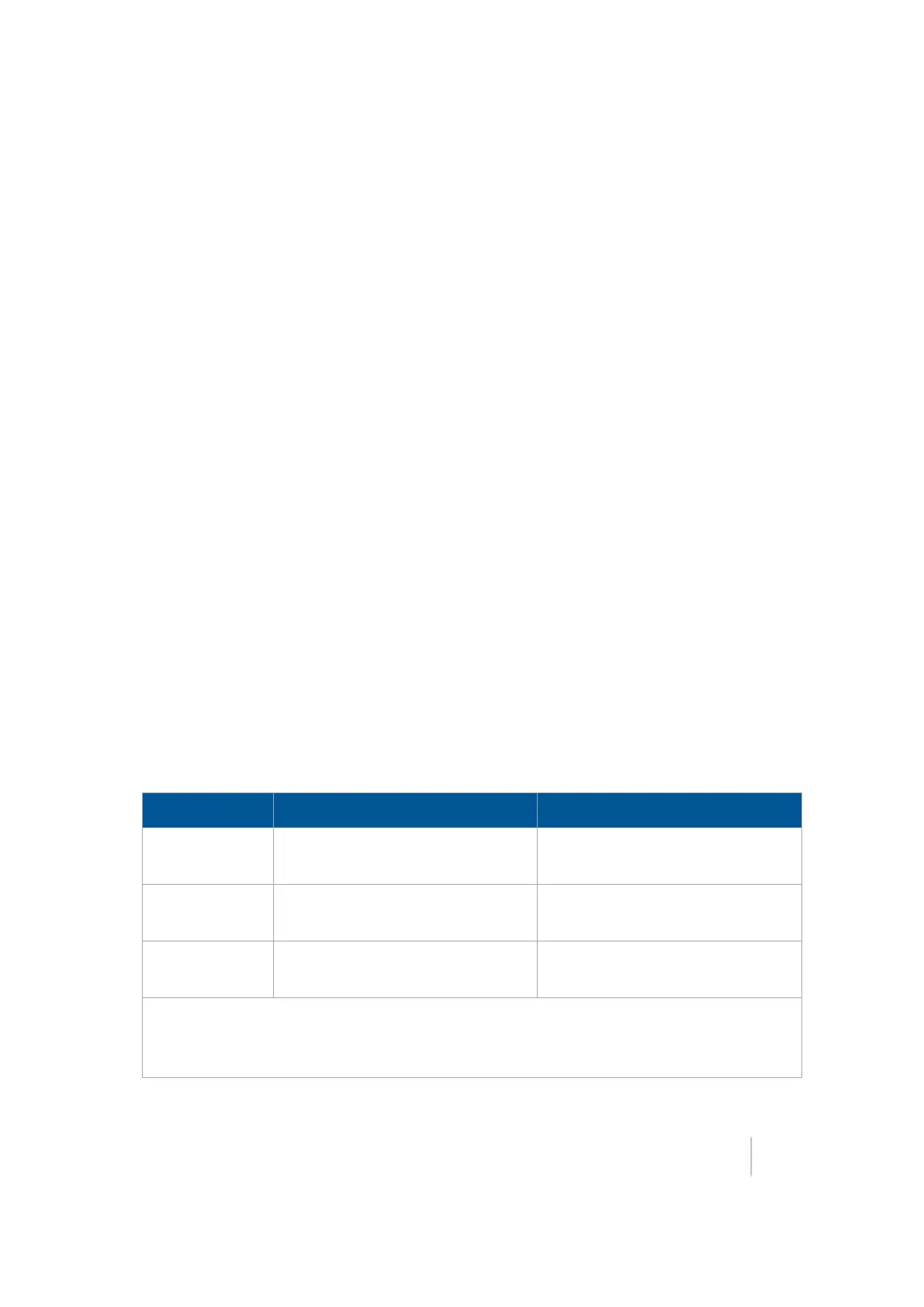
11. Repeat steps 5 through 10 two more times, for a total of three test runs. Average the results of
the three runs. (Total the offset distances from the three passes and divide by three). Use the
table in step 10 to record your results.
Flag offset method
1. Drive the vehicle to a relatively flat area where you can complete passes that are at least 400 m
(1320 ft) in length.
2. Reset the Roll Offset value to 0 (zero) on the Roll Correction screen.
3. Start a new field.
4. Create a straight AB Line.
5. Start a new pass. Engage automatic steering mode when the system is stable. Stop the tractor
midway through the pass. Confirm that there is no cross track error: the current vehicle
position should be directly on the AB Line.
6. Park the vehicle and exit the cab. Insert a flag in the ground to mark the implement centerline
for this pass.
7. Complete the pass. Turn the vehicle around to return along the same pass from the opposite
direction.
8. Engage automatic steering mode. Stop the vehicle midway down the pass very close to the
marker flag. Confirm that there is no cross track error. The current vehicle position should be
directly on the AB Line.
9. Park the vehicle and exit the cab. Insert a second flag in the ground to mark the implement
centerline for this pass. Note whether the second pass is to the left or the right of the first pass.
10.
Measure the difference between the flags for the two passes and record the distance. Also
record whether the return pass is to the left or the right of the original pass. Record the results.
Note – The offset should be consistently to the left or right.
Test Run Offset distance Offset direction
1
2
3
Total =
Total / 3 (average offset value) =
Version 9.25, Revision B FM-1000 Integrated Display User Guide 289



 To Next Page