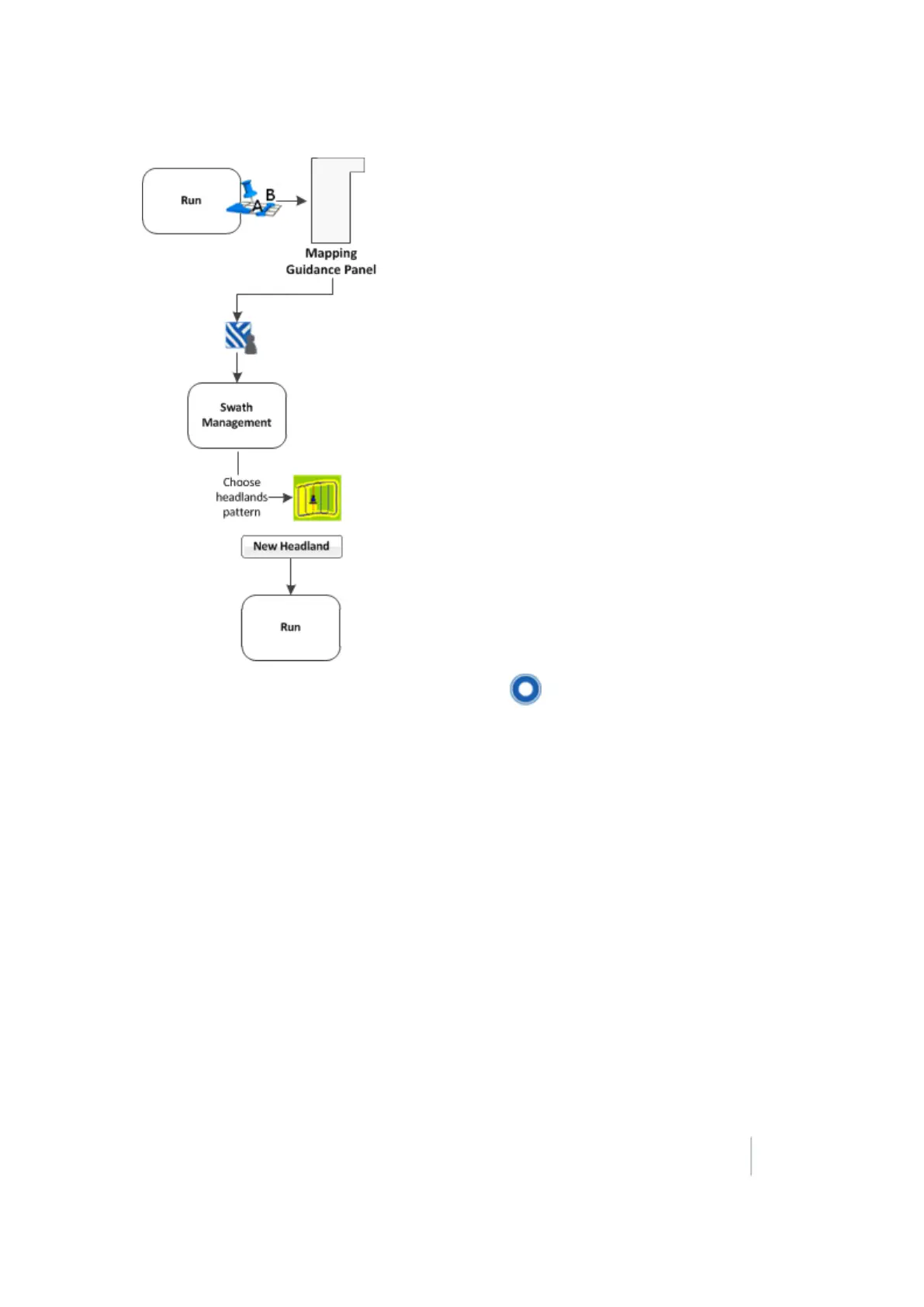
18 Operations Guidance pattern use
5.
Drive to the start point of the headland and then tap . A red line displays behind the
vehicle to show that the headland is being recorded.
6.
Define the inner pattern before you complete the headland. To do so, tap Infill. The Mapping
Guidance panel changes to show the inner pattern buttons.
Note – After infill lines have been created, they cannot be moved.
7. When you reach the location for the A point, tap SetA.
8. To create an internal AB Line, drive to the location for the B point (at least 50m (164ft)) and
then tap Set B.
9. To create an internal A+ line, tap Use A+.
10. Tap Back to HL. The Mapping Guidance panel returns to its original appearance.
11. When you complete the headland circuit, the system will draw a straight line from the vehicle
back to the start point. Drive the vehicle to a position on the headland circuit where a straight
line back to the start will not cut off part of the pattern.
12. Tap Close HL. The new headland displays showing all the swaths that the system has
automatically generated.
13.
If you need to shift or skip a swath, see:
Version 9.25, Revision B FM-1000 Integrated Display User Guide 365



 To Next Page