Raisecom
ISCOM2600G-HI (A) Series Configuration Guide
Raisecom Proprietary and Confidential
Copyright © Raisecom Technology Co., Ltd.
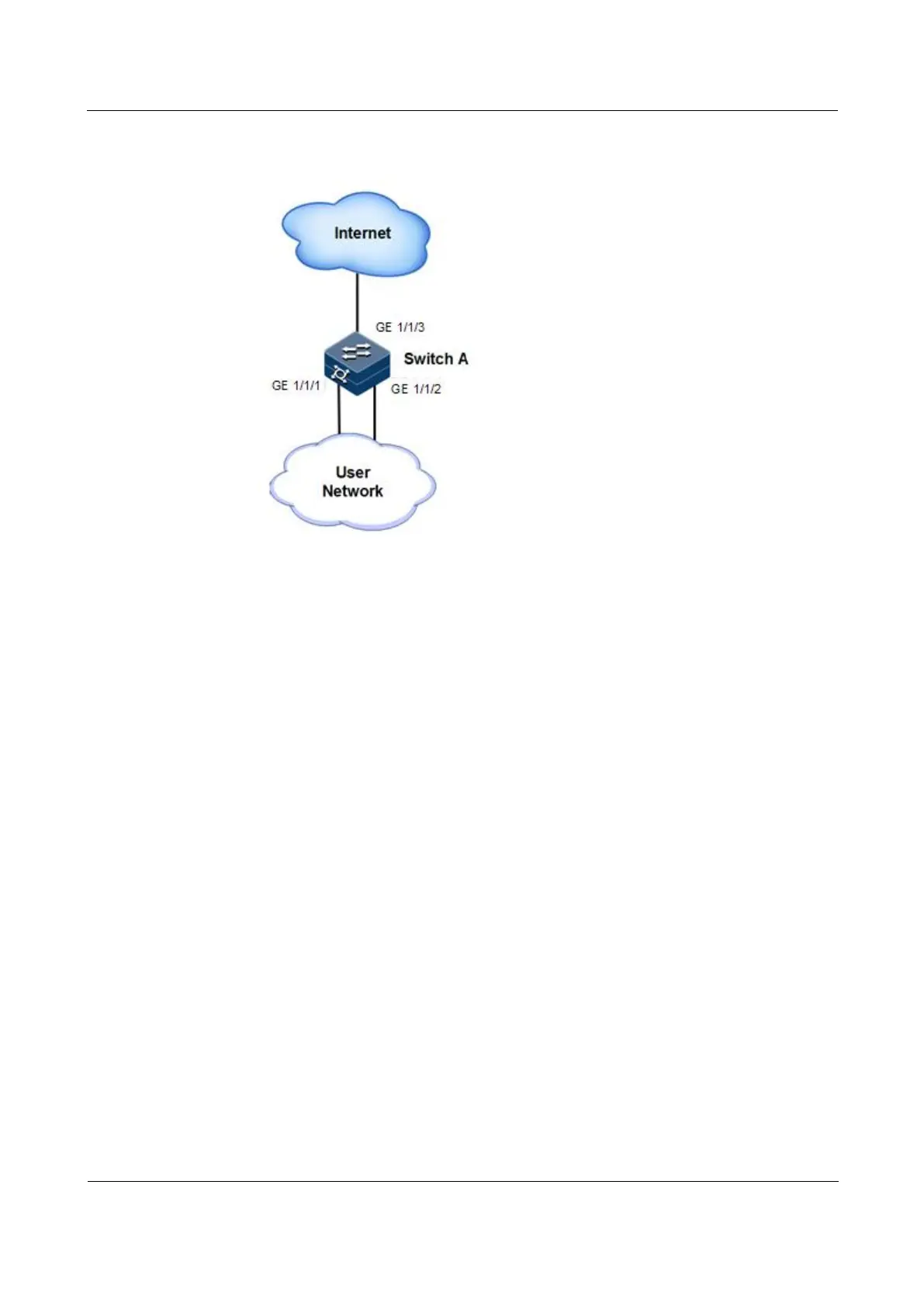
Figure 2-21 Loop detection networking
Configuration steps
Step 1 Create VLAN 3, and add interfaces to VLAN 3.
Raisecom#config
Raisecom(config)#create vlan 3 active
Raisecom(config)#interface gigaethernet 1/1/1
Raisecom(config-gigaethernet1/1/1)#switchport access vlan 3
Raisecom(config-gigaethernet1/1/1)#exit
Raisecom(config)#interface gigaethernet 1/1/2
Raisecom(config-gigaethernet1/1/2)#switchport access vlan 3
Raisecom(config-gigaethernet1/1/2)#exit
Step 2 Configure the VLAN for sending loop detection packets, action taken for detected loops, and
period for sending loop detection packets.
Raisecom(config)#interface gigaethernet 1/1/1
Raisecom(config-gigaethernet1/1/1)#loopback-detection pkt-vlan 3 hello-
time 3 action block
Raisecom(config-gigaethernet1/1/1)#exit
Raisecom(config)#interface gigaethernet 1/1/2
Raisecom(config-gigaethernet1/1/2)#loopback-detection pkt-vlan 3 hello-
time 3 action block



 To Next Page
 Loading...



