Raisecom
ISCOM2600G-HI (A) Series Configuration Guide
Raisecom Proprietary and Confidential
Copyright © Raisecom Technology Co., Ltd.
View Name: mib2
OID Tree: 1.3.6.1.2.1
Mask: --
Type: include
…
Use the show snmp community command to show community configurations.
Raisecom#show snmp community
Index Community Name View Name Permission
------------------------------------------------------------
1 private internet rw
2 public internet ro
3 raisecom mib2 ro
Use the show snmp host command to show configurations of the target host.
Raisecom#show snmp host
Index: 0
IP family: IPv4
IP address: 20.0.0.221
Port: 162
User Name: raisecom
SNMP Version: v2c
Security Level: noauthnopriv
TagList: bridge config interface rmon snmp ospf
12.1.11 Example for configuring SNMPv3 and Trap
Networking requirements
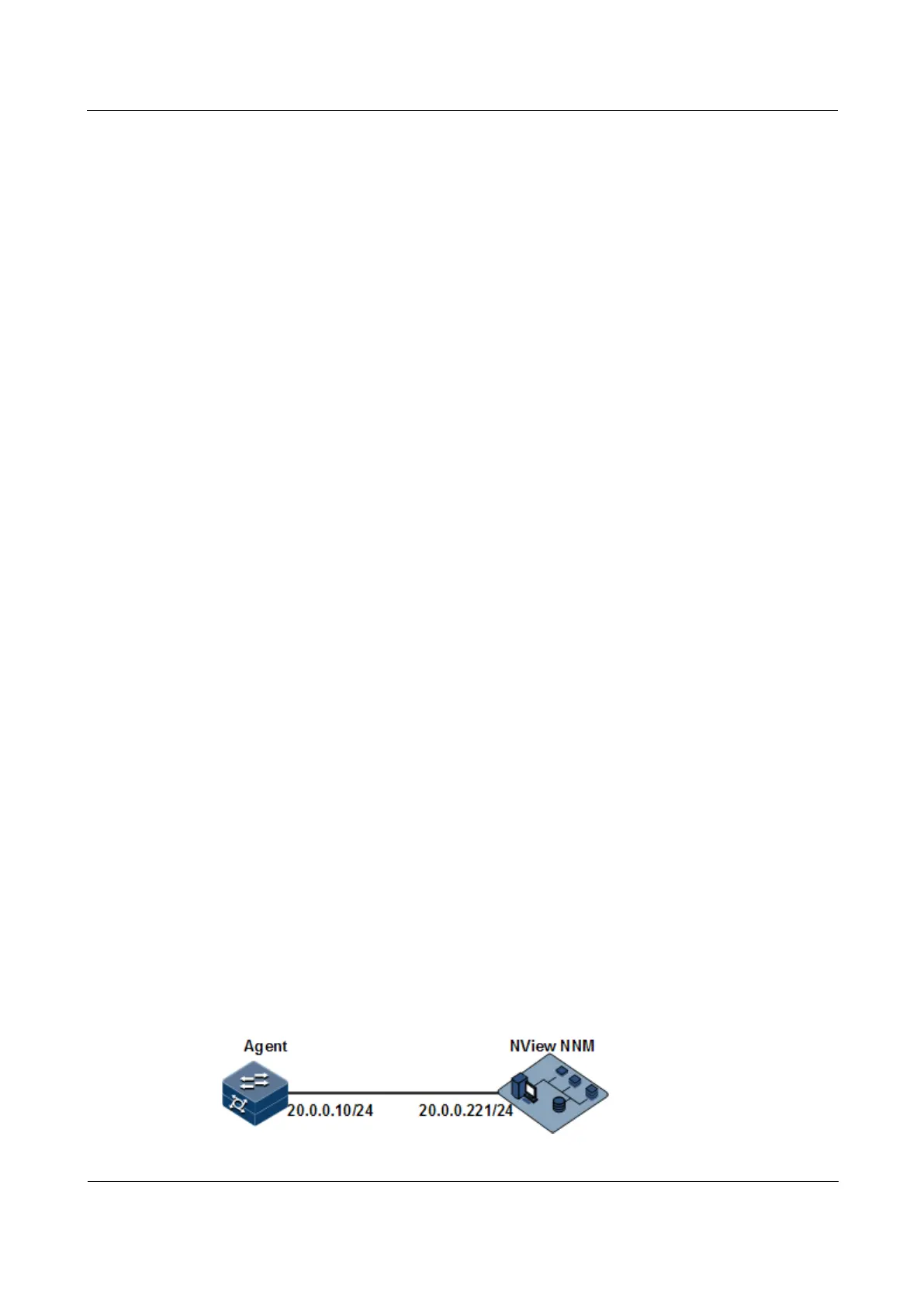
As shown in Figure 12-4, the route between the NView NNM system and ISCOM2600G-HI
series switch is available, the NView NNM system monitors the Agent through SNMPv3, and
the ISCOM2600G-HI series switch can send Trap automatically to the NView NNM system
when the Agent is in emergency.
By default, there is VLAN 1 on the ISCOM2600G-HI series switch and all physical interfaces
belong to VLAN 1.
Figure 12-4 SNMPv3 and Trap networking



 To Next Page
 Loading...



