Raisecom
ISCOM2600G-HI (A) Series Configuration Guide
Raisecom Proprietary and Confidential
Copyright © Raisecom Technology Co., Ltd.
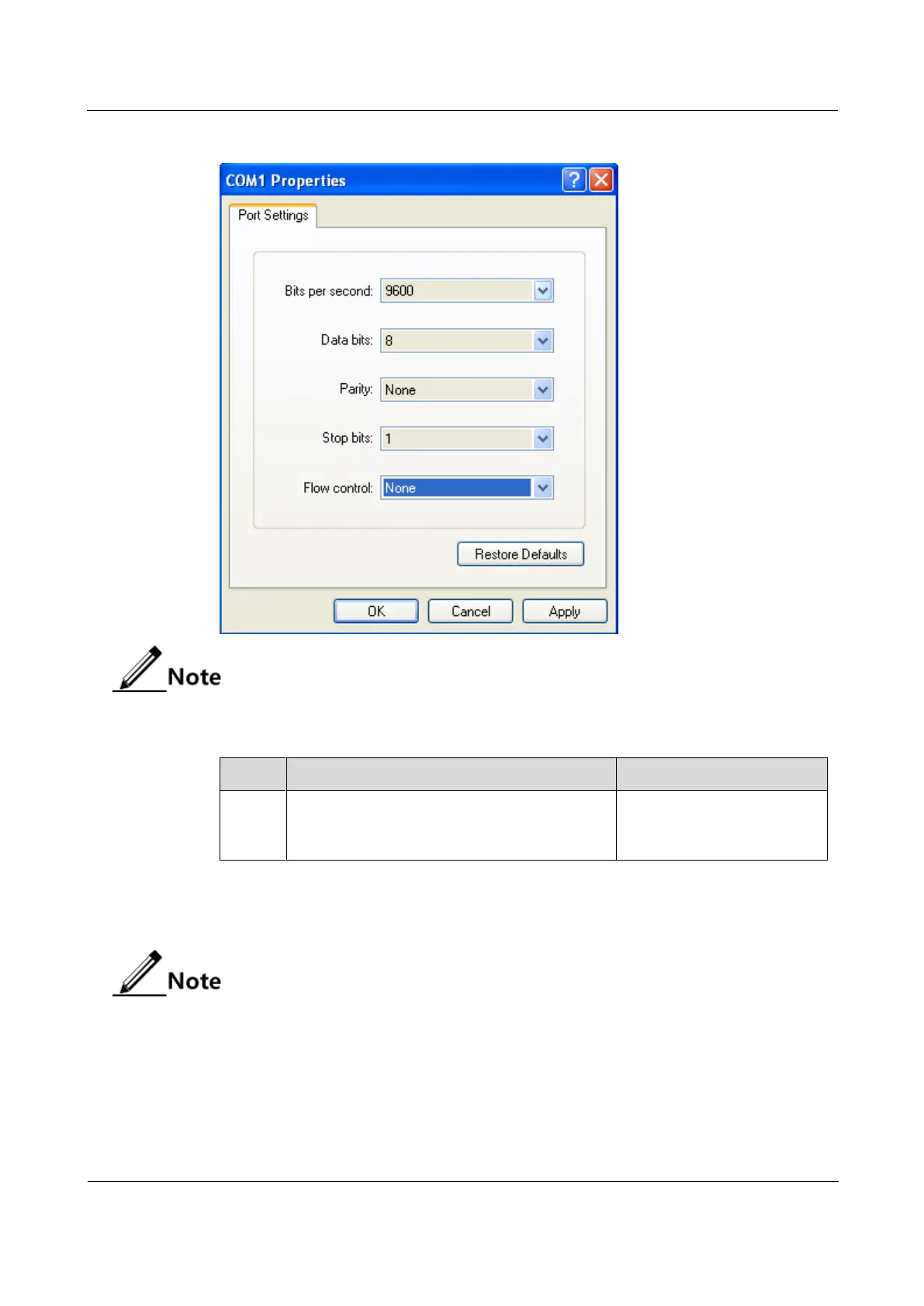
Figure 1-2 Configuring communication parameters in Hyper Terminal
By default, the baud rate of the serial interface is 9600.
Configure the baud rate of the serial interface for the ISCOM2600G-HI series switch as below.
Raisecom#config
Raisecom(config)#console baud-rate
9600
Modify the baud rate of the
serial interface to 115200,
19200, 38400, or 9600.
1.2.3 Accessing through Telnet
By default, the default management IP address of the out-of-band management
interface (SNMP interface: fastethernet 1/0/1), and the subnet mask is 255.255.255.0.
To modify the IP address, log in to the ISCOM2600G-HI series switch and configure it.
Both the default user name and password are raisecom. In Telnet connection status,
if you enter the password incorrectly for three 3 times, the Telnet connection will be
automatically disconnected.
You can use a PC to log in to the ISCOM2600G-HI series switch remotely through Telnet.
You can log in to an ISCOM2600G-HI series switch from PC at first, then Telnet another



 To Next Page
 Loading...



