Raisecom
ISCOM2600G-HI (A) Series Configuration Guide
Raisecom Proprietary and Confidential
Copyright © Raisecom Technology Co., Ltd.
11.1.7 Example for configuring static LACP link aggregation
Networking requirements
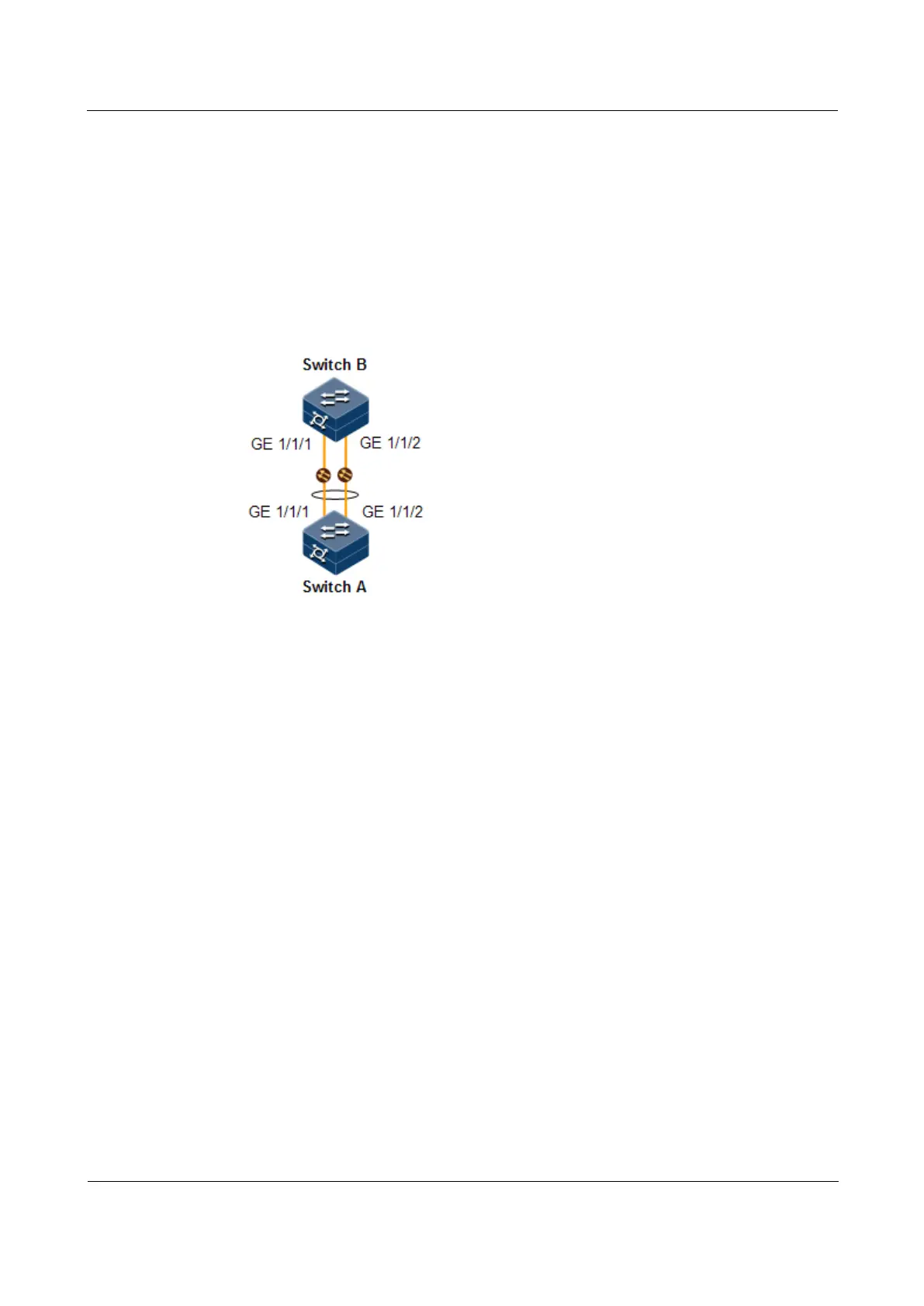
As shown in Figure 11-2, to improve link reliability between Switch A and Switch B, you can
configure static LACP link aggregation. That is to add GE 1/1/1 and GE 1/1/2 to one LAG;
GE 1/1/1 is used as the active interface while GE 1/1/2 as the standby interface.
Figure 11-2 Static LACP mode Link aggregation networking
Configuration steps
Step 1 Create static LACP link aggregation on Switch A. Configure Switch A as the active end.
Raisecom#hostname SwitchA
SwitchA#config
SwitchA(config)#lacp system-priority
1000
SwitchA(config)#interface port-channel 1
SwitchA(config-port-channel1)#mode lacp
SwitchA(config-port-channel1)#max-active links 1
SwitchA(config-port-channel1)#exit
SwitchA(config)#interface gigaethernet 1/1/1
SwitchA(config-gigaethernet1/1/1)#port-channel 1
SwitchA(config-gigaethernet1/1/1)#lacp port-priority
1000
SwitchA(config-gigaethernet1/1/1)#exit
SwitchA(config)#interface gigaethernet 1/1/2
SwitchA(config-gigaethernet1/1/2)#port-channel 1
SwitchA(config-gigaethernet1/1/2)#exit
Step 2 Create static LACP link aggregation on Switch B.
Raisecom#hostname SwitchB
SwitchB#config
SwitchB(config)#interface gigaethernet 1/1/1



 To Next Page
 Loading...



