Raisecom
ISCOM2600G-HI (A) Series Configuration Guide
Raisecom Proprietary and Confidential
Copyright © Raisecom Technology Co., Ltd.
1.2.2 Accessing through Console interface
Introduction
The Console interface is an interface which is commonly used to connect the network device
with a PC running terminal emulation programs. You can use this interface to configure and
manage local devices. This management method can communicate directly without a network,
so it is called out-of-band management. You can also perform configuration and management
on the ISCOM2600G-HI series switch through the Console interface when the network fails.
In the following two conditions, you can only log in to the ISCOM2600G-HI series switch
and configure it through the Console interface:
The ISCOM2600G-HI series switch is powered on to start for the first time.
Accessing the ISCOM2600G-HI series switch through Telnet fails.
Accessing device through RJ45 Console interface
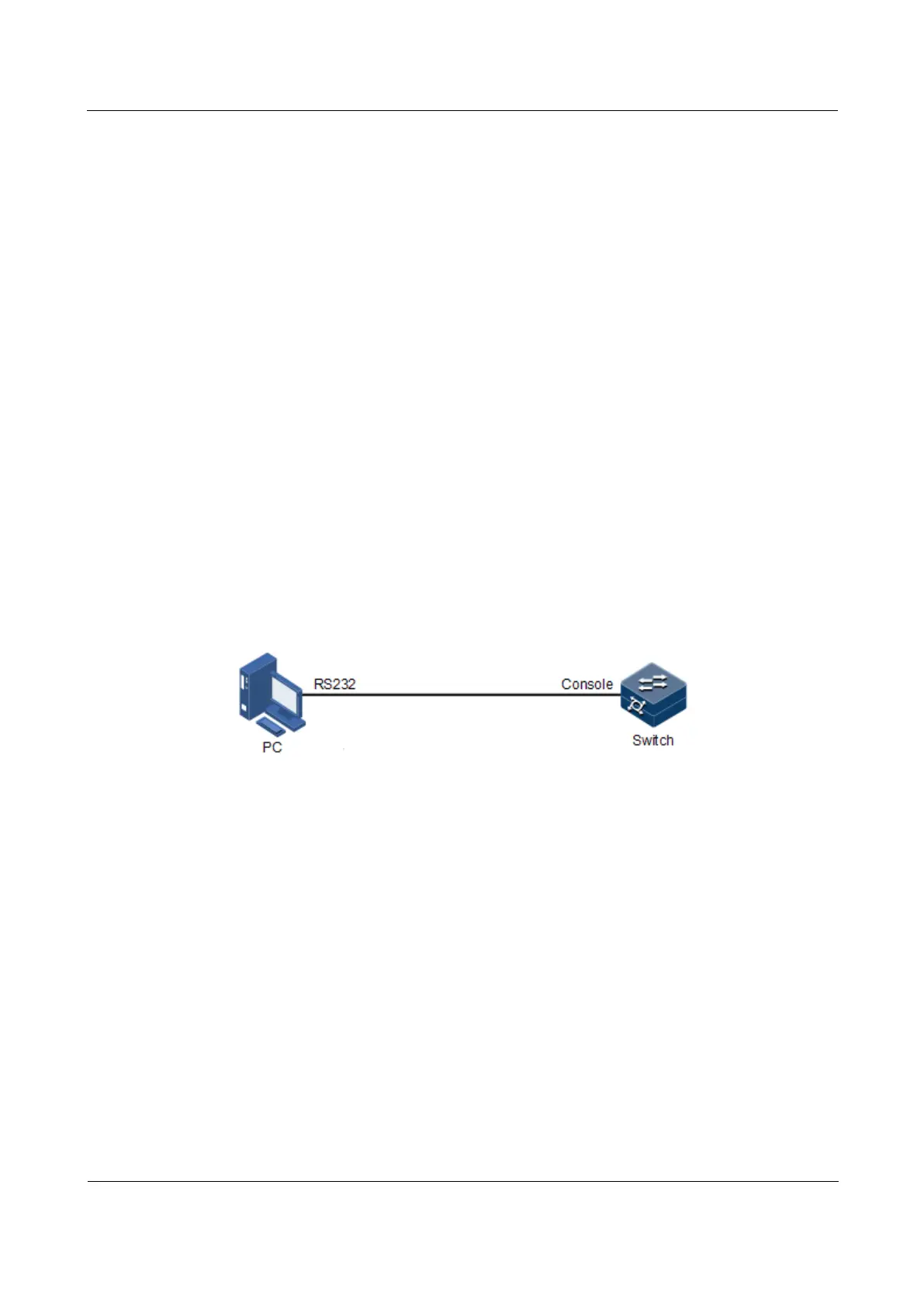
If you want to access the ISCOM2600G-HI series switch through PC through RJ45 Console
interface, connect Console interface and PC RS-232 serial port, as shown in Figure 1-1; then
run the terminal emulation program such as Windows XP Hyper Terminal program in PC to
configure communication parameters as shown in Figure 1-2, and then log in to the
ISCOM2600G-HI series switch.
Figure 1-1 Accessing device through PC connected with RJ45 Console interface



 To Next Page
 Loading...



