Raisecom
ISCOM2600G-HI (A) Series Configuration Guide
Raisecom Proprietary and Confidential
Copyright © Raisecom Technology Co., Ltd.
6.6.7 Configuring DHCPv6 Relay on VLAN interface
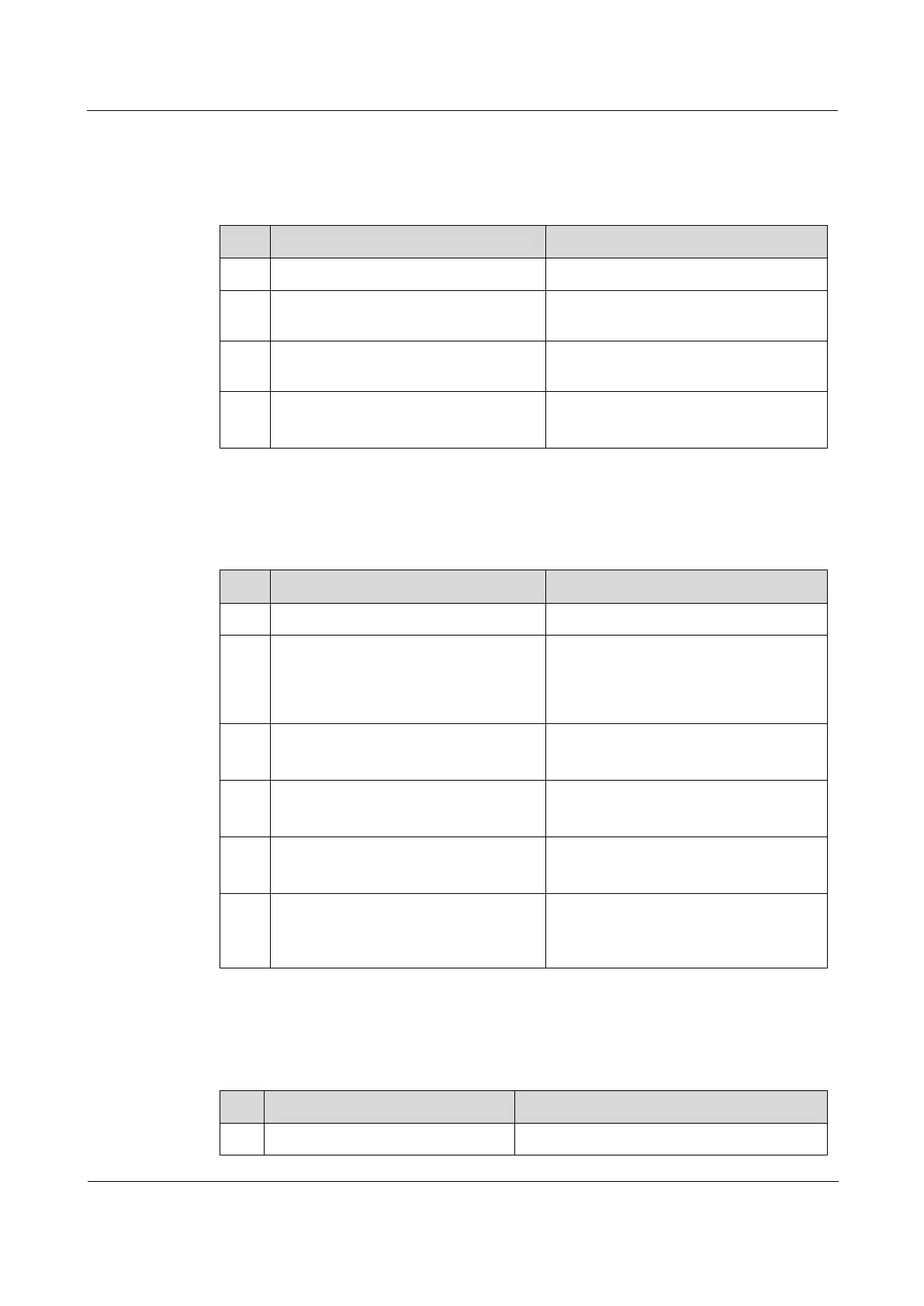
Configure DHCPv6 Relay on the VLAN interface for forwarding packets for the
ISCOM2600G-HI series switch as below.
Enter global configuration mode.
Raisecom(config)#interface
vlan
vlan-id
Enter VLAN interface configuration
mode.
Raisecom(config-vlan1)#ipv6
dhcp relay
Enable DHCPv6 Relay on the VLAN
interface.
Raisecom(config-vlan1)#ipv6
dhcp relay target-ip
ip-
address
[ vlan
vlan-id
]
Configure the destination IPv6 address
for forwarding packets.
6.6.8 (Optional) configuring DHCP Relay to support Option 82
Configure DHCP Relay to support Option 82 for the ISCOM2600G-HI series switch as below.
Enter global configuration mode.
Raisecom(config)#ip dhcp relay
information option
Configure DHCP Relay to support
Option 82. DHCP Relay supports the
Remote ID of Option 82 and is
compatible with Huawei Default mode.
Raisecom(config)#ip dhcp relay
information policy { drop |
keep | replace }
Configure the policy for DHCP Relay to
process Option 82 request packets
Raisecom(config)#interface
interface-type
interface-
number
Enter physical layer interface
configuration mode.
Raisecom(config-
gigaethernet1/1/port)#ip dhcp
relay information trusted
Configure the trusted interface of DHCP
Relay.
Raisecom(config-
gigaethernet1/1/port)#ip dhcp
relay information option vlan-
list
vlan-list
Configure the VLAN list of DHCP
Relay to support Option 82.
6.6.9 Checking configurations
Use the following commands to check configuration results.
Raisecom#show ip dhcp relay
Show configurations of DHCP Relay.



 To Next Page
 Loading...



