Raisecom
ISCOM2600G-HI (A) Series Configuration Guide
Raisecom Proprietary and Confidential
Copyright © Raisecom Technology Co., Ltd.
Split horizon: a route learned from one interface is not broadcasted to the interface.
Route poisoning: when the topology changes, the router marks an invalid route as
possibly down status and assign an unreachable matrix for it.
Poison reverse: when the router learned from one interface is sent back to the interface, it
will be poisoned; in other words, its number of hops is configured to 16, which indicates
an unreachable destination.
Trigged update: when route crash is detected, the router immediately broadcasts route
update packets rather than wait for the next update period.
Suppression timer: it prevents the routing table from changing frequently and thus
enhances network reliability.
5.6.2 Configuring basic RIP functions
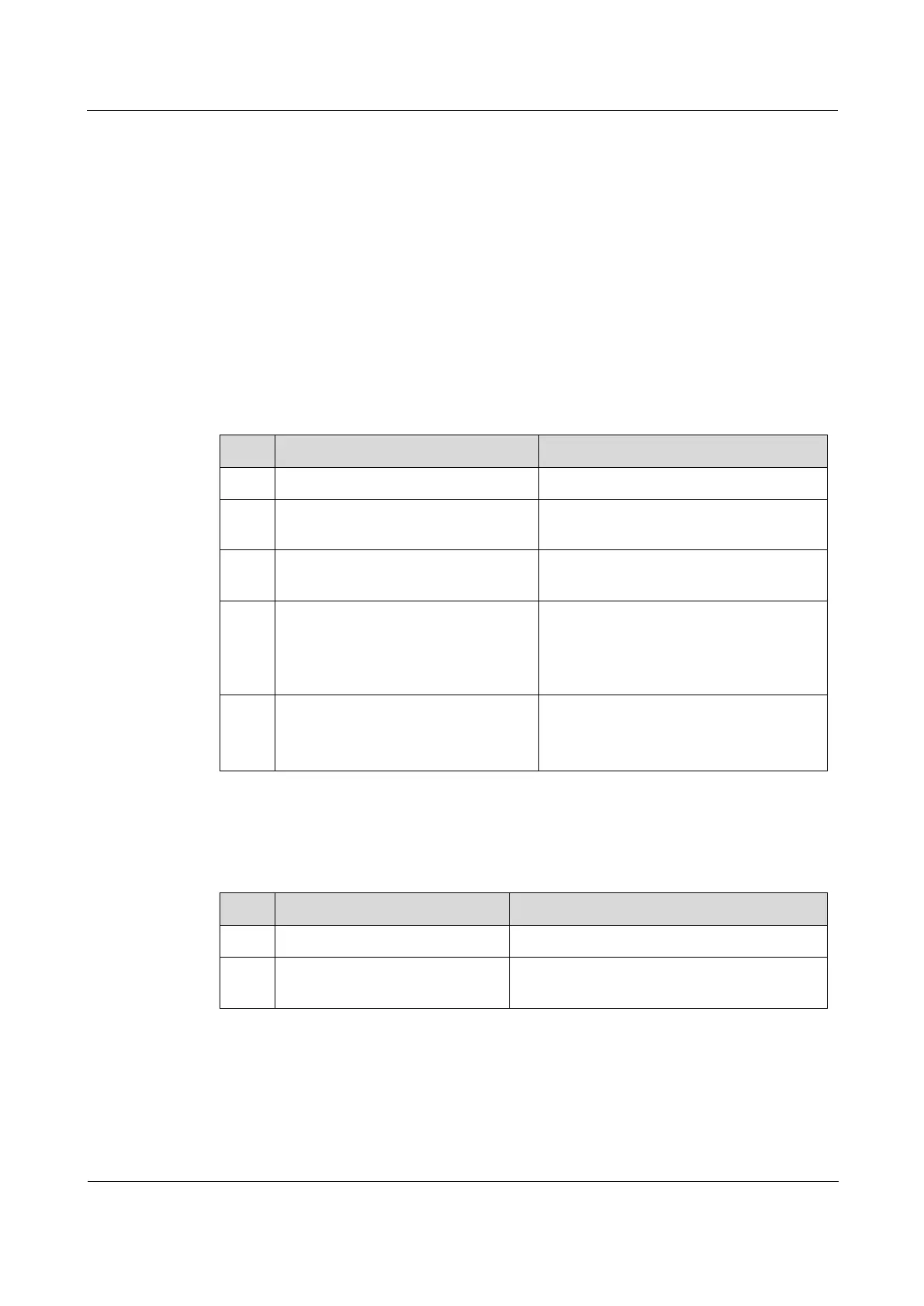
Configure basic RIP functions for the ISCOM2600G-HI series switch as below.
Enter global configuration mode.
Raisecom(config)#router rip
Enable RIP, and enter RIP configuration
mode.
Raisecom(config-rip)#network
ip-address
Configure a directly-connected and
effective network based on RIP.
Raisecom(config-rip)#offset-
list
access-list-name
{ in |
out }
offset-value
[
interface-type interface-
number
]
Configure the additional metrics when
the interface receives or sends RIP
routes.
By default, it is 0.
Raisecom(config-rip)#passive-
interface {
interface-type
interface-number
| default }
(Optional) configure the interface to be a
passive interface.
By default, it is a non-passive interface.
5.6.3 Configuring RIP version
Configure the RIP version for the ISCOM2600G-HI series switch as below.
Enter global configuration mode.
Raisecom(config)#router
rip
Enable RIP, and enter RIP configuration
mode.



 To Next Page
 Loading...



