8 Vehicle guidance setup EZ-Pilot assisted steering system
Note – The Advanced Calibration tab is currently not available. To access these options, select EZ-Pilot
Diagnostics from the main Configuration screen.
8. Tap OK. The Configuration screen displays.
T3 roll compensation calibration
The EZ-Pilot system contains sensors that use T3 terrain compensation technology to provide roll
compensation when the vehicle is on a slope or drives over a bump. For roll compensation to work
correctly, the IMD-600 must be calibrated.
1.
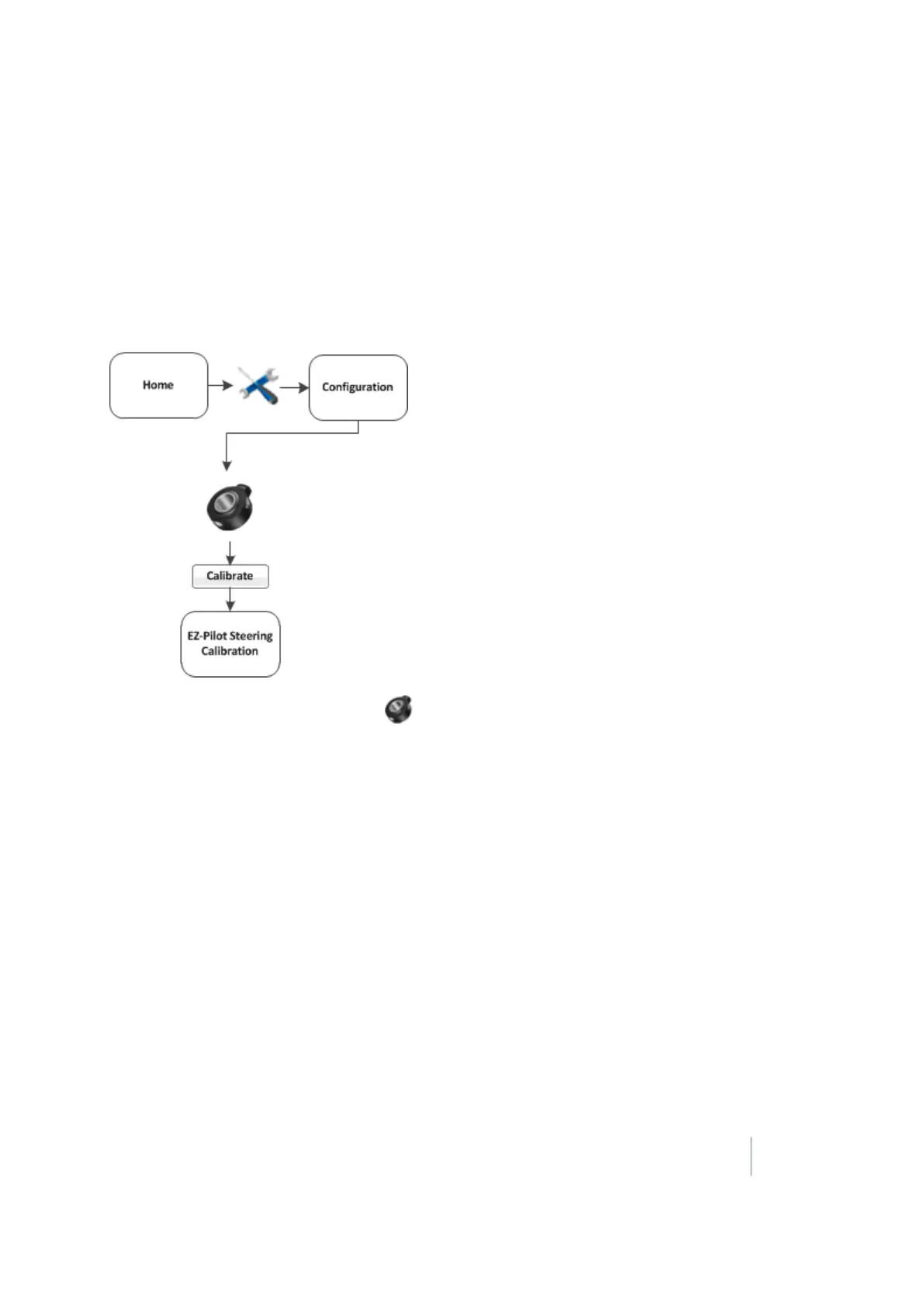
At the Configuration screen, select EZ-Pilot and then tap Calibrate. The EZ-Pilot Steering
Calibration screen displays.
2.
Select IMD-600 Orientation and tap OK. The EZ-Pilot Roll Calibration screen displays.
Note – For best accuracy, install the IMD-600 as shown in the installation instructions for the supported
platform in which it is being installed. Make sure the IMD-600 is installed at right angles to the center line
of the vehicle. Non-orthogonal angles will cause performance degradation.
3. From the Orientation list, select the orientation of the IMD-600 module and then tap Next.
4.
Park the vehicle, mark the inside position of both sets of wheels and then tap Next.
The display records the roll offset in the first direction. This takes approximately 20 seconds. Do
not move the vehicle while the offset is being read.
5.
Turn the vehicle around, ensure the wheels are parked over the marks created in step 4 and
then tap Next.
The display records the roll offset in the second direction. This takes approximately 20 seconds.
Do not move the vehicle while the offset is being read.
Version 9.25, Revision B FM-1000 Integrated Display User Guide 197



 To Next Page