9 Field-IQ system setup Control setup
4.
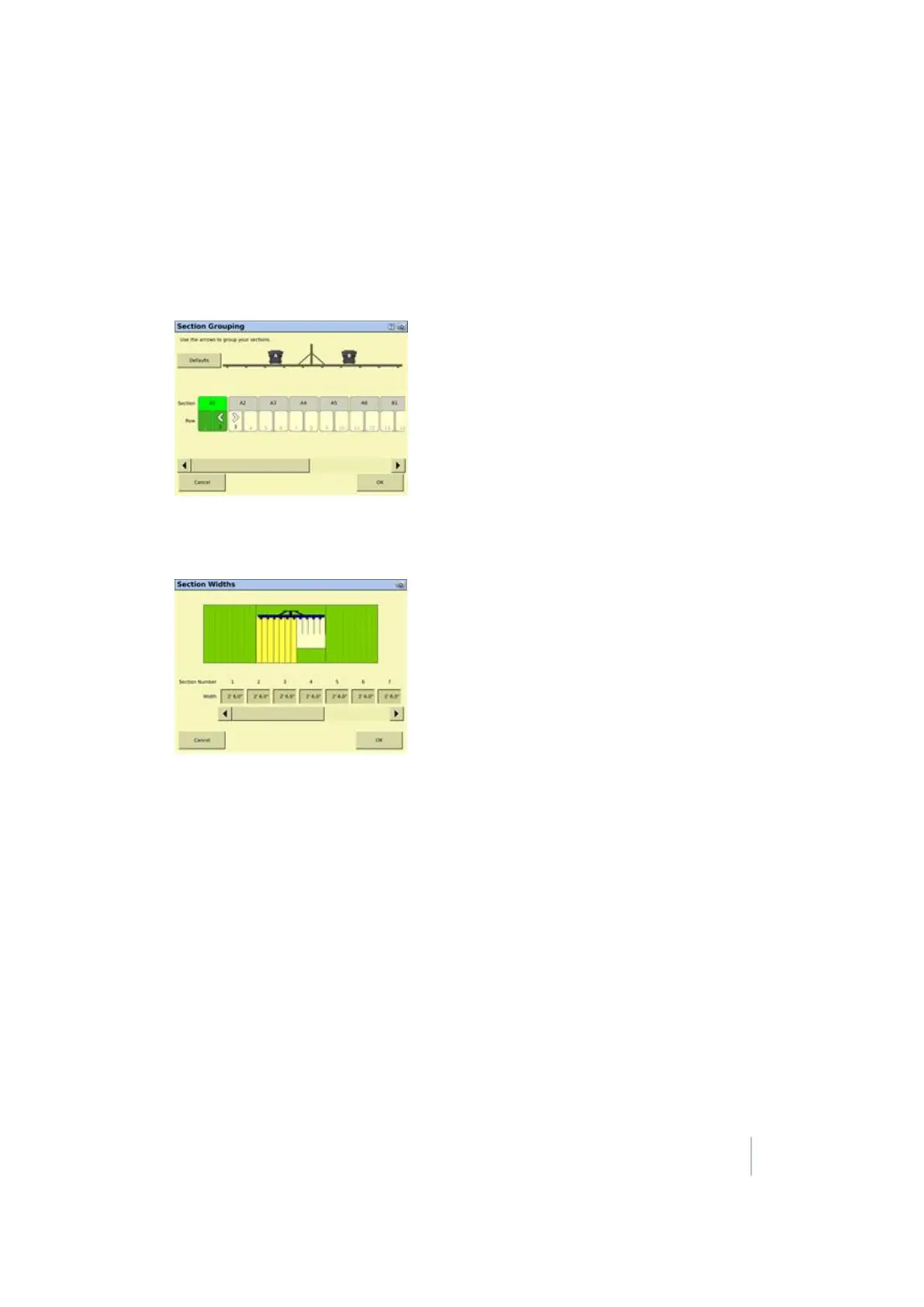
Set up the section widths.
Note – Both of these setups allow you to set the section widths. Section Grouping does it by grouping
rows together in a section and Sections Widths allows you to enter an actual measurement.
a.
For section grouping, at the Section Grouping screen: Complete each row from the left and
to right in sequence until all the rows are grouped correctly and then tap OK.
For section width, at the Section Widths screen: Enter the section width for each section
from left to right in sequence.
b. When you are finished, tapOK.
5.
At the Section Control Module Setup screen, tap Advanced Wire Assignment.
Note – This button is only available for specific cases, so may not be visible.
Assign the rows to the correct module and wire location. To assign a wire ID to a row, tap the
module icon, select the number of the wire you want to assign from the drop-down list. and
then tap on the row to assign that module and wire. It is recommended that you work from left
to right:
Version 9.25, Revision B FM-1000 Integrated Display User Guide 221



 To Next Page