18 Operations Operation basics
l See the status of items
l Change the view
l Open feature panels
l Navigate to other screens
l Control automatic steering, if applicable
l Turn coverage logging on or off, if applicable
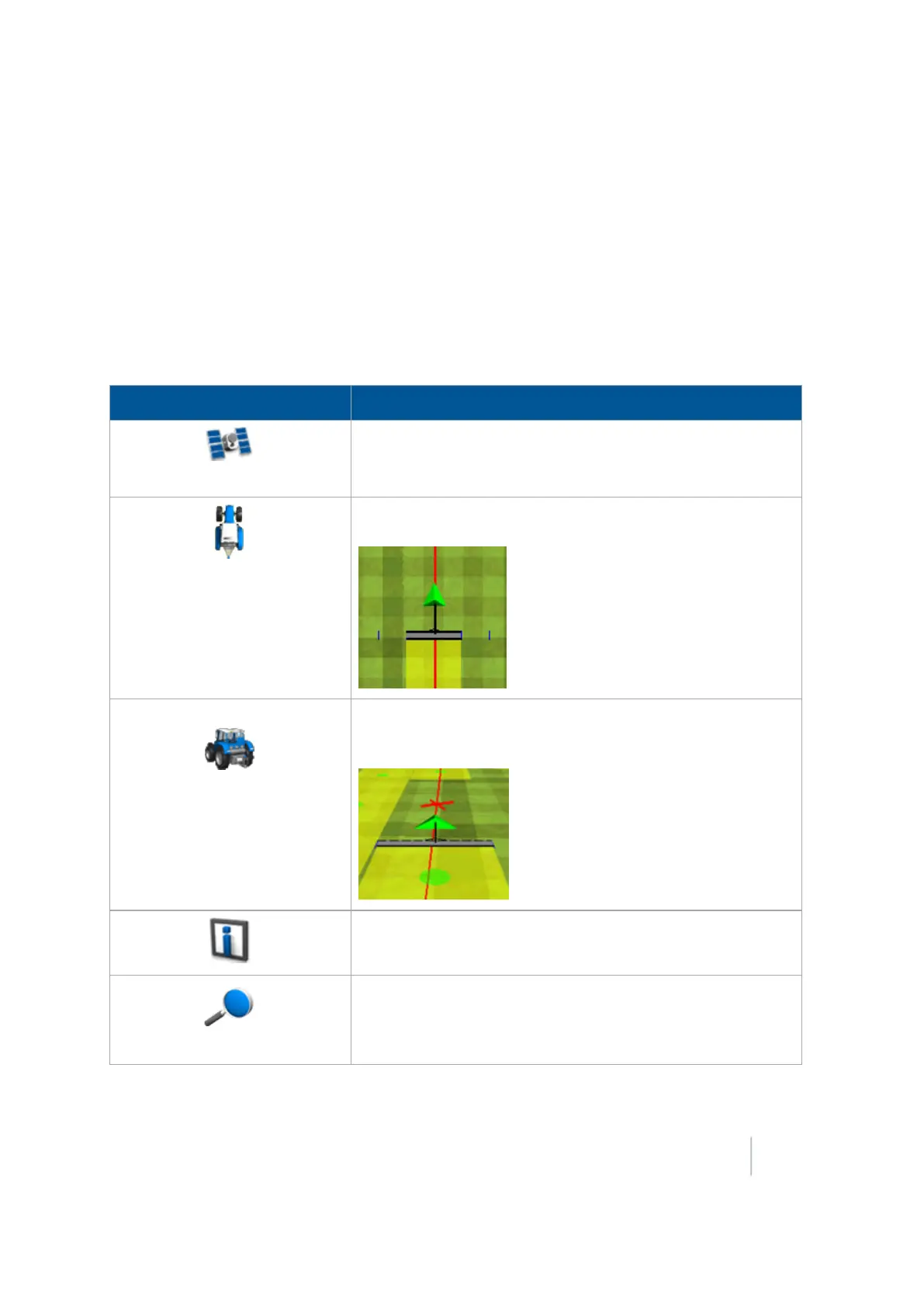
Left side of Run screen
Button / Indicator Explanation
GNSSStatus
Provides information about GPS. If the GPS signal is lost
completely, a warning displays and this button turns red. Tap
to view GNSS status (page 352).
Overhead view
In the Operational view (page 347) of the Run screen, shows an
overhead view of the field, with the vehicle in it.
Trailing view In the Operational view (page 347) of the Run screen, shows a
three-dimensional representation of the field from the driver’s
perspective.
Information configured using the Status items (page 70)
menus.
Zoom / Pan
Opens the zoom and pan controls for the Operational view
(page 347). With the pan function, you can view the field
outside of the normal viewing area.
Version 9.25, Revision B FM-1000 Integrated Display User Guide 345



 To Next Page