Operation basics 18 Operations
Button / Indicator Explanation
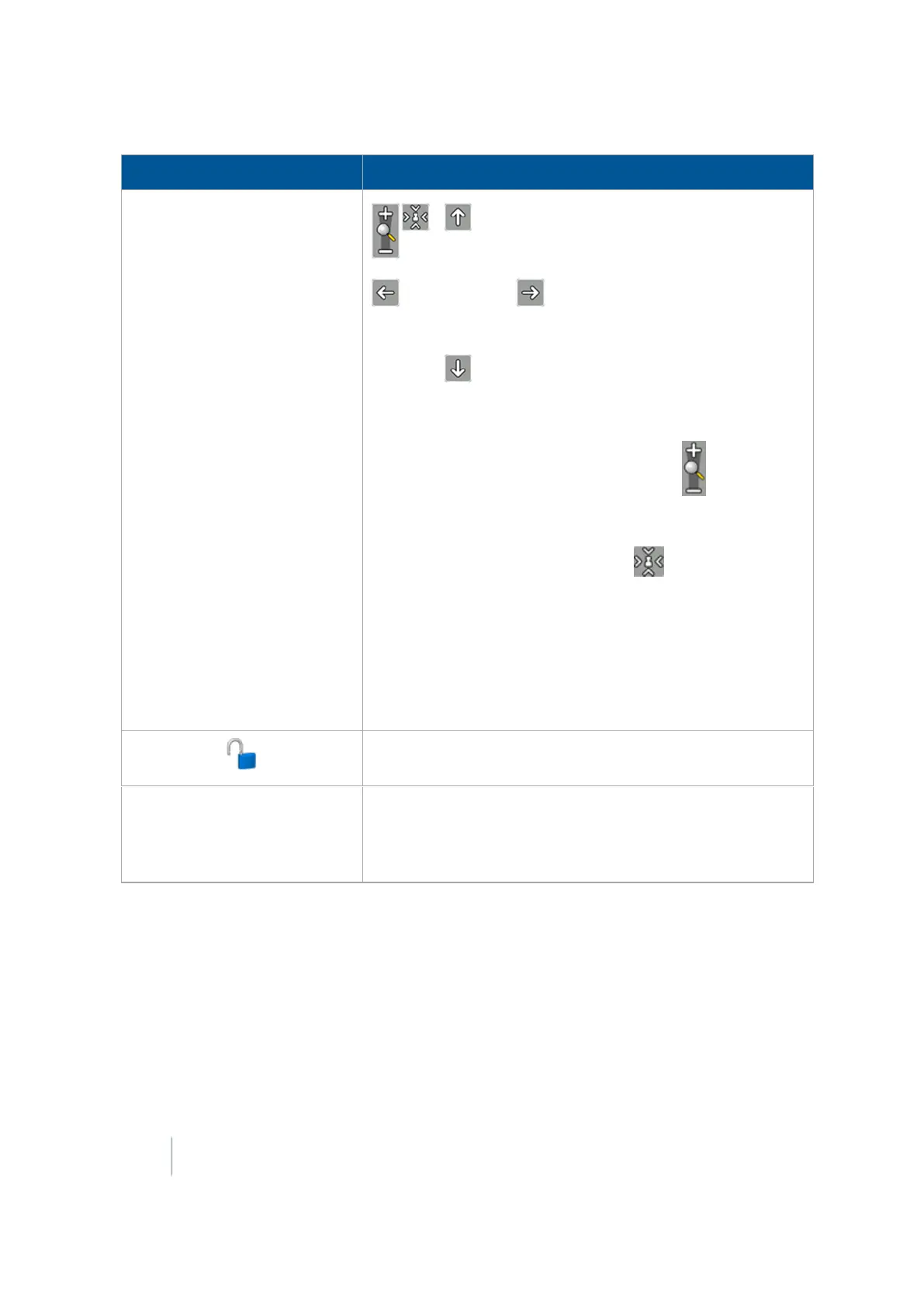
To pan around the field, tap one of the four arrows positioned
at the edge field area.
To zoom in and out, tap either plus or minus
Note –
To toggle the zoom feature on or off, tap the field area of the
Run screen.
The fifth level of zoom in the pan view is a summary view
of all your coverage. It adjusts, depending on the size of the
field. It does not include grid lines.
Tip – If you close the field, create a second field and then show
the summary view, the summary view may be zoomed to show
the area of both fields. To avoid this, reboot the display. The
view will be correct.
Tap to see a listing of all optional features/plugins and their
description.
xFill icon
xFill is activated, displays in the top left:
l Blue: Engaged and has been used between 0 - 15 minutes
l Red:Engaged and 5 minutes remain
346 FM-1000 Integrated Display User Guide Version 9.25, Revision B



 To Next Page