Water Management functionality 18 Operations
Item Name Explanation
1
Pivot Benchmark
The single benchmark where the plane is defined. All
slopes will pivot around this point.
2 Primary The first axis upon which the slope is defined. It has a
Primary Slope and Primary Heading component. The
Primary Slope is defined as a negative number, where
water will fall along the primary axis.
3 Cross The second axis upon which the slope is defined. The
Cross Heading will always be 90° or 270° from the Primary
Heading. The Cross Slope is defined as a negative
number, where water will fall along the cross axis. To
define the plane by a single heading and slope, then you
should set the Cross Slope value to 0.000%
4 Composite
When both Primary and Cross slopes are defined, the
Composite Slope direction shows the actual heading
where water will fall. If you have 0.000% slope on the
Cross axis, the Composite Heading will be the same as the
Primary Heading.
Use a single point
To define a plane using a single point:
1.
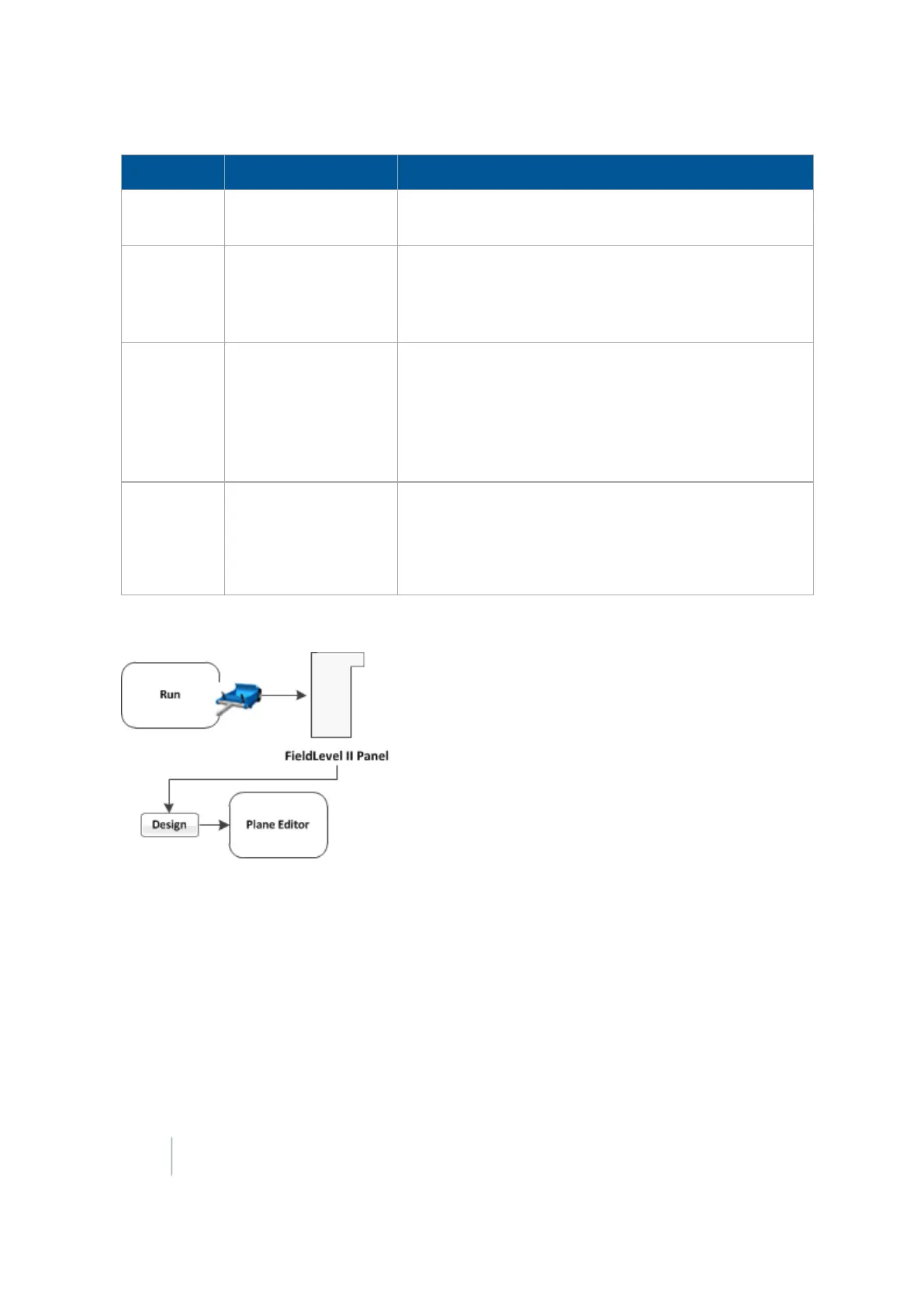
At the FieldLevel IIpanel, create a benchmark to define the direction of the slope and its
heading.
It can be useful to create the benchmark at the critical point. For example, where the water will
enter or exit the field. This ensures that where the benchmark is, the plane is on grade.
2.
Tap Design. The Plane Editor screen displays. Complete the settings and tap OK.
440 FM-1000 Integrated Display User Guide Version 9.25, Revision B



 To Next Page