18 Operations Water Management functionality
Button Explanation
drive over a benchmark to delete it.
Logging
Tap to log coverage. This shows on the map where you have
been, dependent on your implement width. A shape file is
created with cut/fill and height information.
Auto
Engages automatic blade height control:
l Starts the slope calculation
l Resets the height
l Resets the cut/fill
Define a plane
You can define a plane in the Plane Editor screen. The controls on the Plane Editor screen enable
you to either:
l Design a field slope and orientation
l Set the design parameters for the tile or surface ditch profile
To define a plane, you can use:
l A single point
l Multiple benchmarks
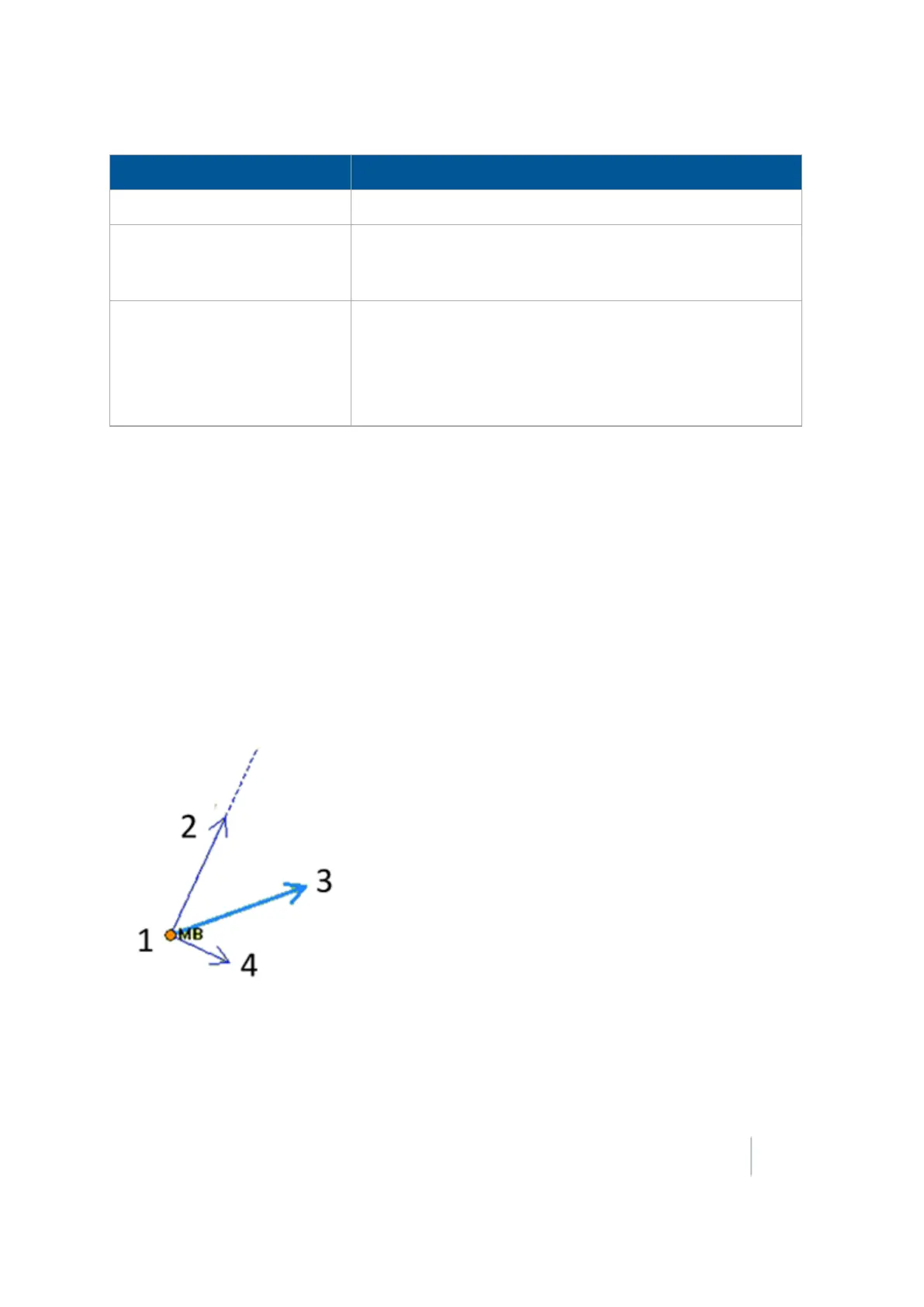
Use at least one point as a pivot point and extra information based on direction and slope
requirements.
Version 9.25, Revision B FM-1000 Integrated Display User Guide 439



 To Next Page