Water Management functionality 18 Operations
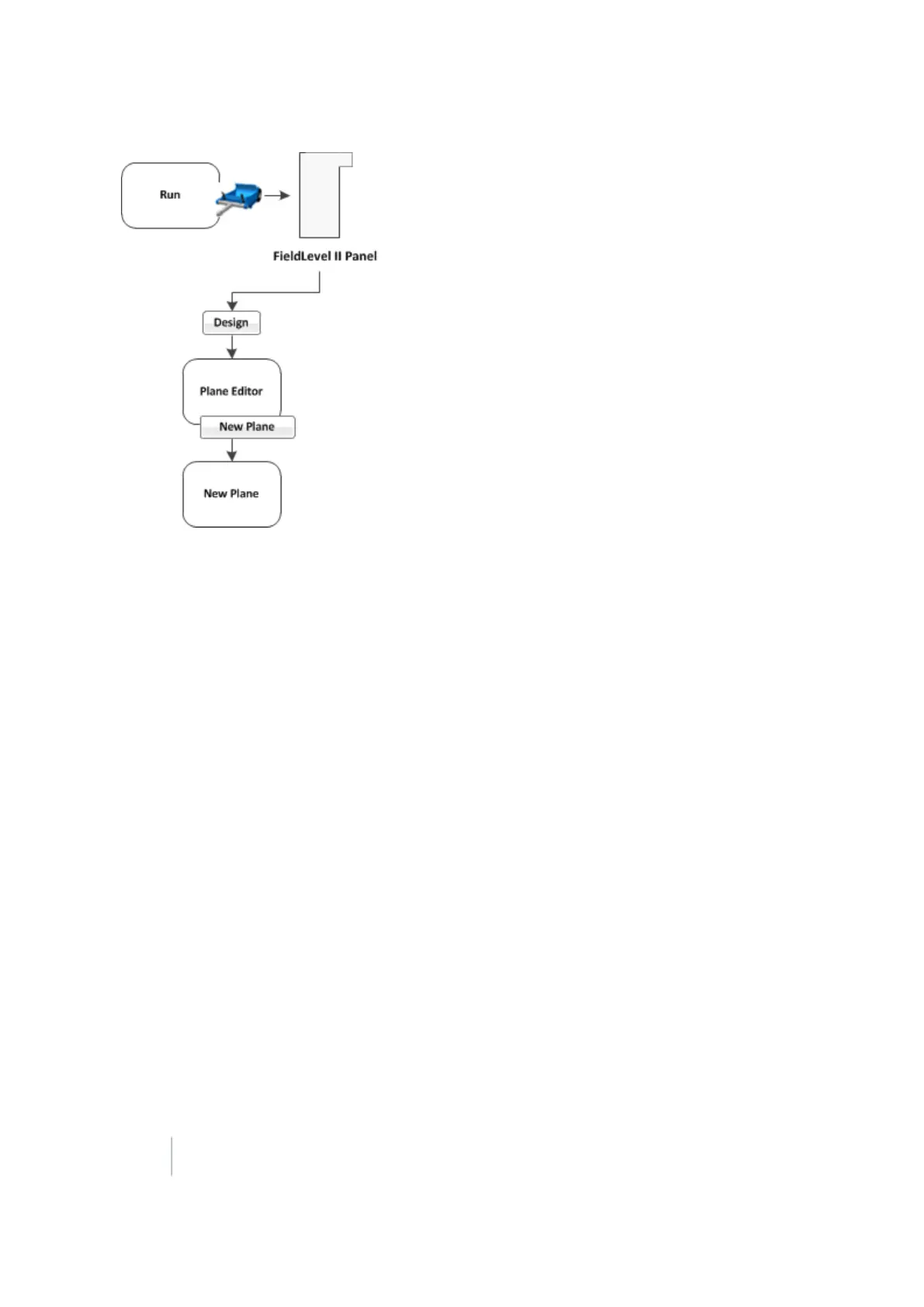
1. At the FieldLevel IIpanel, create two or more benchmarks to help define the plane. If a primary
heading definition is required you only need two benchmarks. If all the slopes of a field are to
be defined, then you need at least three benchmarks. Select the FieldLevel II plugin and tap
Design. The Plane Editor screen displays.
2. Tap New Plane. The New Plane screen displays.
3. From the Benchmarks list, select the benchmark you want to use for the primary pivot, then tap
Add. The benchmark is copied to the Design Benchmarks list.
4. Repeat the previous step until all the required benchmarks are copied to the Design Benchmarks
list. The Design Benchmarks list contains the benchmarks for the multi-point plane.
5.
Set the Primary Slope Heading:
a.
Choose the first benchmark to define the heading and then tap the Set> From: button.
Note – It is recommended that this point is the uphill point of the two points that will be used to
define the primary slope.
b. Select the second point of the primary slope and then tap the Set> To: button.
c.
Tap OK. The Plane Editor screen displays.
The selected benchmarks appear in the Benchmarks table on the upper left along with their
associated cut/fill values. The Primary Slope and Cross Slope values reflect the calculated slopes
based on the benchmarks entered in the New Plane screen.
6.
To update the slope values:
a. Identify the benchmark to be used as the new pivot.
b. Tap Choose Pivot. The Choose Pivot screen displays.
442 FM-1000 Integrated Display User Guide Version 9.25, Revision B



 To Next Page