WindO/I-NV4 User’s Manual 8-9
1 Bit Button
8
Buttons
■ Flash
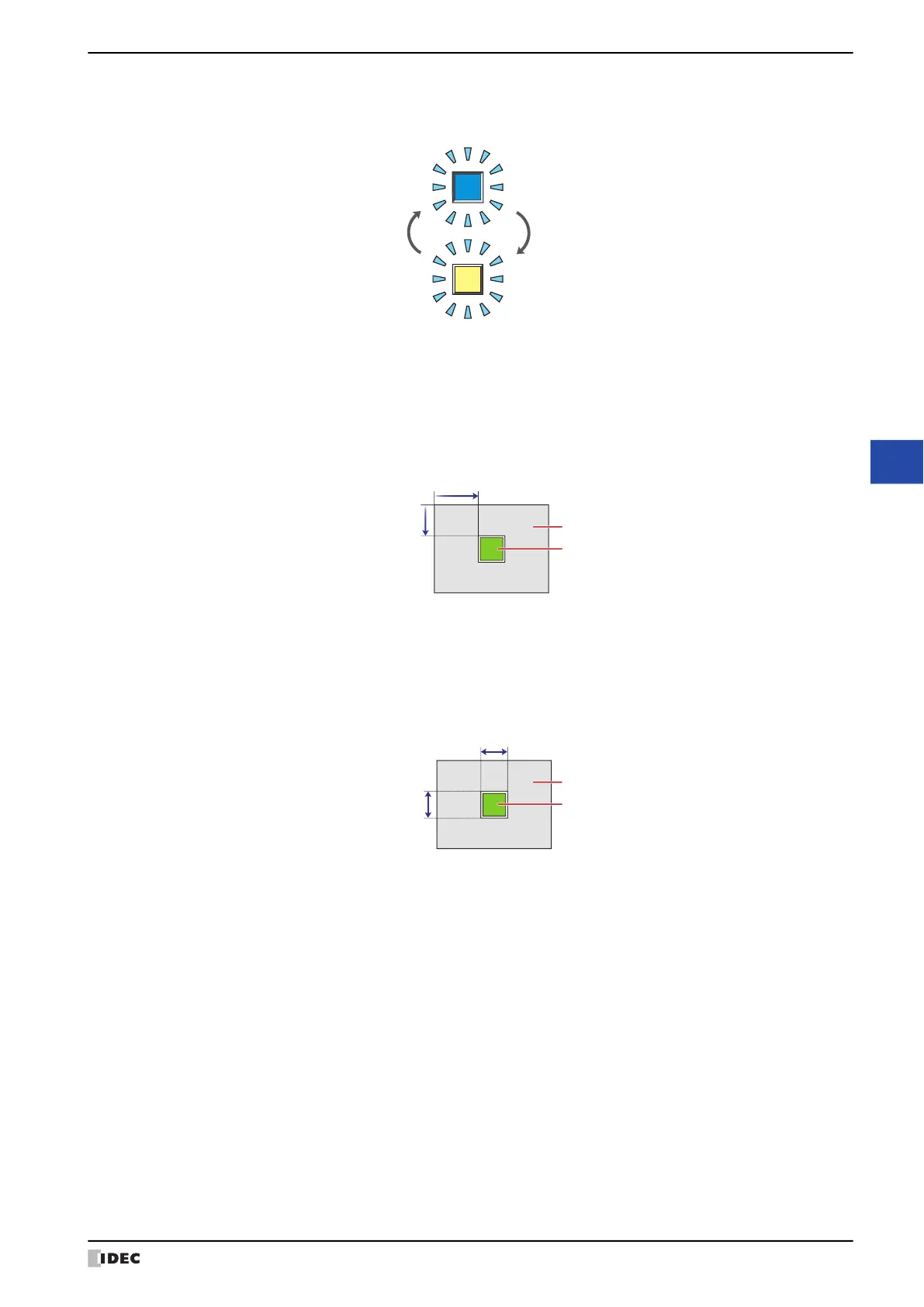
Select this check box if flashing is desired (alternating ON and OFF) when a part is ON.
■ Coordinates
■ Size
X, Y: Sets the display position of parts using coordinates.
The X and Y coordinates of parts are defined relative to an origin at the top-left corner of the screen.
X: 0 to (base screen horizontal size - 1)
Y: 0 to (base screen vertical size - 1)
(0, 0)
X
Y
Screen
Parts
W, H: Sets width and height to define the size of parts.
W: 20 to (base screen horizontal size)
H: 20 to (base screen vertical size)


 To Next Page