18 Operations Water Management functionality
Note – To ensure the design is properly aligned to the field, return to the exact location of the master
benchmark that you marked on the ground (for example, with flags, see Create benchmarks (page 432)),
and re-bench on the master benchmark.
2. Select the benchmark to re-bench on.
3.
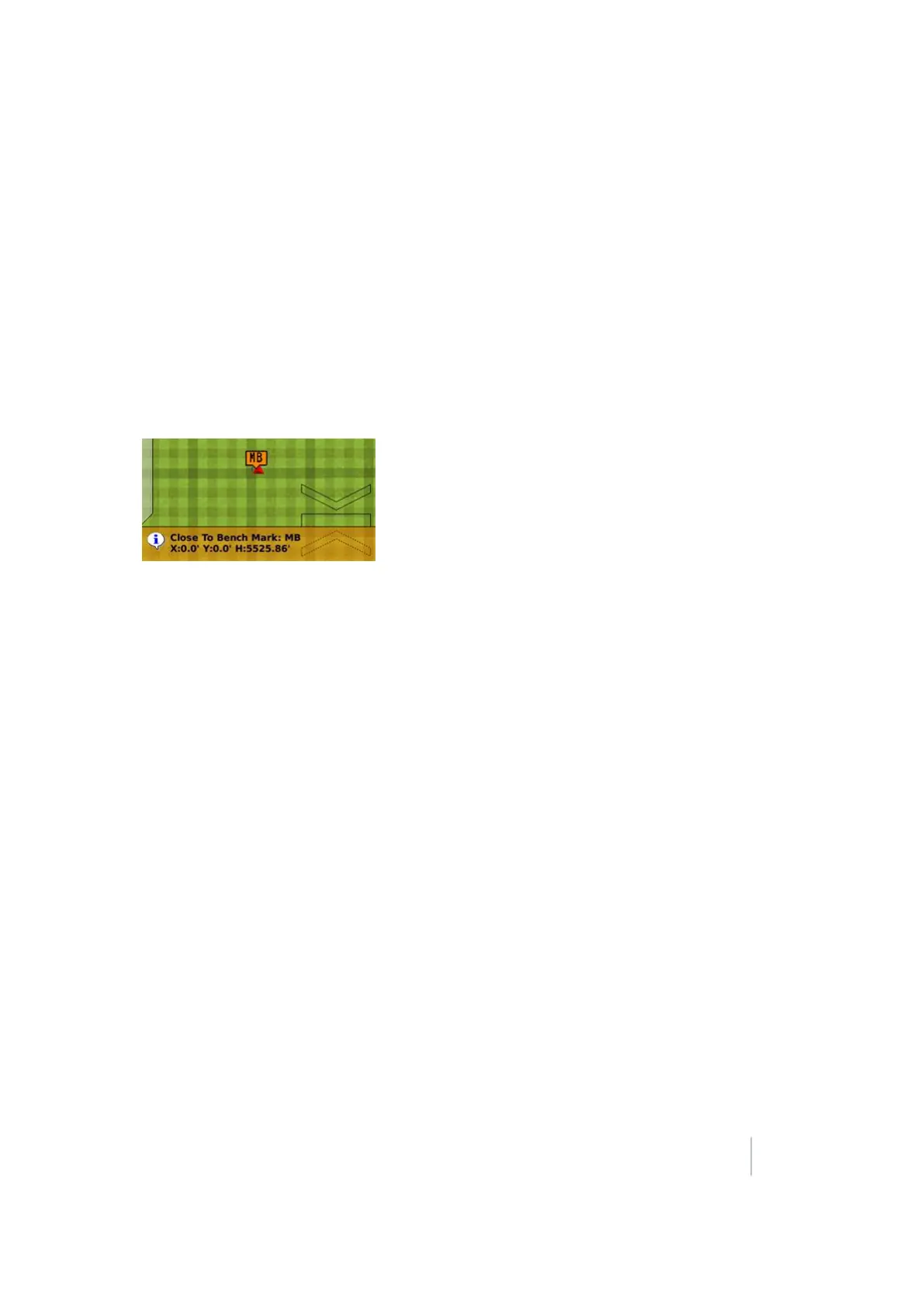
Tap OK. A confirmation message displays showing the calculated distance to the selected
benchmark.
Note – This calculation may be quite exaggerated if the base was moved a considerable distance away
from its previous position.
4. Verify this is the benchmark you want (if multiple benchmarks exist).
5.
Tap OK to accept the message. The system begins the standard 30-second averaging process to
re-establish the field relevance to the benchmark you just re-benched on.
Force re-bench
If you open a field that has an existing master benchmark and have chosen to require Force Rebench,
the Create Benchmark button label changes to Re-Bench. The system will not allow you to engage
automatic control until the system has been re-benched. See Relative Heights tab (page 304)
Note – You must locate the machine exactly over the actual mark on the ground. Do not rely on your relative
position to the master benchmark if the base station was moved.
Version 9.25, Revision B FM-1000 Integrated Display User Guide 445



 To Next Page