Water Management functionality 18 Operations
Survey tab
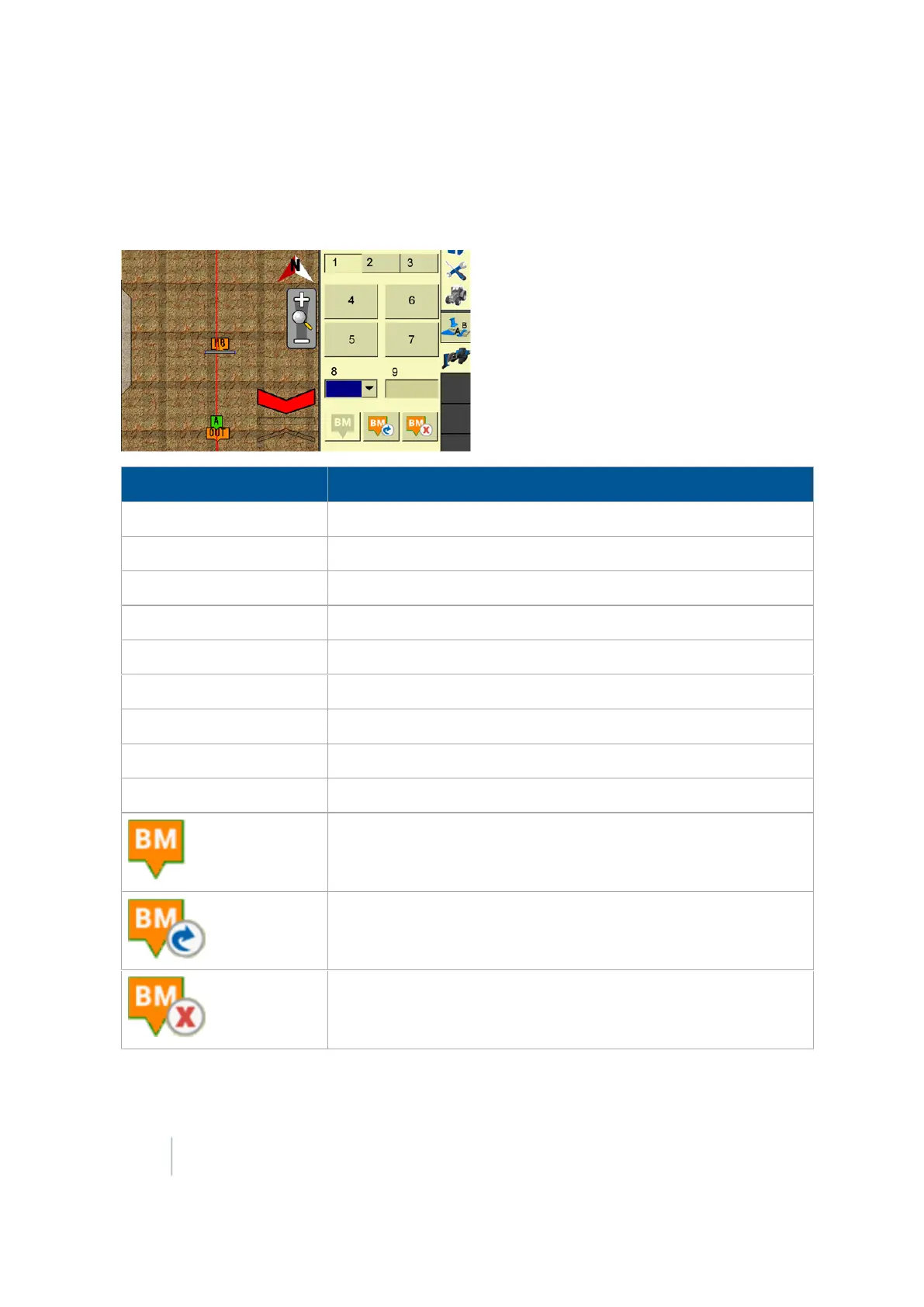
The Survey tab is used to create a survey by creating a master benchmark and logging survey points
while driving the area you want to survey.
Item Explanation
1 Survey tab
2
Design tab (page 455)
3
Install tab (page 465)
4
Record Section
button
5
Pause Section
button
6
Delete Section
button
7
Manual Data Point
button
8
Type
of design:Main
9
Size
of design
Create Benchmark:Tap to create a benchmark
Rebench:Tap to rebench
Delete Benchmark:Delete a benchmark
452 FM-1000 Integrated Display User Guide Version 9.25, Revision B



 To Next Page