18 Operations Water Management functionality
Install tab
On the Install tab, you perform installation.
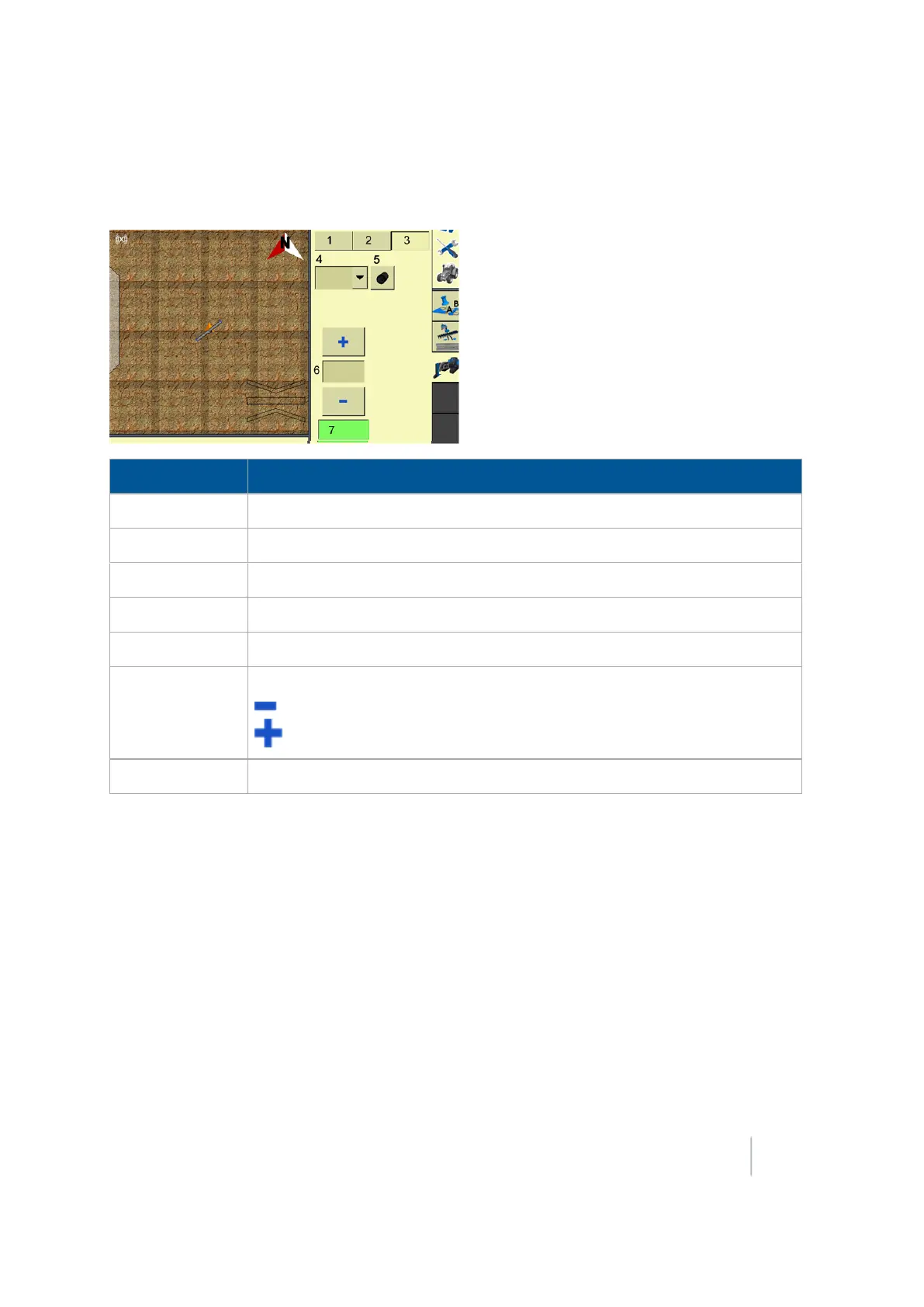
Item Explanation
1
Survey tab (page 452)
2
Design tab (page 455)
3 Install tab
4
Mode
:
5 Type of pipe: The type of pipe to install. Options are: Main, Sub-Main, Lateral
6
Height Offset controls
- Decrease height offset
- Increase height offset
7 Choice of Coarse or Fine increments for changing height offset
Version 9.25, Revision B FM-1000 Integrated Display User Guide 465



 To Next Page