WindO/I-NV4 User’s Manual 20-9
2 Editing and Management of the Script
20
Script
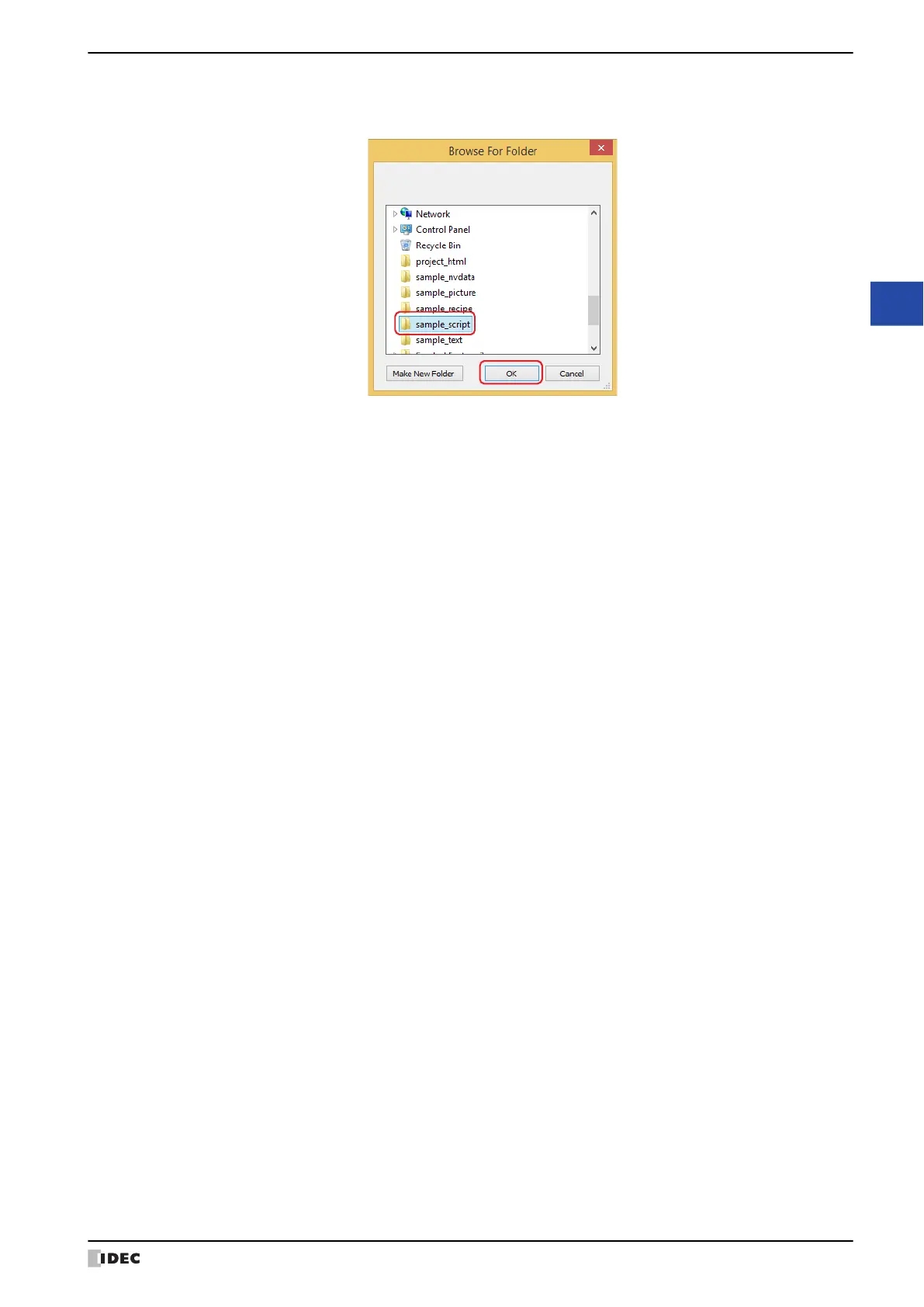
3 Specify a save location and click OK.
The script file is output.
The file name of the exported script is
“Script”(fixed text) + “{Script ID}” + “_”(underscore) + “{Script Name}” + “.txt”(file extension).
If the number of the script ID is less than 5 digits, 0 is written in the rest of the digits. It is omitted if the script name
is not configured.
Example 1: In Script List on the Script Manager dialog box, {Script ID} is "12345" and {Script Name} is "sample".
Script12345_sample.txt
Example 2: In Script List on the Script Manager dialog box, {Script ID} is "6" and {Script Name} is blank.
Script00006_.txt
4 Click OK.
This concludes exporting script.



 To Next Page
 Loading...