120 Operation
imc CANSAS Users Manual - Doc. Version 1.9 - 05.12.2014© 2014 imc Meßsysteme GmbH
3.5.6 Connecting to imc SENSORS
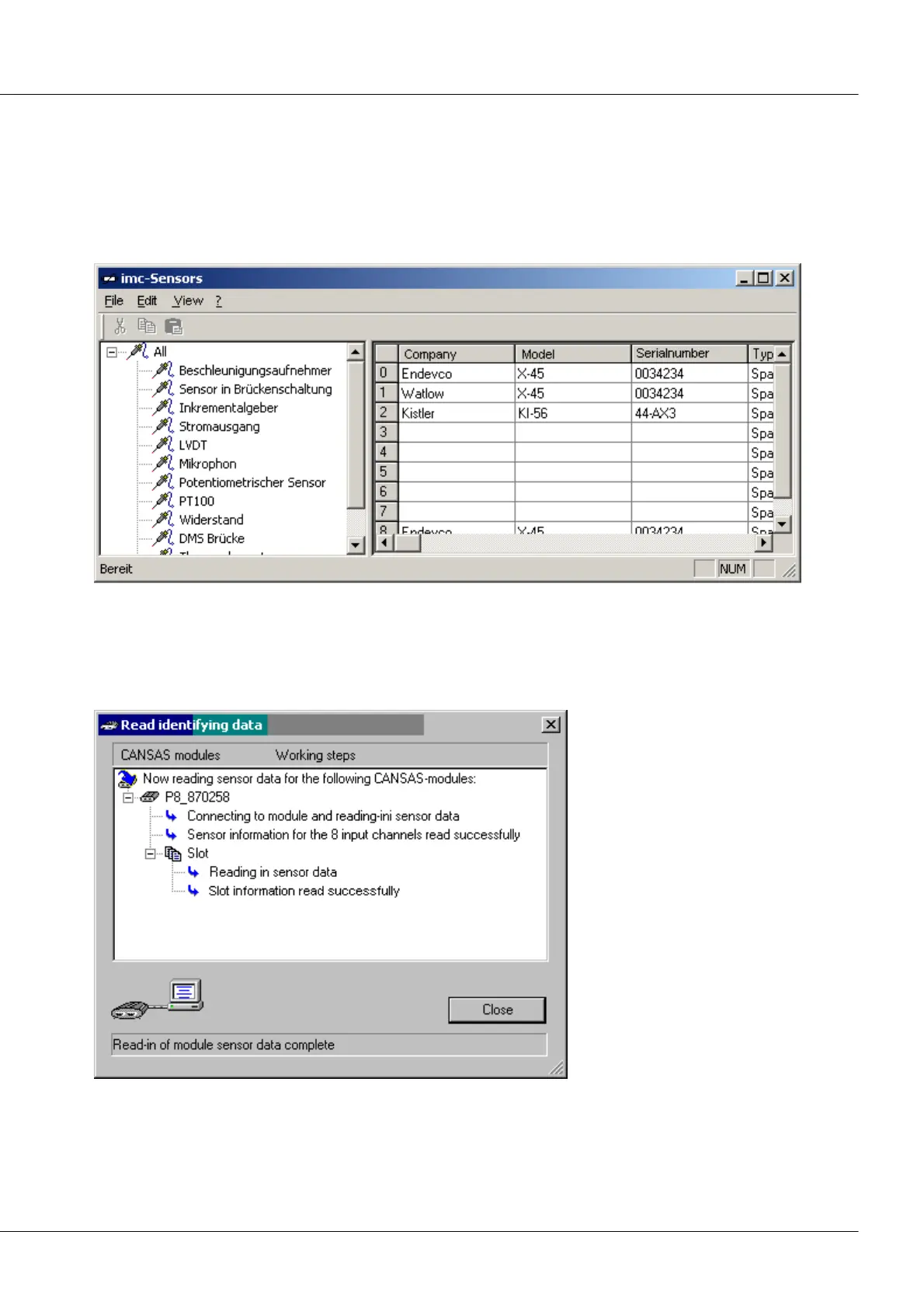
The sensor database imc SENSORS is a separate product and not an element of the imc CANSAS software.
But the two programs work seamlessly in concert. Please refer also to the user's manual for the imc
SENSORS software.
Start: imc SENSORS can be started from imc CANSAS using the menu item Edit/ Start imc SENSORS. This
menu item is only enabled if imc SENSORS is installed and not yet started.
Transferring sensor properties: In the imc SENSORS user interface, select the sensor which is connected
or to be connected. Use the Drag & Drop technique to move it to the corresponding channel's entry in
the tree diagram of the imc CANSAS user interface. There, the target will be displayed as selected.
Once you have "dropped" the sensor, a dialog appears showing how the sensor settings were applied in
the channel. Any error messages will also appear.
Progress indication dialog for read-in of sensor properties



 To Next Page