406 Properties of the Modules
imc CANSAS Users Manual - Doc. Version 1.9 - 05.12.2014© 2014 imc Meßsysteme GmbH
6.19.6 Overloading the CAN-Bus
Since the imc CANSAS SENT module generates its CAN messages at the clock rate of the incoming SENT
messages, a sufficiently high rate of SENT messages can cause overloading of the CAN-Bus. In particular,
of the CAN messages are sent consecutively without any pause. In that case, other CAN-Bus subscribers
having higher CAN-IDs (and correspondingly lower priority) may not succeed in sending their messages.
That also occurs in the PC which configures the CANSAS. For instance, if the Master and Slave IDs are set
to 2032 and 2033, respectively, they have bottom priority. So the PC itself is no longer able to
communicate with the module via the CAN-bus. In consequence, there will be error messages upon any
attempt to find or configure the CANSAS module.
Remedy:
The CANSAS-module is configure with Master-ID = 2, Slave-ID = 3. These are the recommended CAN-IDs
even for the Standard-Rack mode frequently used in CANSAS.
The Baud rate should be set sufficiently high in any case.
For sensors with a known high message rate, the parameter "Reduction" can be used.
It may also help not to have all of the module’s 8 inputs switched to active at once.
6.19.7 Special functions
If lines with SENT inputs are selected in the tree diagram on the left side of the GUI, then the tree’s
context menu contains an item for importing a SENT description file. From this file, the SENT input’s
settings are imported. If any detailed information on SLOW channels are also available, these are also
saved (although not displayed). If imc CANSAS is used together with imc DEVICES or imc STUDIO, then the
SLOW channel settings are applied. The validity of the SLOW channels is established on the basis of
conditions for the SLOW channels’ message-ID.
6.19.8 LEDs
A continuously flashing green LED indicates that the module is ready. When it flashes cyclically, the
module has a power supply. Its CPU is working correctly.
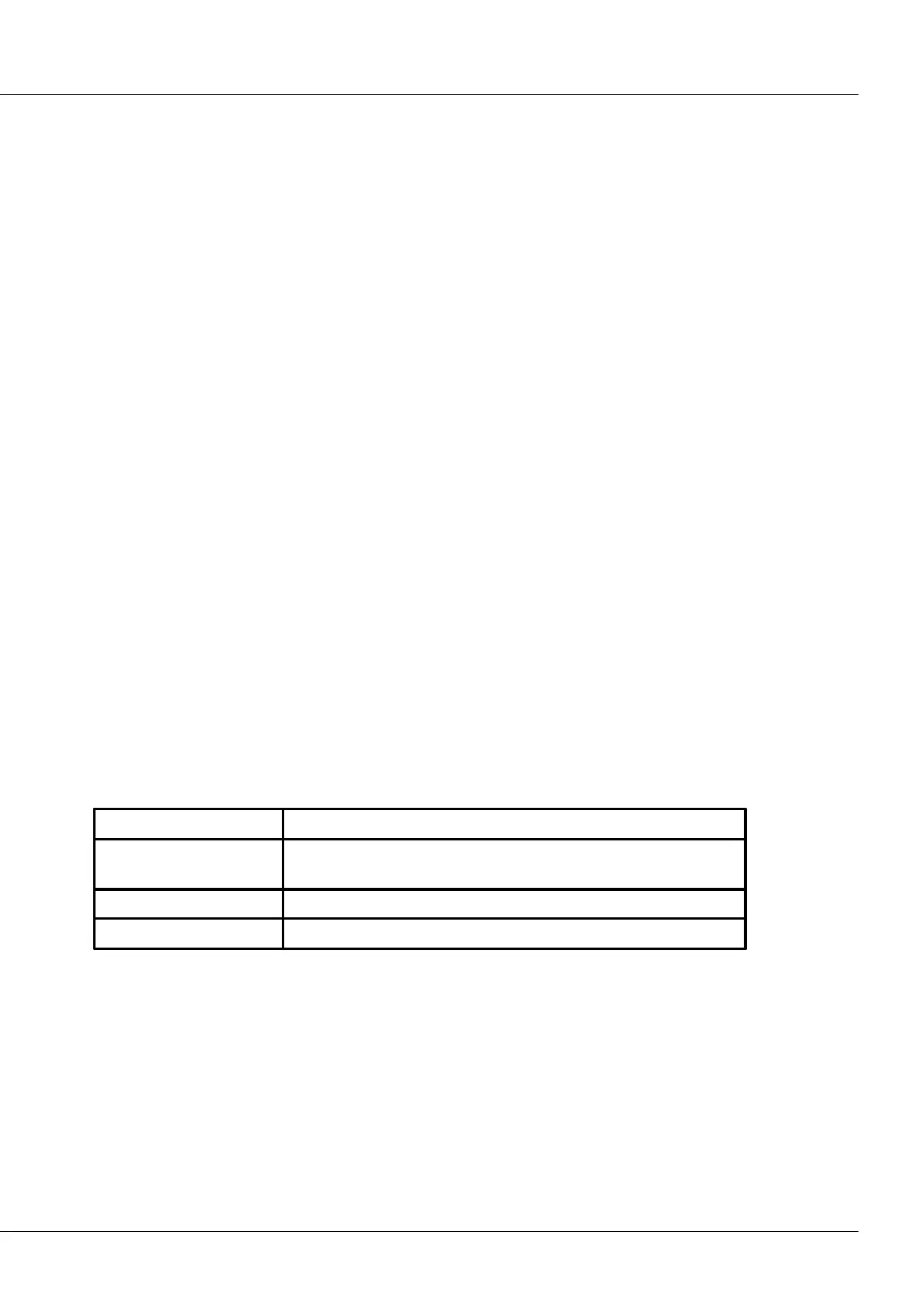
For each channel there is one Status-LED
No SENT sensor is connected, either no signal edges received, or
too few which match the timing configured.
Consistent SENT messages received
CRC of the SENT message incorrect



 To Next Page