122 Operation
imc CANSAS Users Manual - Doc. Version 1.9 - 05.12.2014© 2014 imc Meßsysteme GmbH
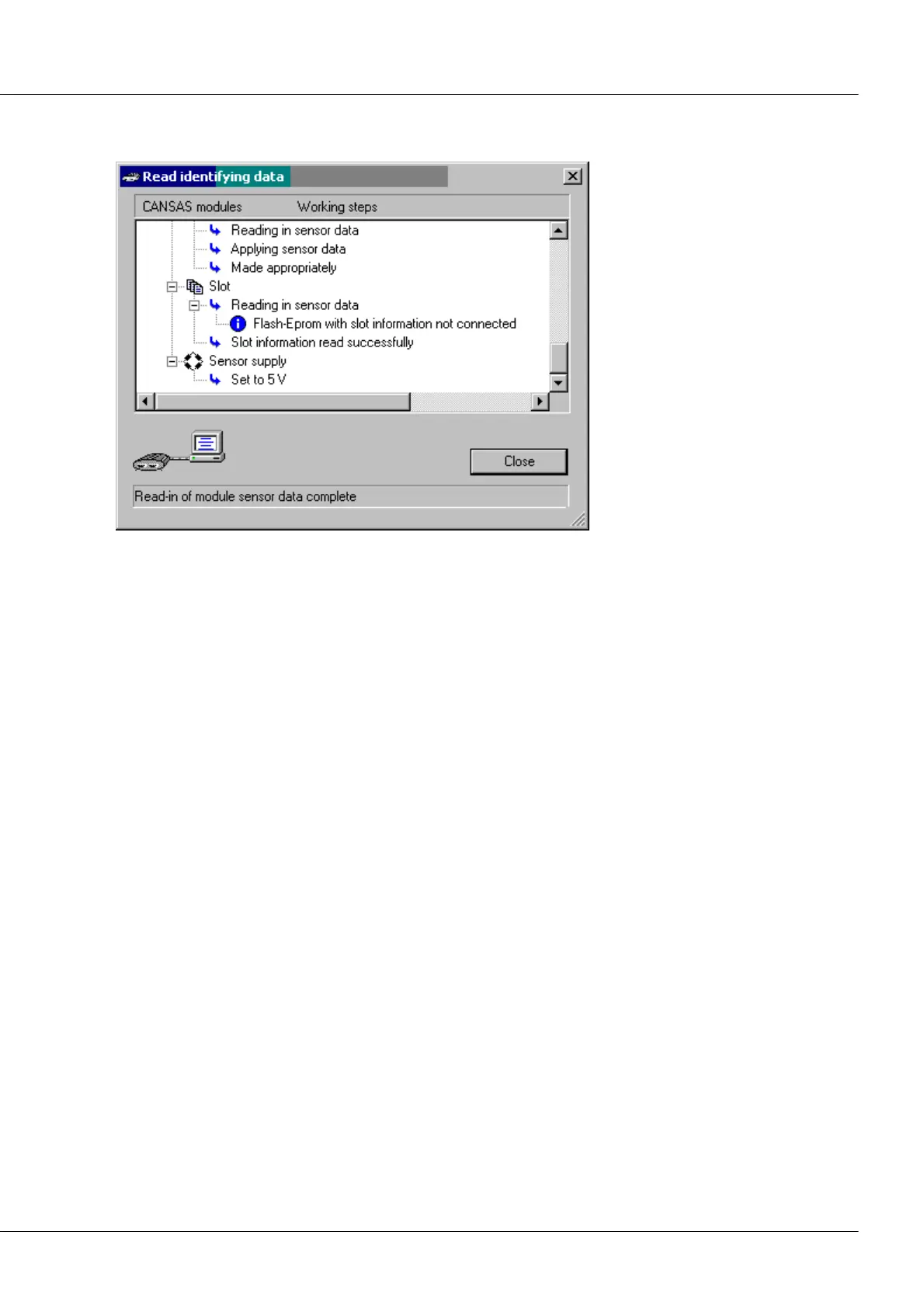
4. Next, a dialog showing the details of which channels are connected to sensors with Eprom appears.
It also shows how the sensor properties are transferred to channels settings.
5. Then you can check the suggested settings for the measurement channels and also the global
module settings such as sensor feed, and modify them if desired. In particular, check the data rate
and channel names.
6. Finally, the module must be configured for these settings to take effect.
Checking the connected sensors: Whenever it boots (start, cold-start or warm-start), UNI8 performs a
check of the connected sensors. Of course, it is actually the Eprom of a connected sensor which is
checked and not really the sensor itself. If the Eprom is the same as when configuration was performed
(download or configuration), then it is assumed that the correct sensors are connected. The LED displays
the appropriate blink-code (in default configuration). If the Eproms don't match up, a different blink-code
is displayed.
3.5.8 Guarding
Guarding is in imc CANSAS the reverse of heartbeats. This functionality is available only to the imc
CANSAS output modules such as DAC8: a Master such as a process monitoring or automation system
sends a cyclical message via the CAN-Bus. The imc CANSAS module monitors this signal. If the message
fails, the imc CANSAS unit goes into a defined rest state, e.g. zero Volts at the output. This functionality is
useful for securing operation of an installation where disturbance of the CAN-transmission or outage of
the guidance system must be expected. It is recommended to have the guarding-message emitted at a
rate of 1s, for example. Then in imc CANSAS, a monitoring interval (time-out) of twice that length is set. If
the guarding-message fails for longer than that, in our example, for 2 seconds, so that imc CANSAS misses
the message for that time, then all of the module's inputs go into a pre-determined rest state.
The guarding-message is set in the user interface by selecting the entry Special functions in the tree at
the left, and the index card Heartbeat at the right.



 To Next Page