448 Properties of the Modules
imc CANSAS Users Manual - Doc. Version 1.9 - 05.12.2014© 2014 imc Meßsysteme GmbH
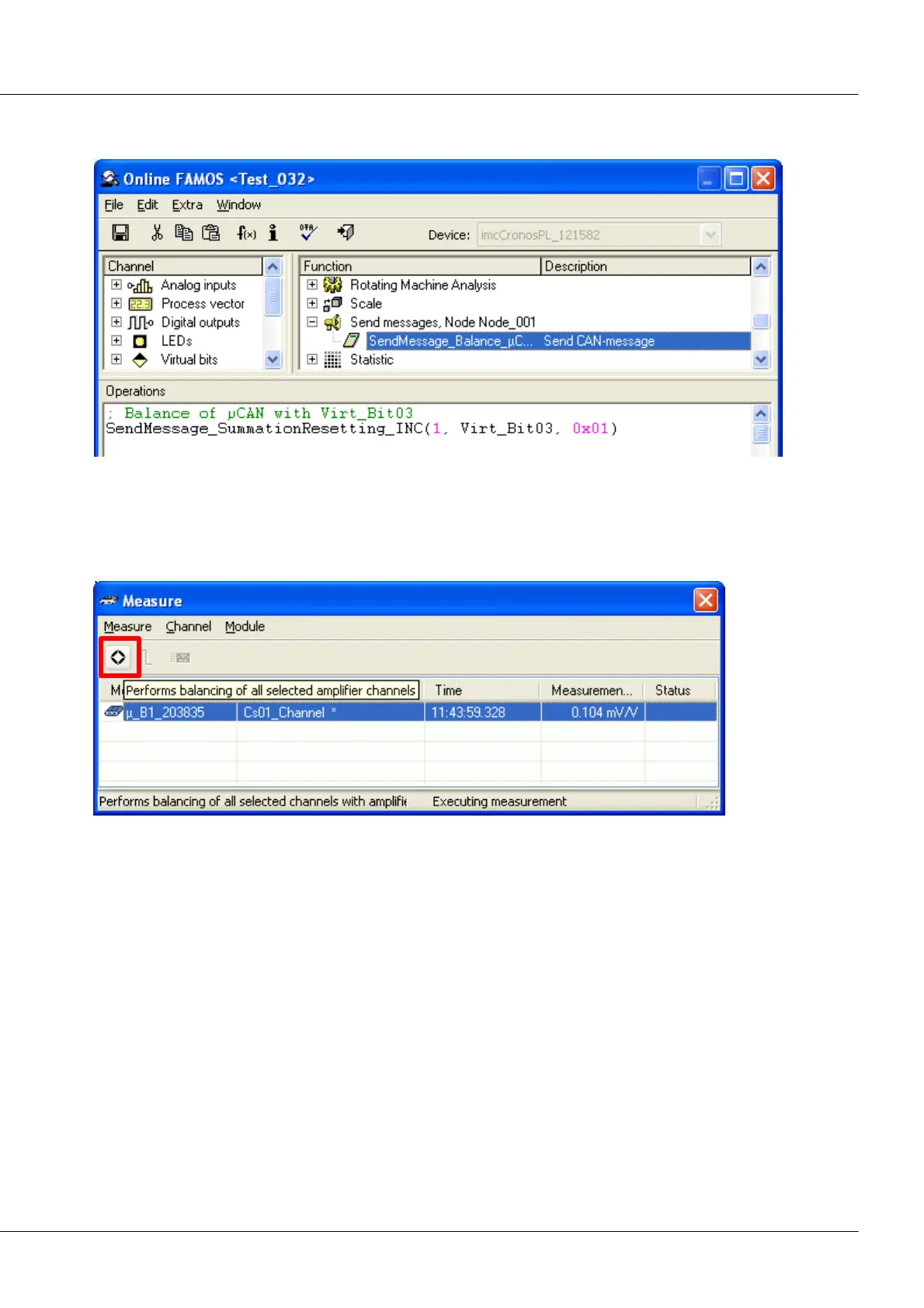
2. Online FAMOS sends a message if the virtual bit Bit03 is set. In the data byte, the value 01Hex is
transmitted.
Balancing message in Online FAMOS
6.23.4.3 Balancing in the measurement window
In the measurement window, the balancing is performed by selecting the channel and touching the
Balance button. Alternatively, the Channel menu offers the command Perform balancing for selections.
µ-CANSAS-B1: voltage balancing via measurement window



 To Next Page