94 Operation
imc CANSAS Users Manual - Doc. Version 1.9 - 05.12.2014© 2014 imc Meßsysteme GmbH
3.4.4.2 Module - Find selections...
Purpose: Checks whether imc CANSAS-modules registered in the database are connected to the CAN-
Bus.
Shortcuts
Toolbar:
Prerequisite: One or more imc CANSAS modules must be currently selected in the Module Tree. The
search performed always affects all modules selected. It is enough to select a subordinate entry of a
module to make the module involved count as selected. If the entry for the database is selected, a search
for all modules belonging to the database is carried out.
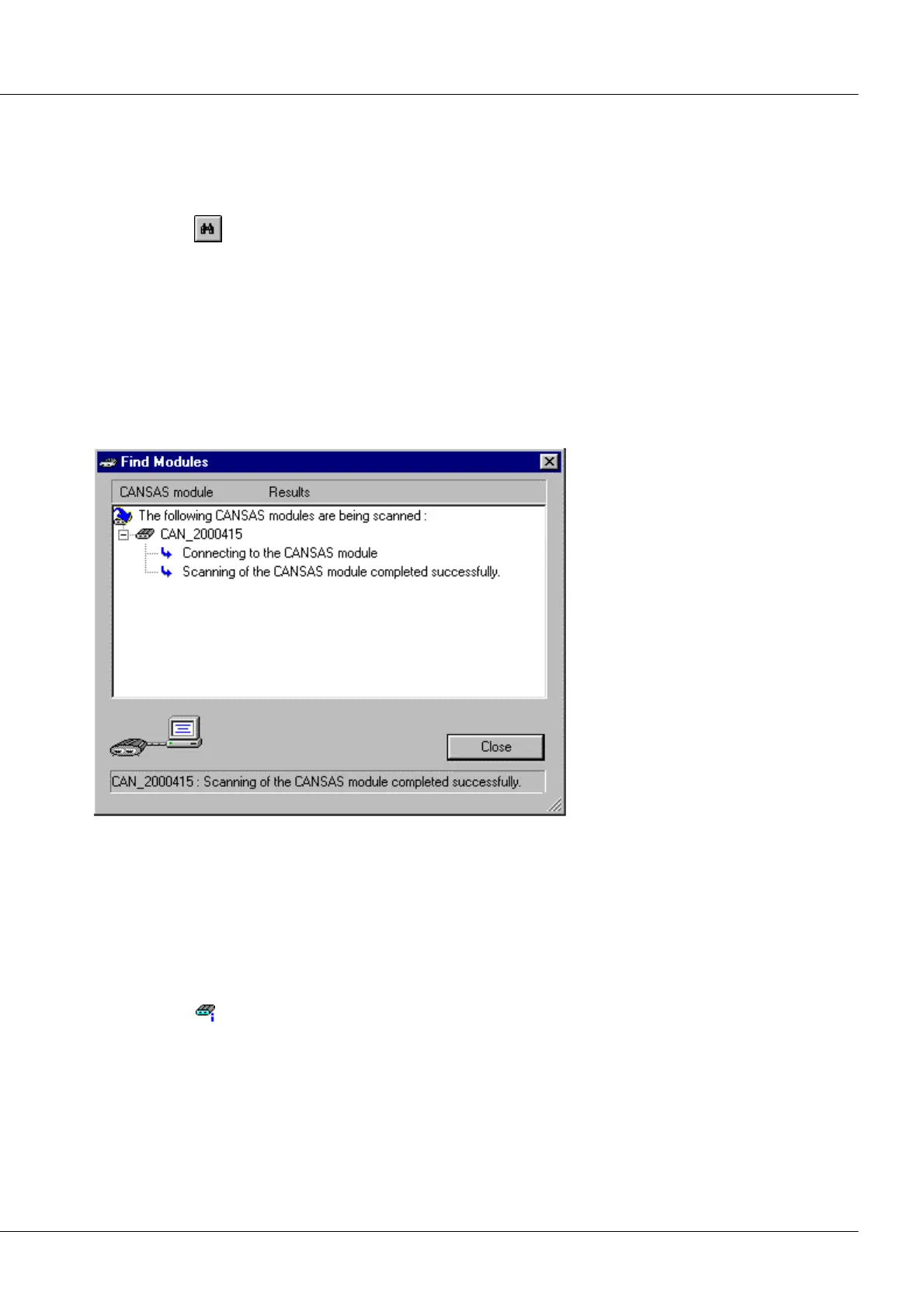
Remarks: The search is accomplished using the dialog Find Modules. The search starts immediately.
The first stage comprises a check of whether the corresponding imc CANSAS module is connected to the
CAN-Bus.
Once a functioning connection has been established, the firmware version, hardware version and batch
number are read out of the module. These properties are later indicated in the Properties dialog for each
module.
If an error is detected at any stage of the search, this is indicated in the dialog. There is also an indication
of any module which is found, and the search for the next module proceeds. The search can be aborted
by pressing the Stop softkey.
When the dialog is closed, the Module Tree is updated. Modules located in the bus system are denoted
by the symbol .



 To Next Page