The user interface 57
imc CANSAS Users Manual - Doc. Version 1.9 - 05.12.2014© 2014 imc Meßsysteme GmbH
3.2.3 The Module Tree
The Module Tree represents the contents of the currently open database in a tree structure. The
structure's branching serves to indicate the group membership relationships among the entries. Entries
located on the same level are of equal rank. All entries of a particular type (e.g. input channels) are
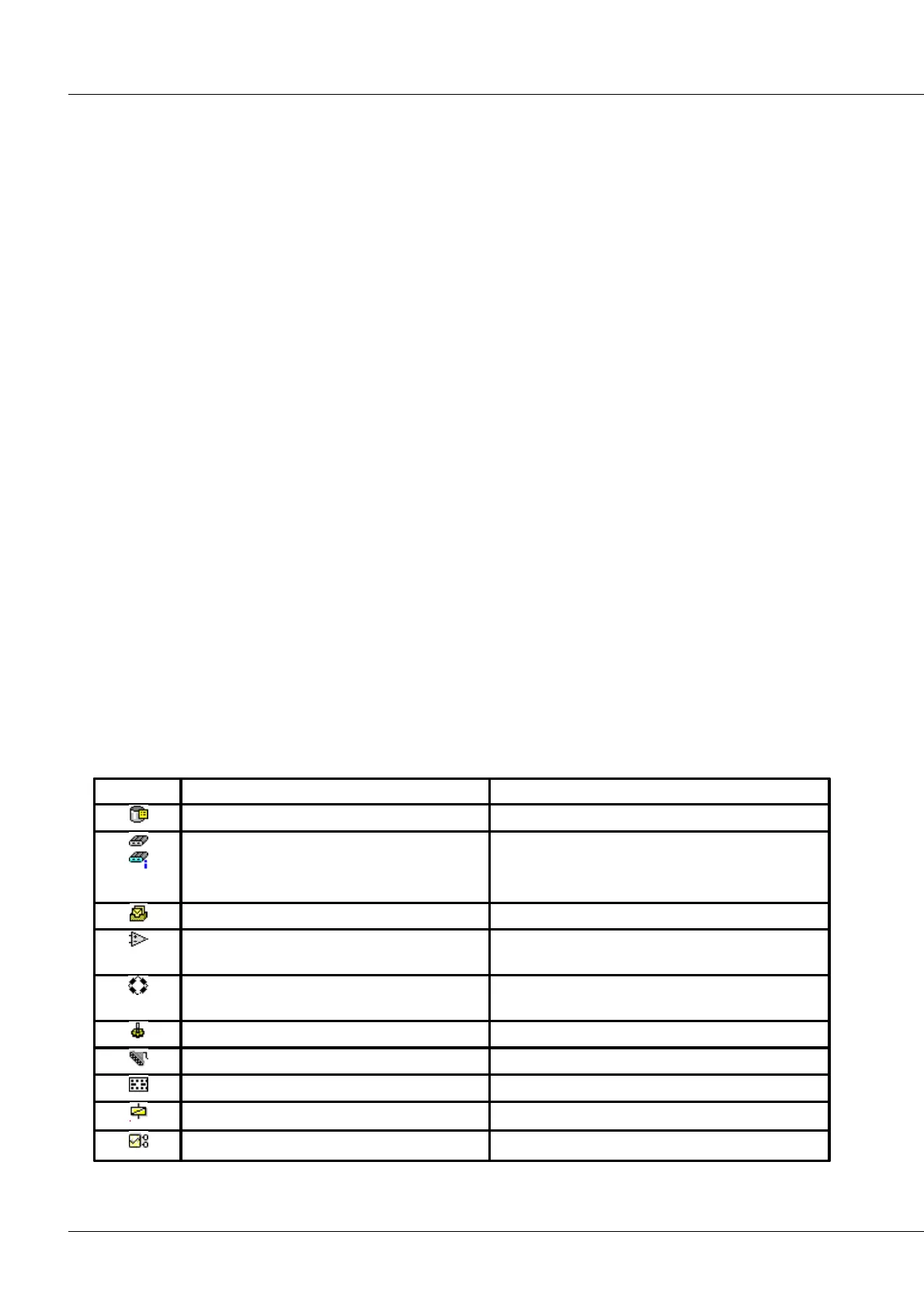
denoted by the same pictogram symbol.
The topmost entry (root) represents the module database. In this, multiple imc CANSAS modules are
stored. Once the database icon is opened, the modules are displayed on the first hierarchy level. Opening
a imc CANSAS module's symbol shows its 3 important components: CAN-Bus interface, input or output
stage and the group of virtual channels. All previously defined CAN-Bus messages are located under the
CAN-Bus Interface branch. Above this branch is the branch representing the input or output type, which
depends on which module is involved. The branches of the individual channels appear under the CAN-Bus
message branches. The Virtual Channels branch comprises all defined virtual channels and special
channels such as LED’s which shine in response to particular processing results. This manner of
structuring the tree representation takes into account the logical relationships within the module, and
this representational option is selected as the item Grouped by channel in the View menu.
A second manner of representation is called Grouped by Message. It gives more weight to the CAN-Bus
and its messages. Up until the second hierarchy level, the appearance of the two different tree structures
is the same. Once the imc CANSAS module's icon is opened, the entry for the input/output type and the
CAN-Bus-Interface branch appear. The message definitions can be seen under the CAN-Bus-Interface
branch. Opening the message's icons reveals which channel or virtual channels are associated with which
message. Parallel to the message branch, there is a branch called Without CAN-Bus Message. This branch
comprises all channels which were not assigned to a message and whose signals are thus are not
transmitted. Select menu item View/Grouped by Message to implement this representational option.
Each entry on a tree has properties such as Name, Sampling Rate, etc. These are displayed in the
segment on the right.
If multiple tree entries having the same properties are simultaneously selected, then the properties are
reflected in the Properties dialog. If entries of different types are simultaneously selected, then the
Properties dialog will indicate that stating the properties isn't possible.
The Module Tree has the following types of entries:
name, size, number of module entries
imc CANSAS module
imc CANSAS module which has supplied
information
name, serial number, firmware version, hardware
version
Baud rate, message-identifier
Differential amplifier inputs for a imc CANSAS-
C12 or imc CANSAS-ISO 8 module
type, time offset correction
Input stage of a imc CANSAS-BRIDGE2 module
(bridge amplifier)
Button functions, duration of shunt calibration and
of bridge balance
Input stage of a imc CANSAS-INC4 module
Switching threshold, hysteresis, low-pass filter
Input stage of a imc CANSAS-DI16I module
Input voltage range, sampling time
Output stage of a imc CANSAS-DO16R module
Output stage of a imc CANSAS-DO8R module
Output stage of a imc CANSAS-DAC8 module



 To Next Page