74 Operation
imc CANSAS Users Manual - Doc. Version 1.9 - 05.12.2014© 2014 imc Meßsysteme GmbH
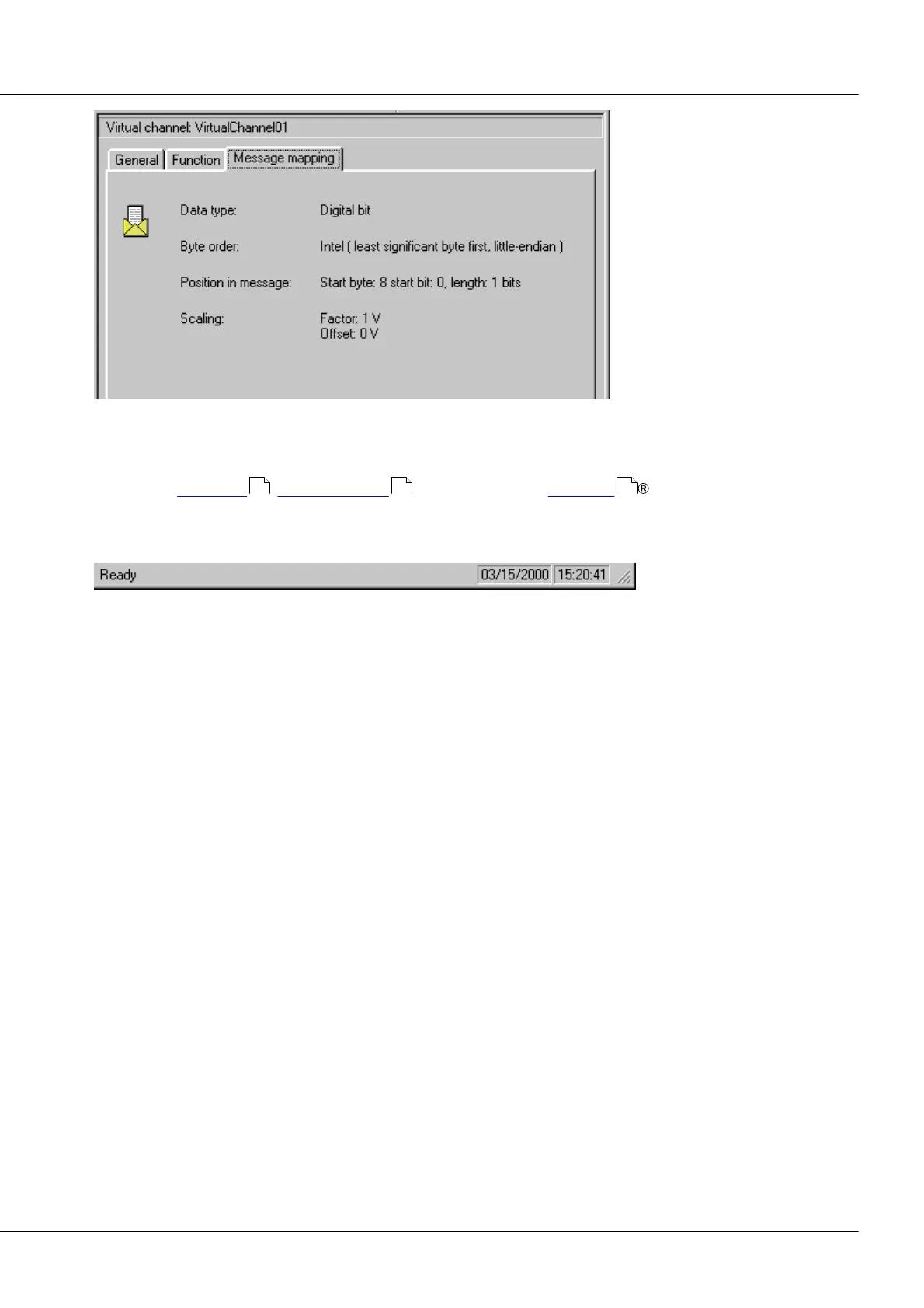
Virtual Channel Properties dialog (Page 3)
3.2.4.9 Special functions
Settings for heartbeat , synchronization and if available for CANopen .
3.2.5 Status bar
The Status bar is located at the imc CANSAS window's bottom edge. The menu item 'View/ Status bar'
lets you toggle the Status bar on and off.
When you move through the menu using the arrow buttons, the left side of the status bar contains a
description of the respective menu item's function. Similarly, this area will contain a description of the
workings of toolbar softkeys if you click and hold the mouse over such a softkey. If, having read the
softkey description, you decide not to use the command, move the mouse cursor off of the softkey and
release the mouse button.
If an incorrect input is made, a corresponding error message will appear in the status bar.
The right side of the status bar displays the current time and date.
124 125 42



 To Next Page