72 Operation
imc CANSAS Users Manual - Doc. Version 1.9 - 05.12.2014© 2014 imc Meßsysteme GmbH
3.2.4.7 Virtual channels
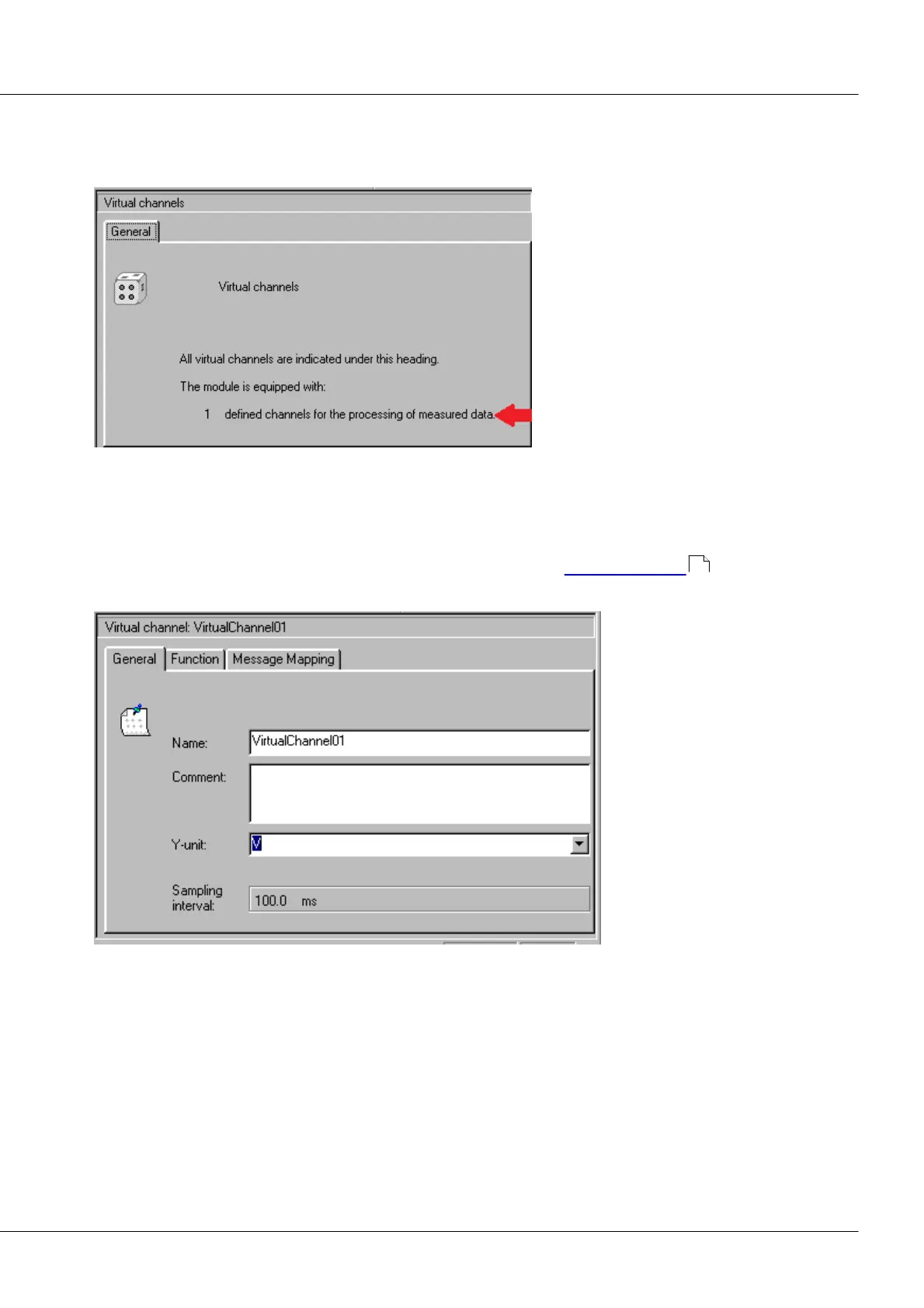
This dialog is a summary of all virtual channels. It will only appear if the Module Tree is grouped by
channels. Its informational content is the number of defined virtual channels.
Virtual Channels Properties dialog
Number of defined virtual channels
3.2.4.8 Virtual channel
This dialog indicates a virtual channel's properties and lets you change them. Use and significance of
virtual channels in imc CANSAS modules is described in the chapter 'Virtual Channels' .
The properties' controls are located on three index cards.
Virtual Channel Properties dialog (Page 1)
On the page General, the basic virtual channel parameters can be set. These are the channel's name,
comment and y-unit. Additionally, the channel's pulse rate is indicated, which can differ from the
parameter channel's pulse rate due to the data reduction possibilities.
Name: A name unique within the imc CANSAS-module, so that the channels can be distinguished from
each other. Permitted characters include letters, numbers, "_" and "~", where the name's 1st character
may not be a number. The maximum name length is 64 characters. The default name for a virtual
channel is "VirtualChanneli", i: number of already present virtual channels + 1.
72



 To Next Page