The user interface 59
imc CANSAS Users Manual - Doc. Version 1.9 - 05.12.2014© 2014 imc Meßsysteme GmbH
The Properties display has various dialog boxes and combo boxes as well as text boxes. The properties of
the imc CANSAS modules or input channels can be altered by making selections or entries. The
alterations are applied as soon as the card is turned on or the current selection in the tree is changed, or
prior to the execution of a menu command.
If the mouse cursor is held for a short while over a text or combo box, a 'tool tip' as a brief help text will
appear.
If multiple Module Tree entries having the same type are concurrently selected, then "???" will appear in
the relevant Properties dialog boxes. This means that this property of the various entries does not have a
common value. If the input box is even disabled, this means that the property cannot be common to all
the entries; an example is a channel's name.
Combo boxes appear empty if the properties differ.
The size of the Properties dialog is automatically adapted when the size of the main window is changed.
But it can occur that the Properties dialog cannot fit completely into the window if the window becomes
very small. Use the menu command 'View/ Adjust' to optimize the window size.
3.2.4.1 Module database
The display of the Module Database is accessed from the Module Database branch of the Module Tree,
the first branch on the tree.
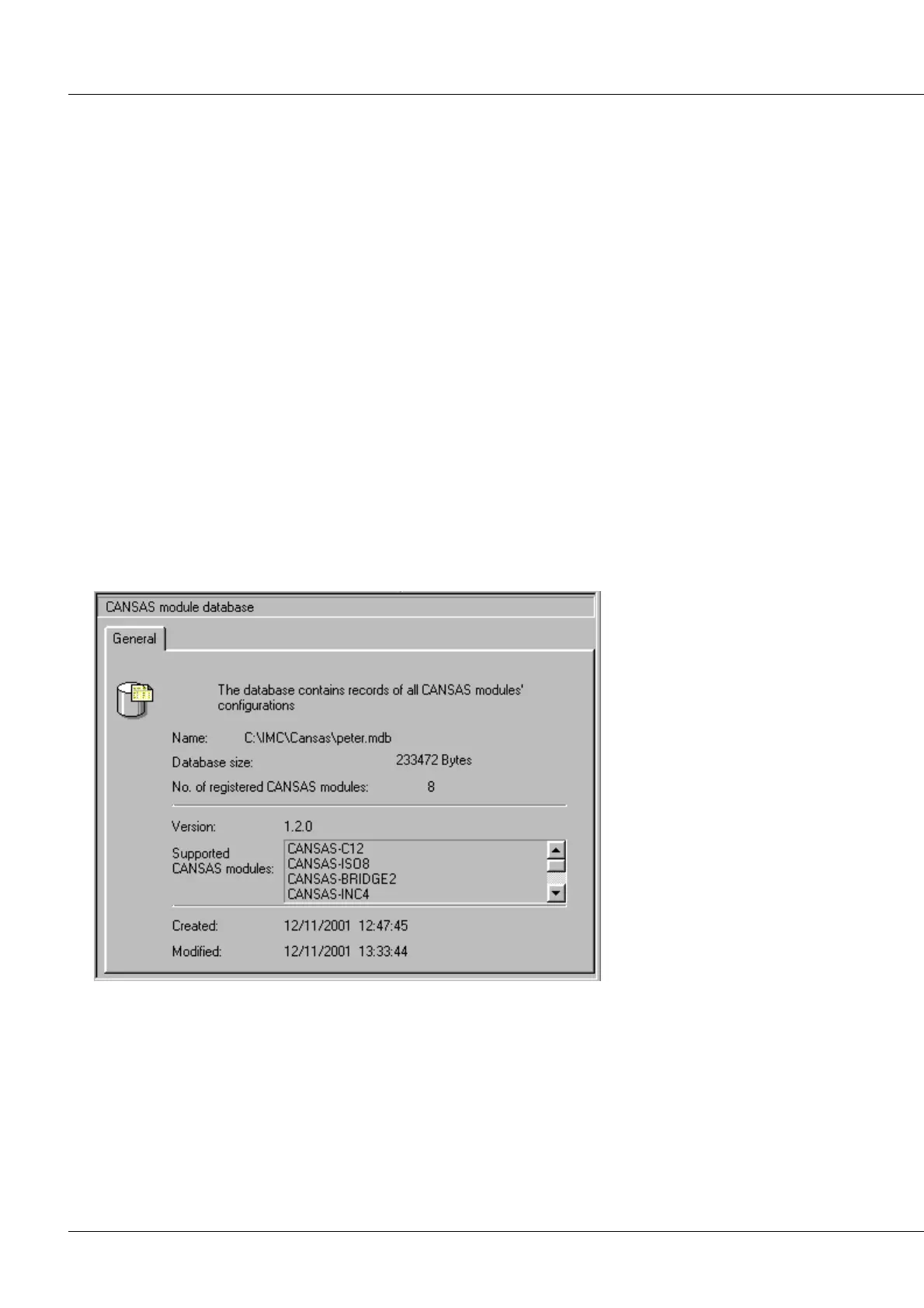
This virtual filecard shows a readout of some of the currently open Module Database's properties,
including the complete filename, file size, and number of imc CANSAS modules stored.
Module Database Properties dialog
In the middle portion, the
database version and module
types supported by imc
CANSAS are indicated.
The lower portion of the card
shows the date of creation,
the date last modified and
last accessed.
If the application was unable
to open any module
database, the statement
"unknown" appears next to
the Database-symbol in the
Tree. The readout on the
properties display is then
empty.



 To Next Page